Identity & admin profile
Unauthenticated entry points, then the admin's own profile and preferences surfaces.
Unauthenticated public
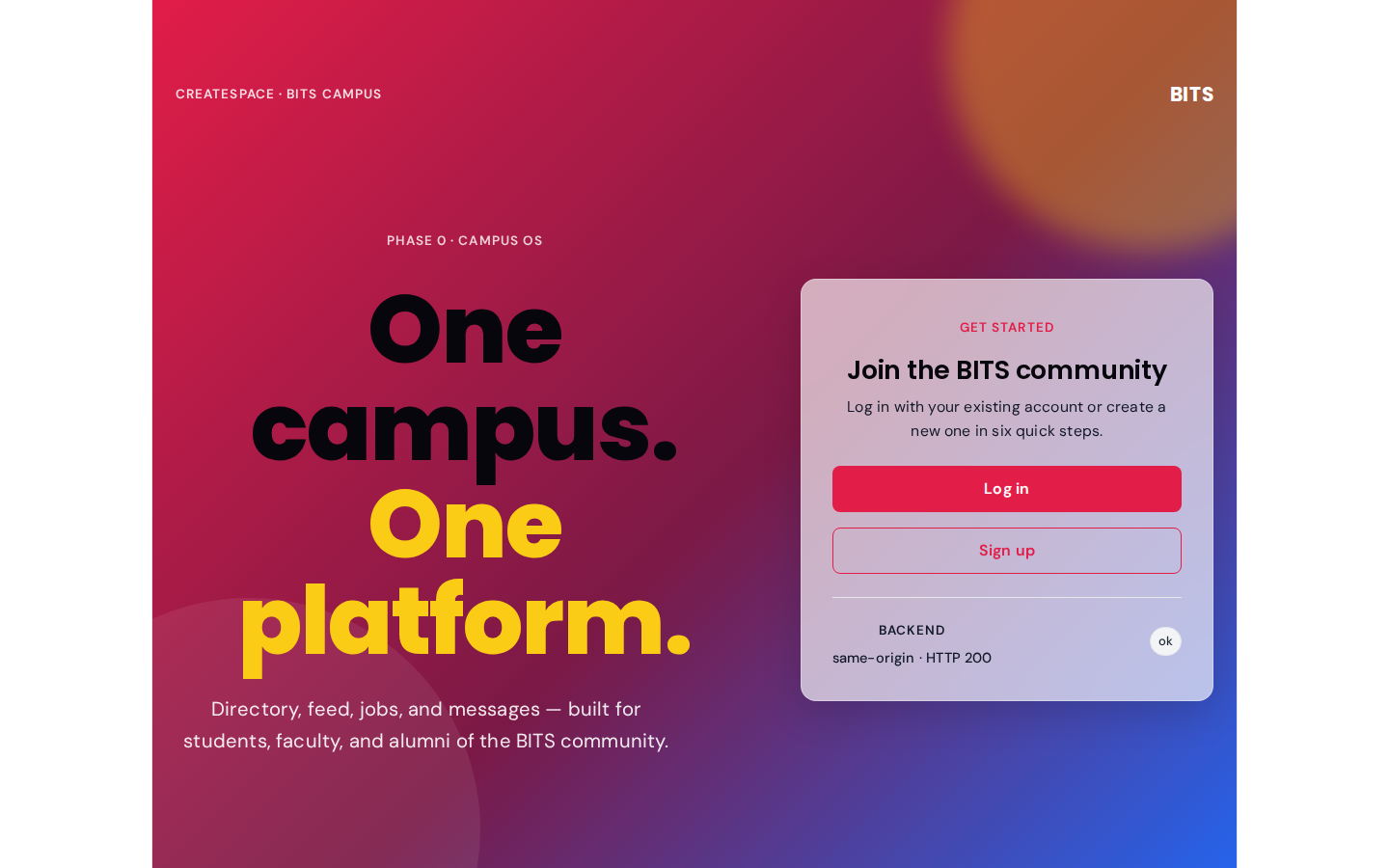
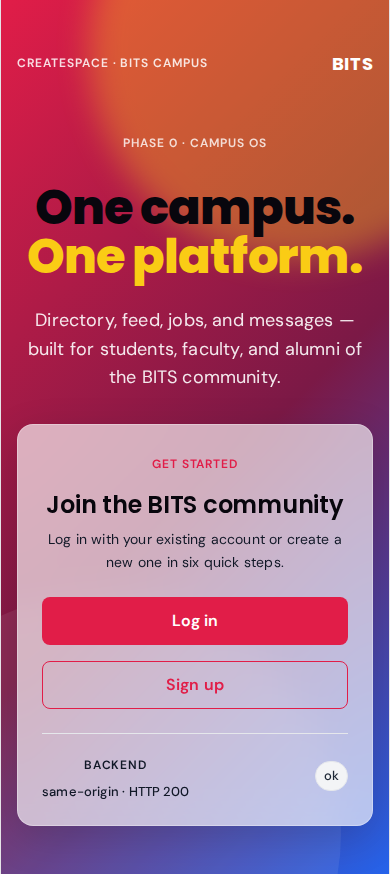
Public hero — unauthenticated visitors see this before being nudged toward login.
route: /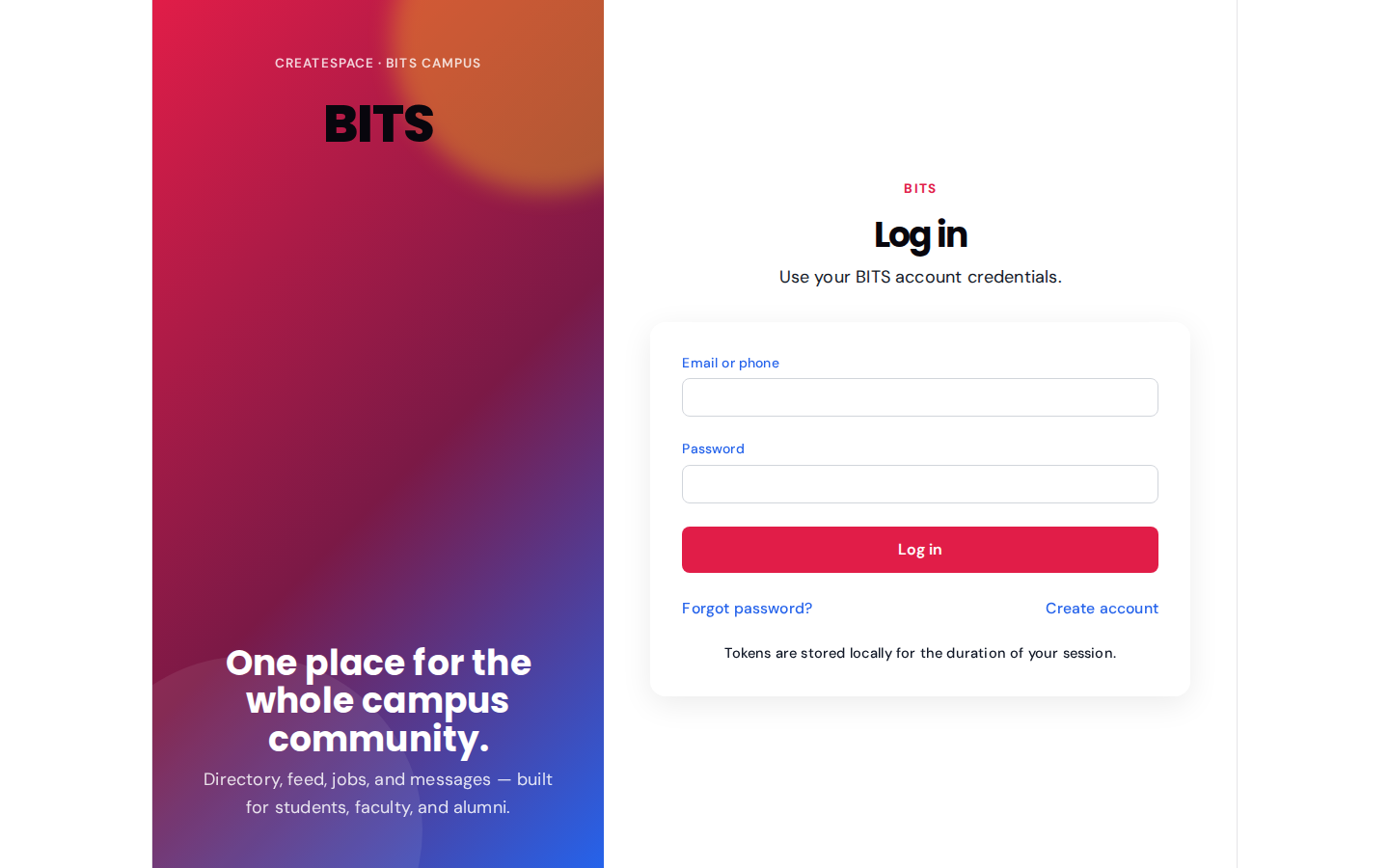
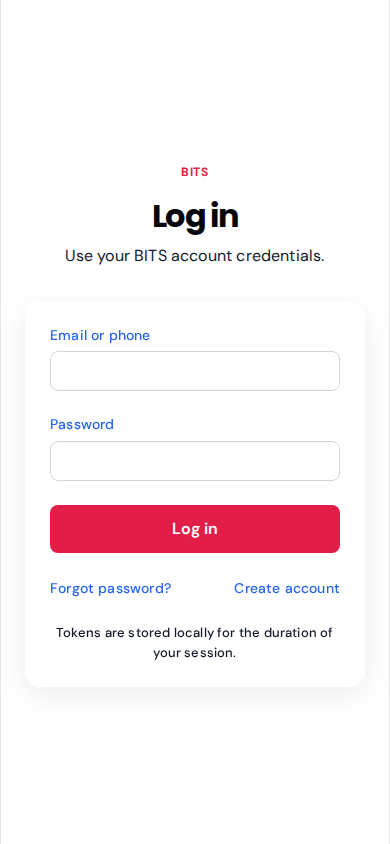
Email-or-phone + password login. MFA challenge view lives behind this same form.
route: /auth/login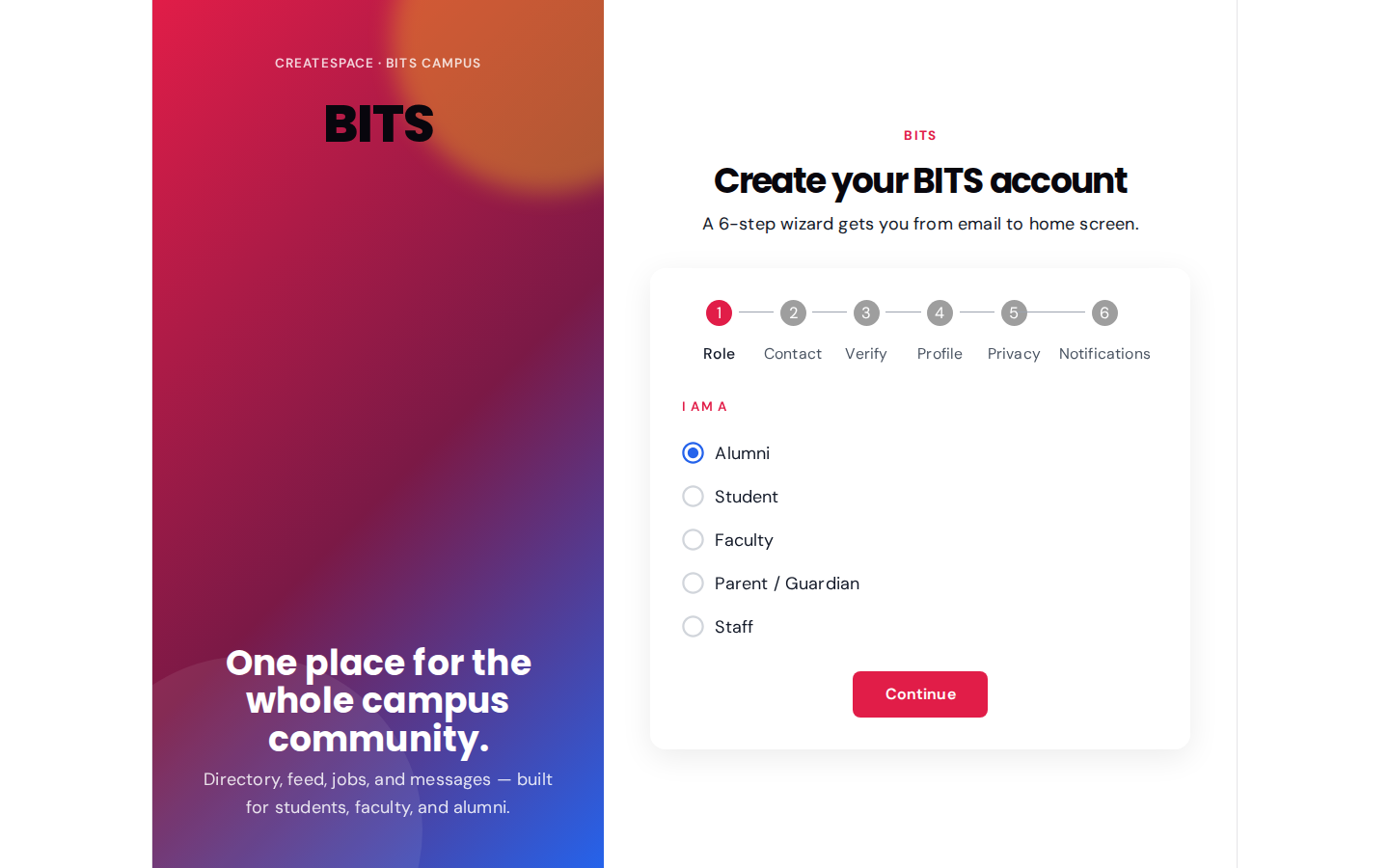
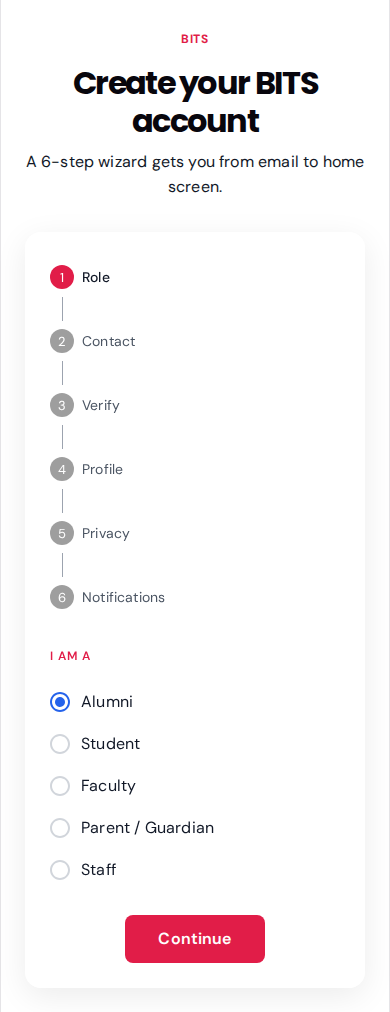
Entry step for self-serve signup; picks the primary stakeholder role before collecting details.
route: /auth/onboarding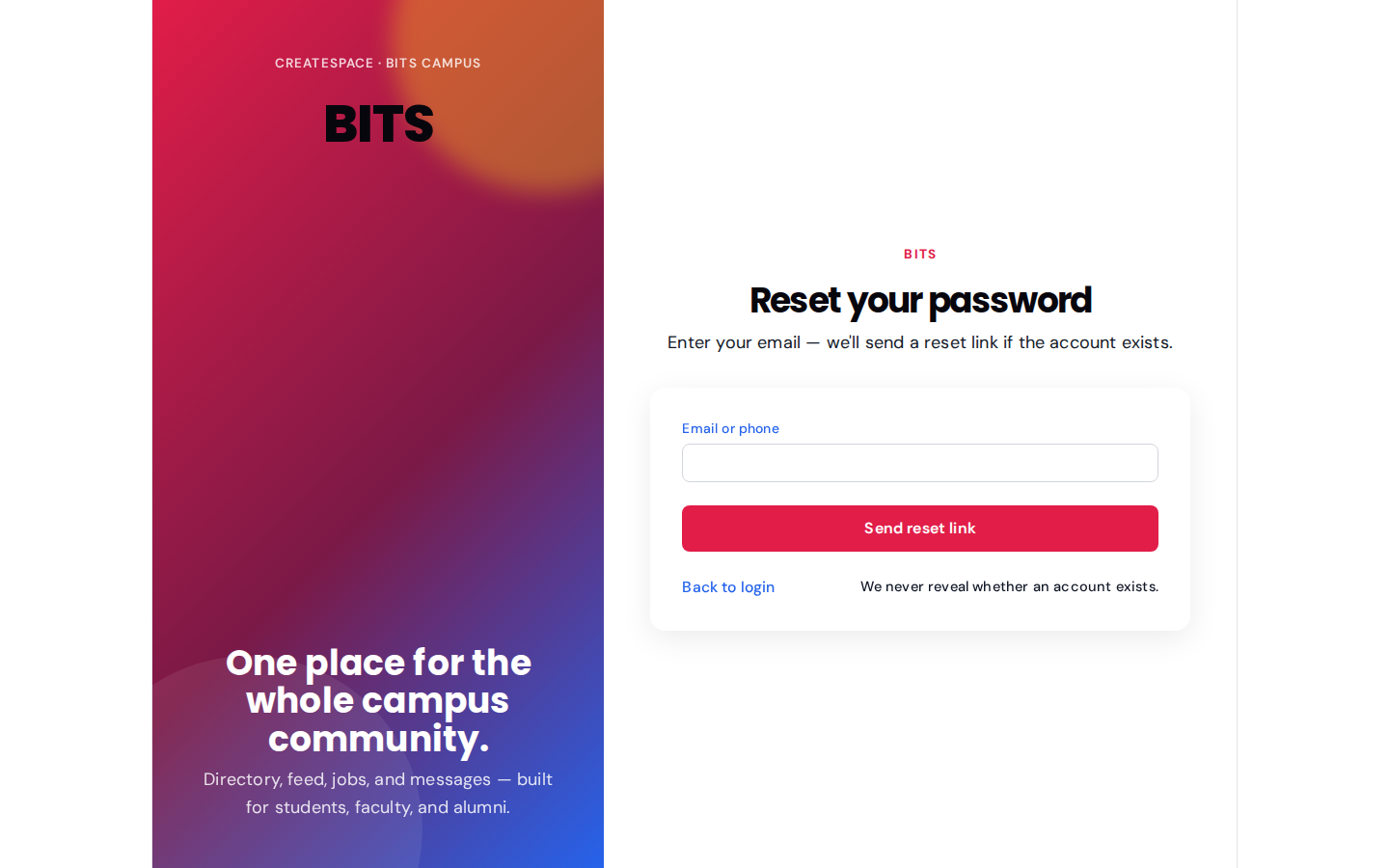
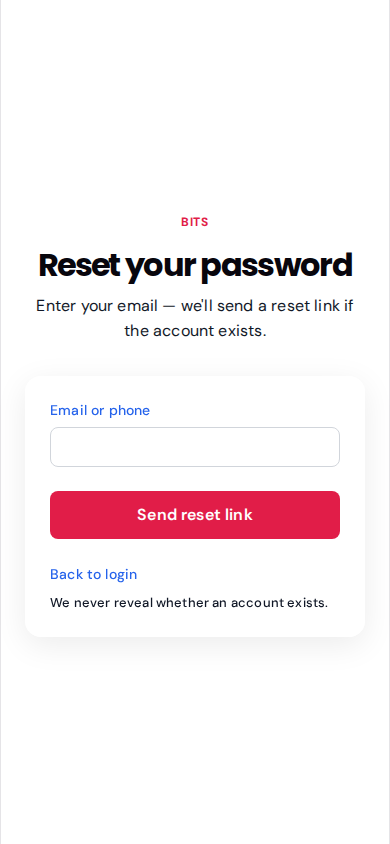
Send-me-a-link flow. Confirmation page lives at /auth/reset/confirm.
route: /auth/resetAdmin — admin@srs-ngr.com role: admin
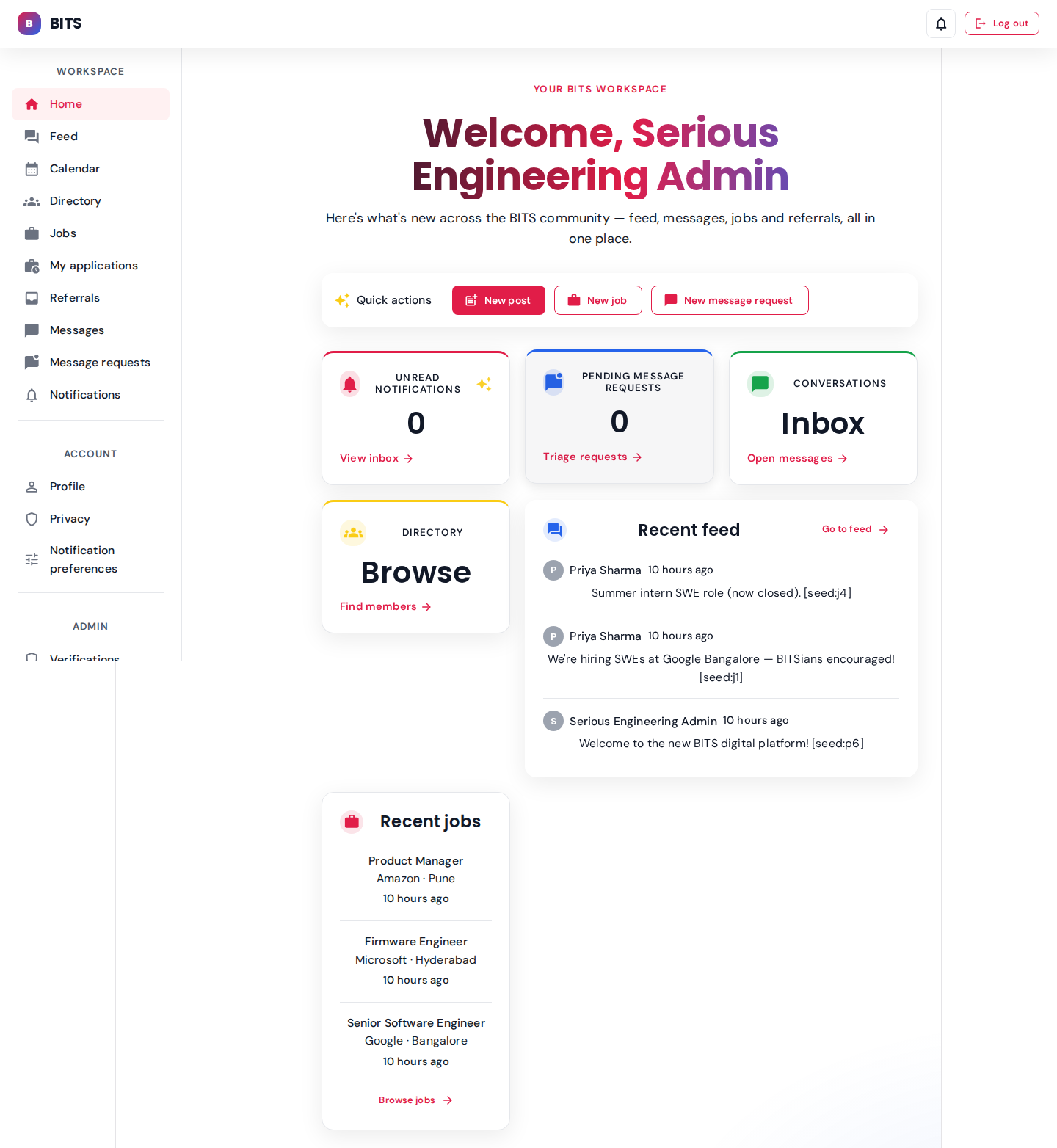
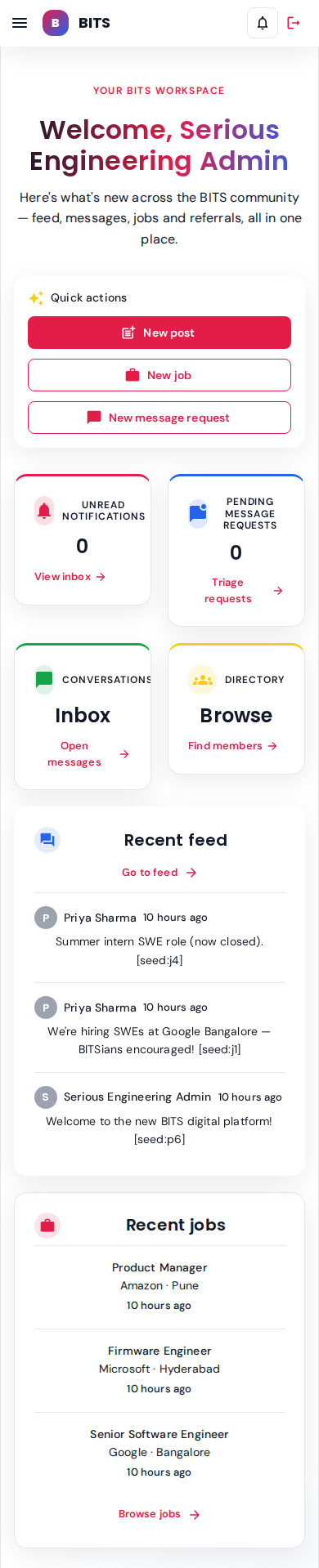
Welcome dashboard with quick actions, unread notifications count (2), and recent feed/jobs rail.
seeded: 2 unread notifications, 4 feed posts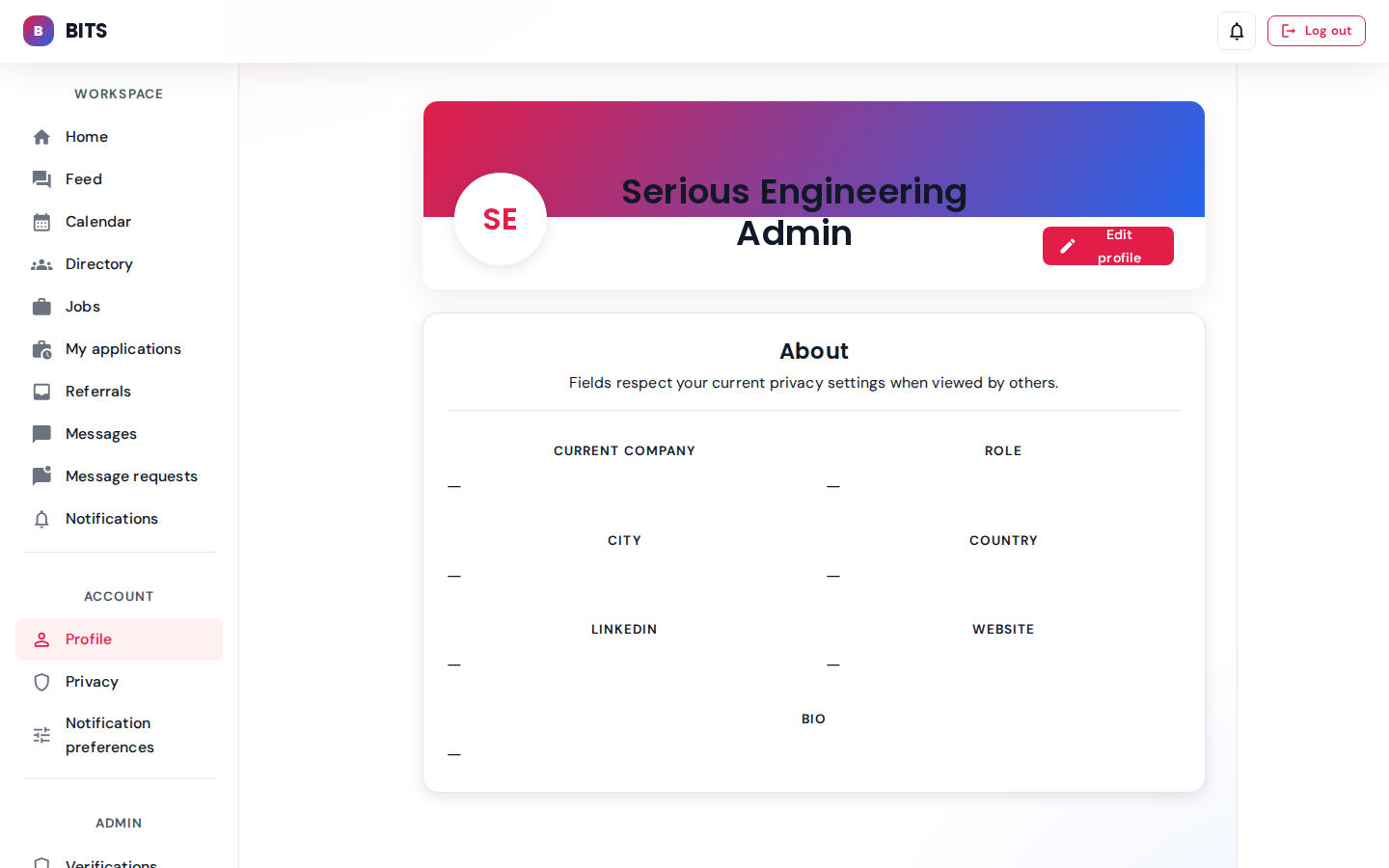
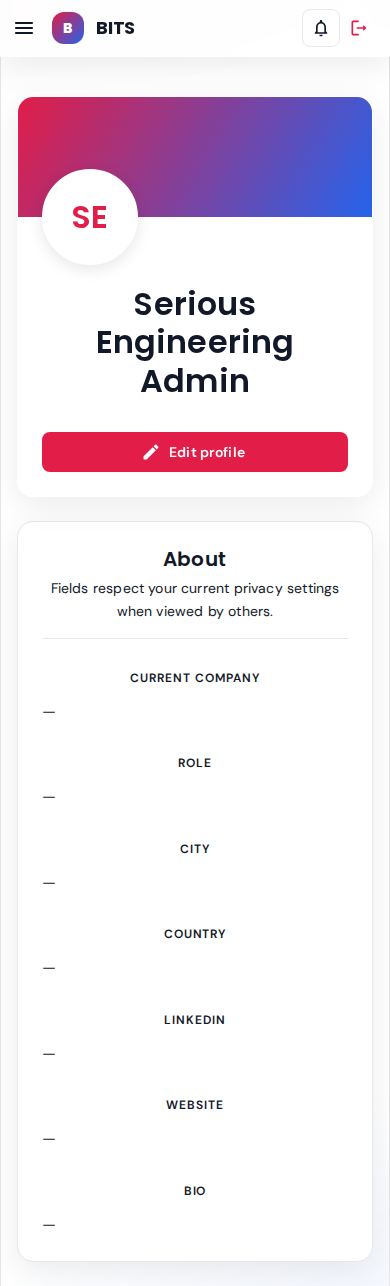
Read-only view of the admin's own profile card.
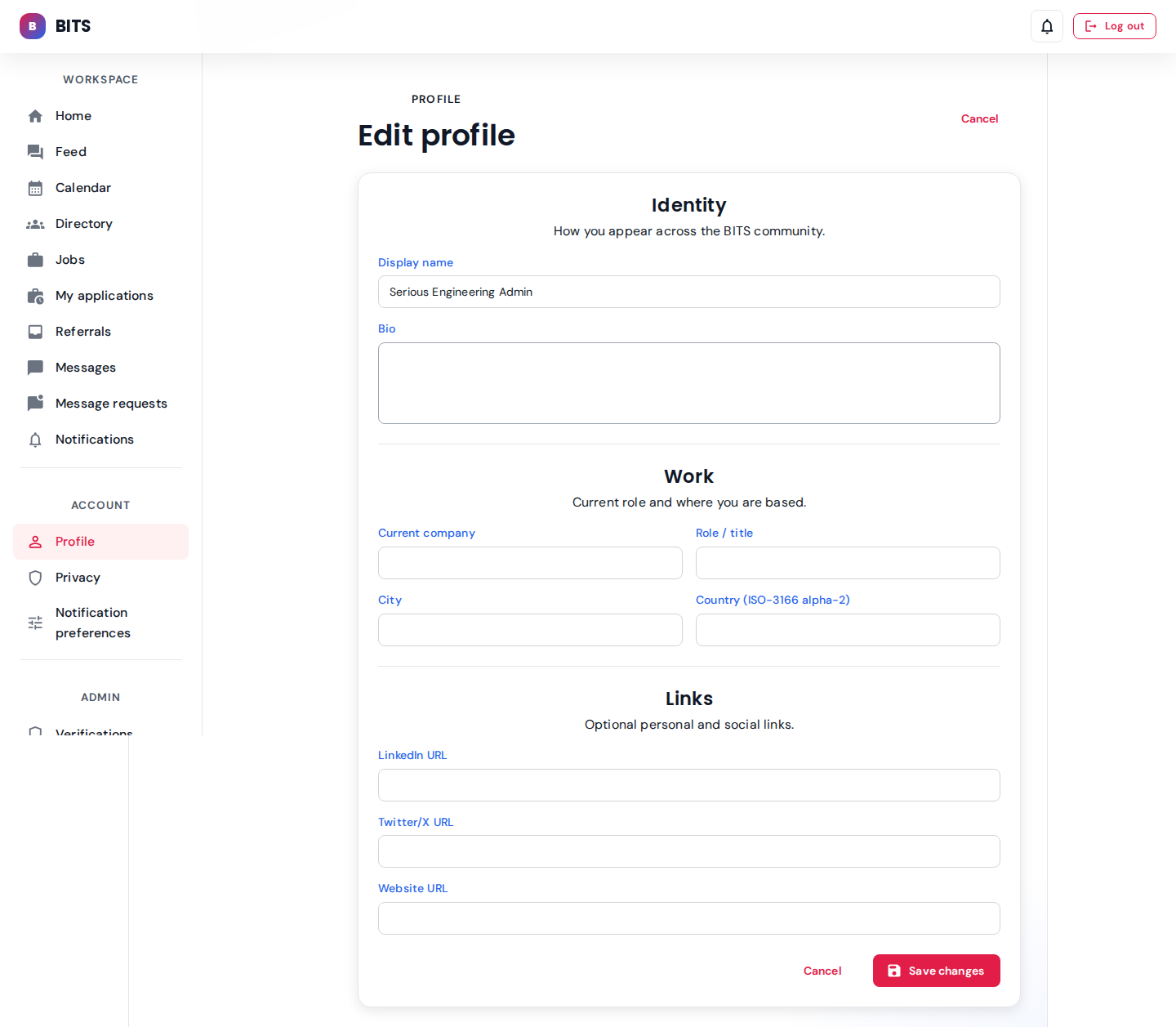
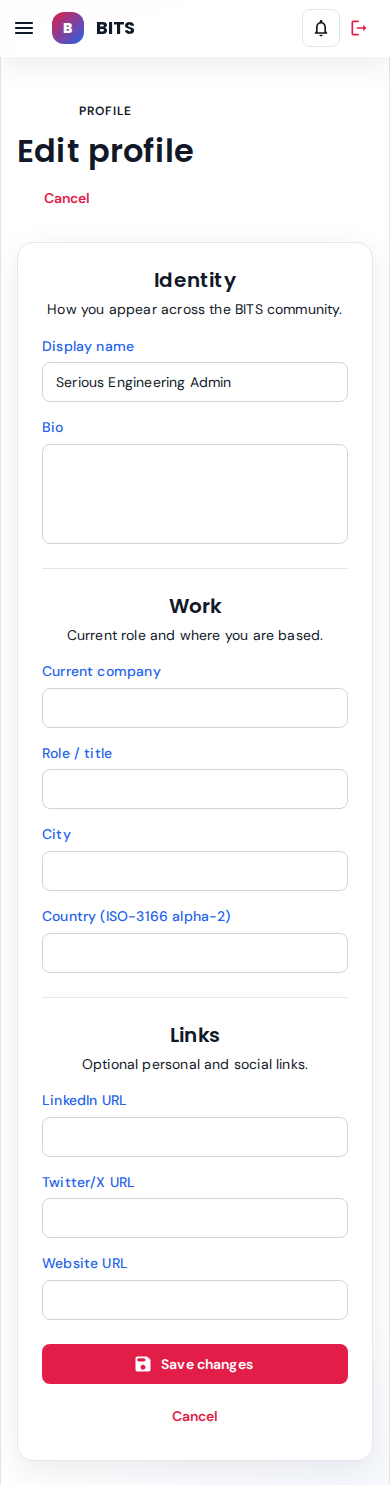
Form for display name, bio, department, company, etc.
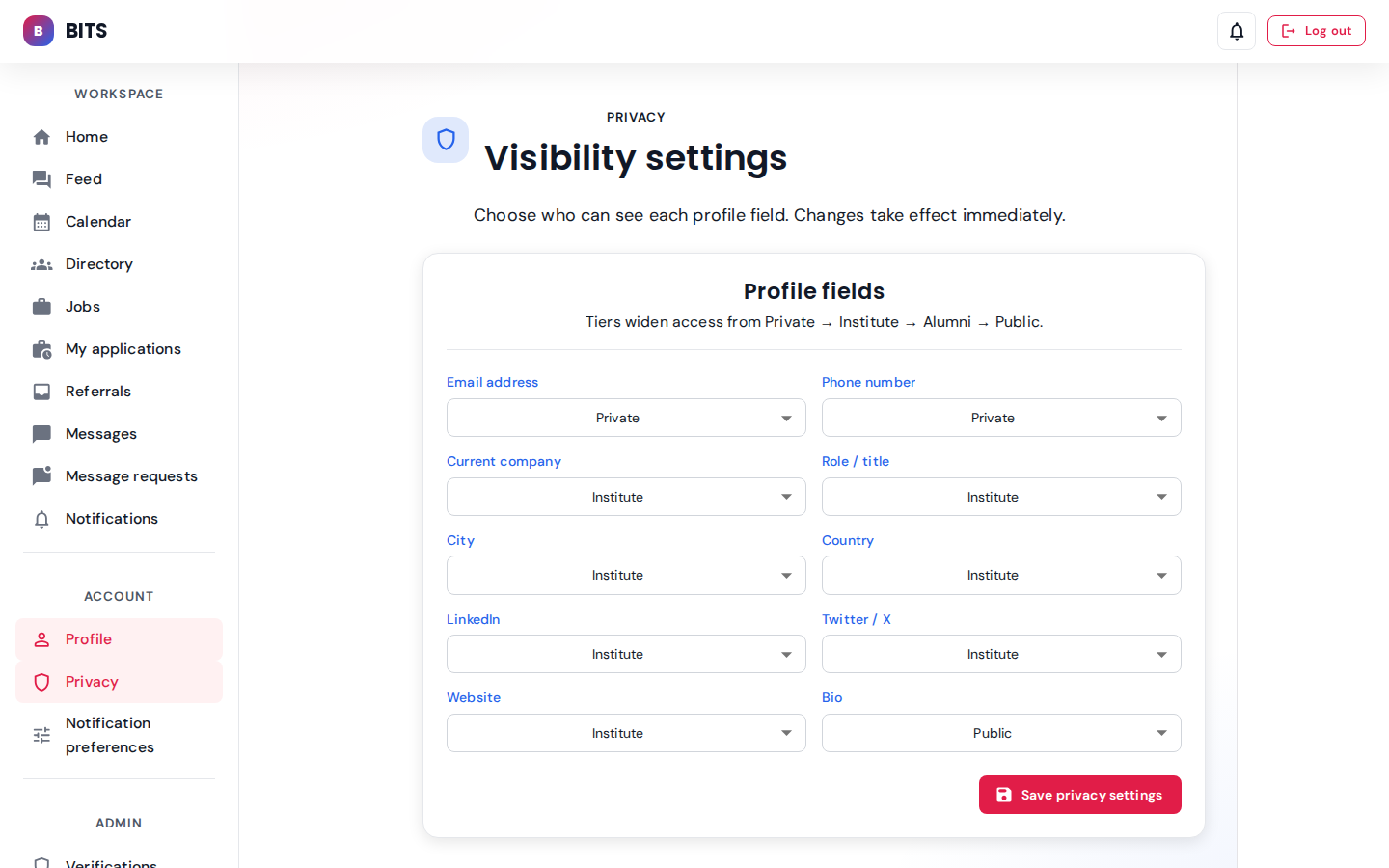
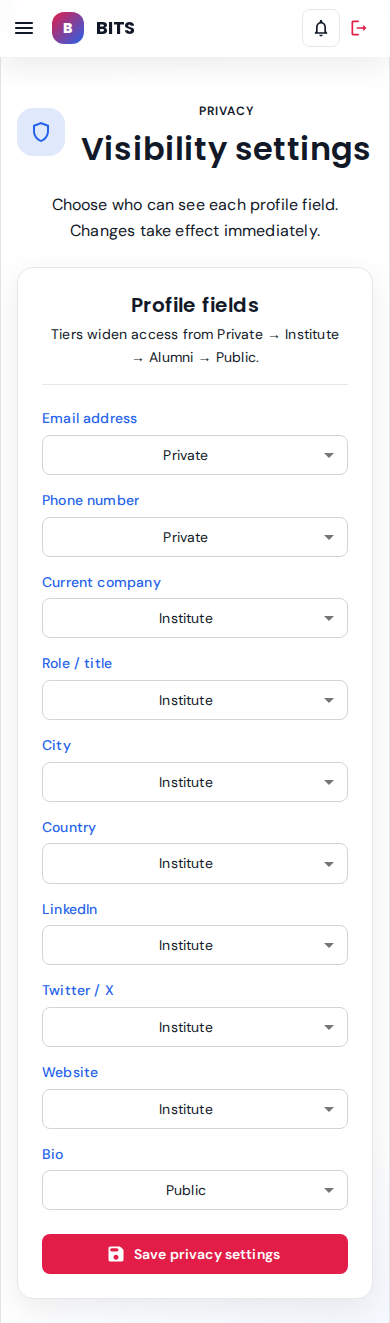
Per-field visibility toggles (who sees company, city, contact).
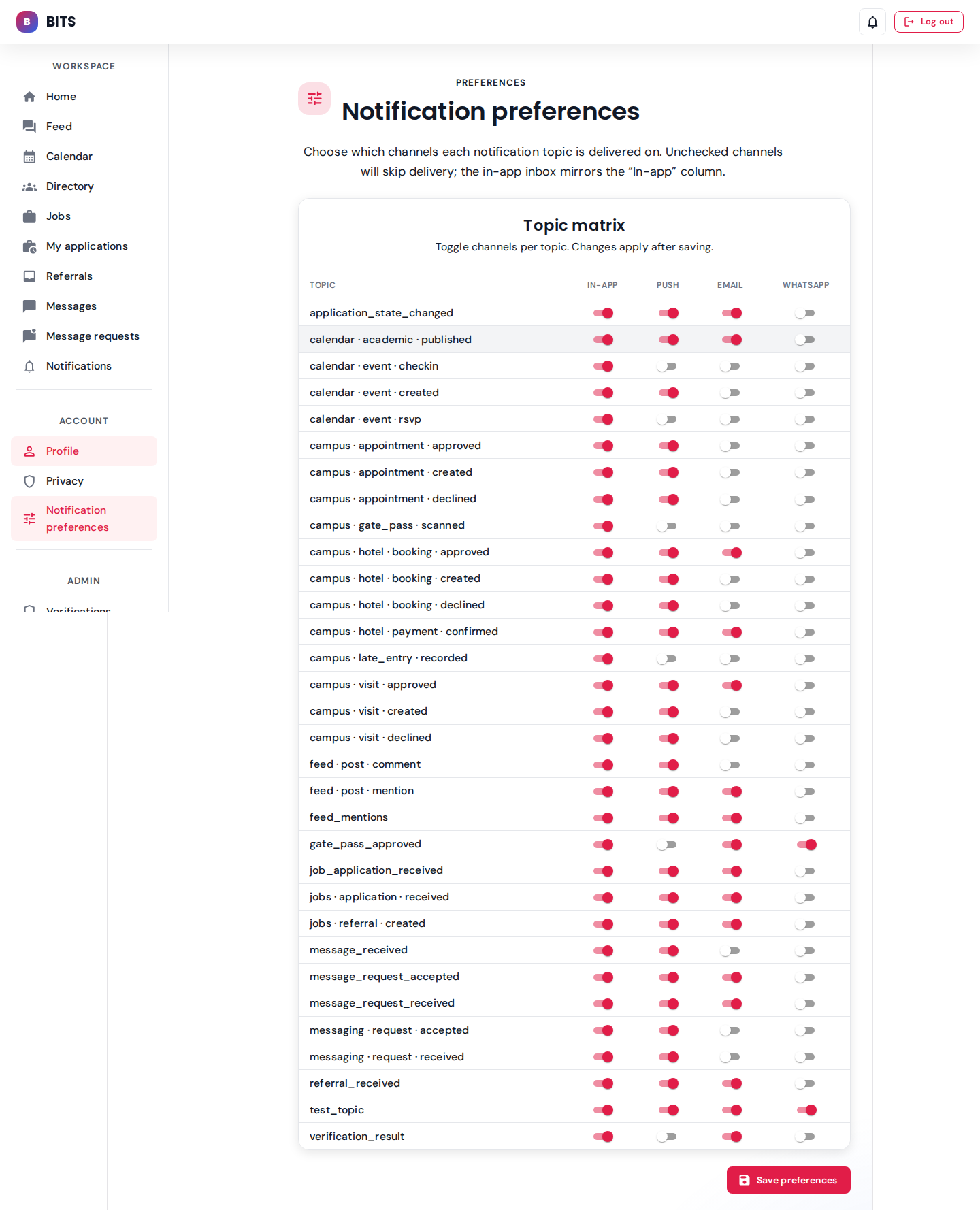

Per-template channel preferences (email / push / in-app) for the 16 seeded templates.
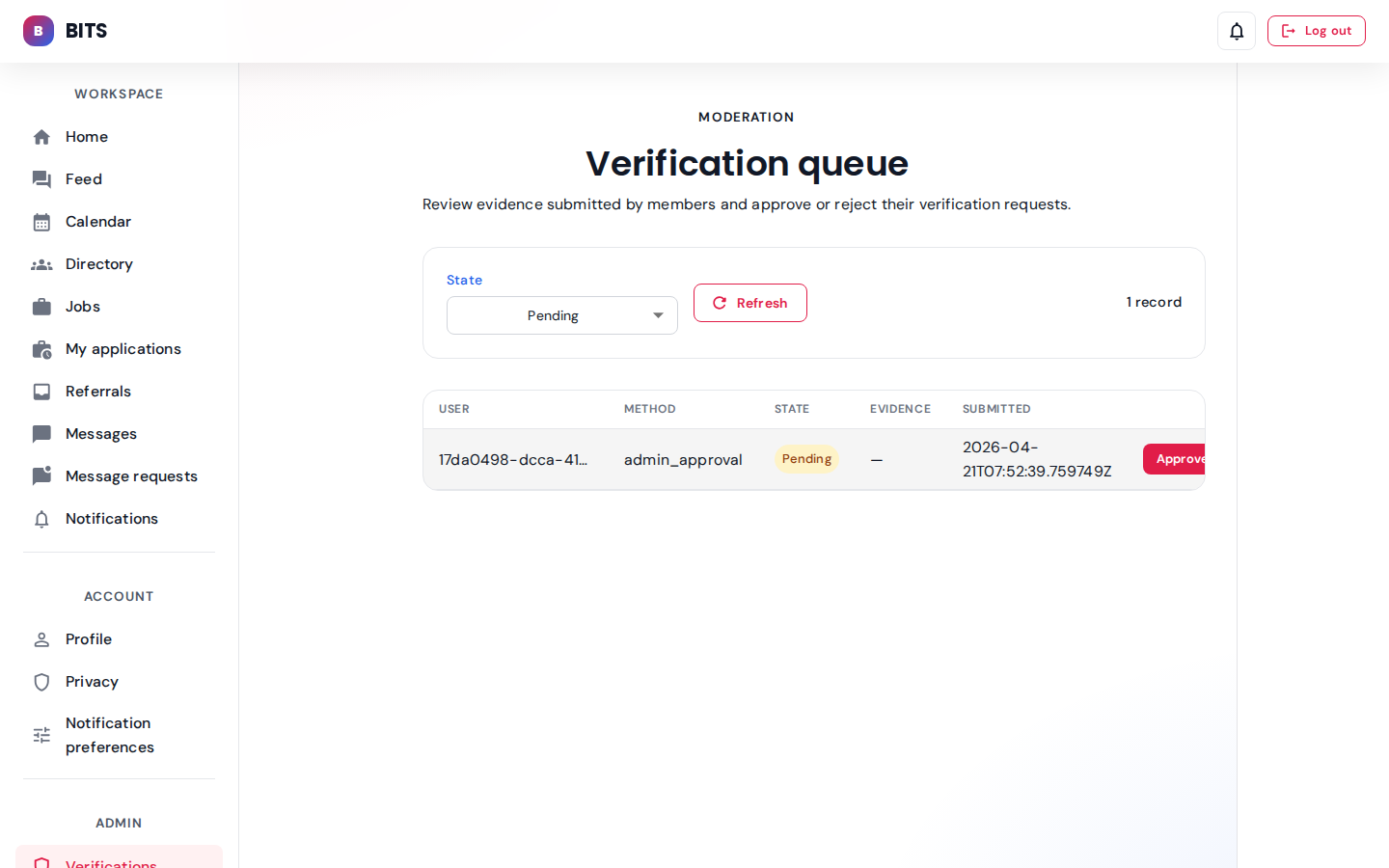
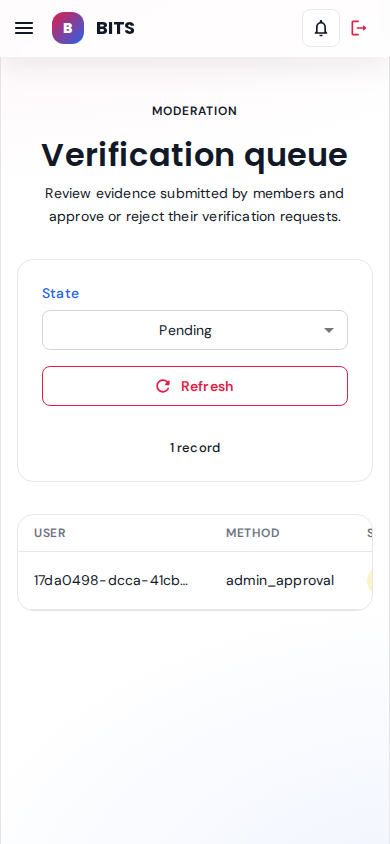
Moderation — admin_approval method, Pending state. Vikram's pending verification request is the single record here.
seeded: vikram.alumni pendingAdmin imports & invites
Bulk tooling surfaces for onboarding large cohorts of alumni and ingesting legacy rosters.
Admin role: admin
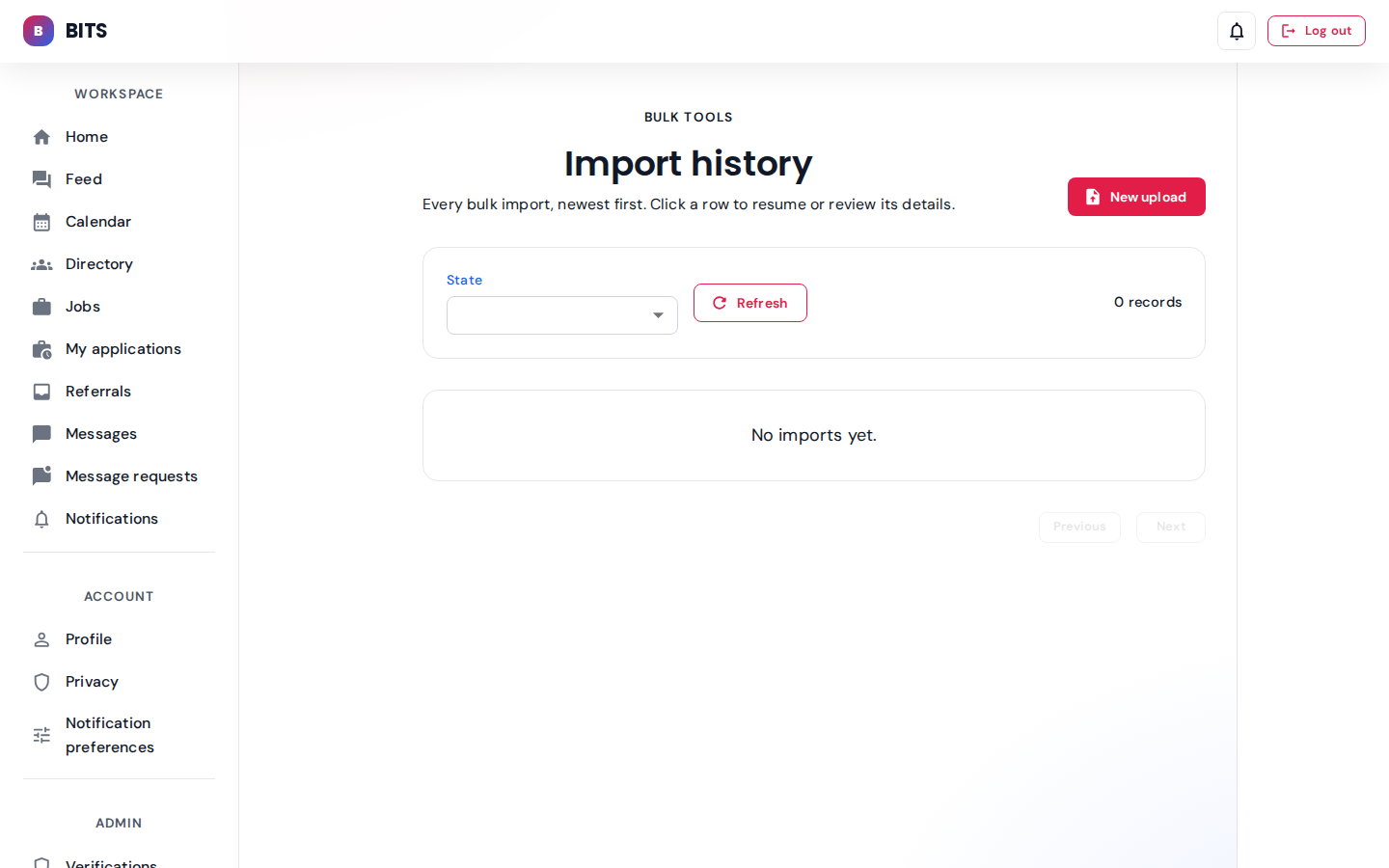
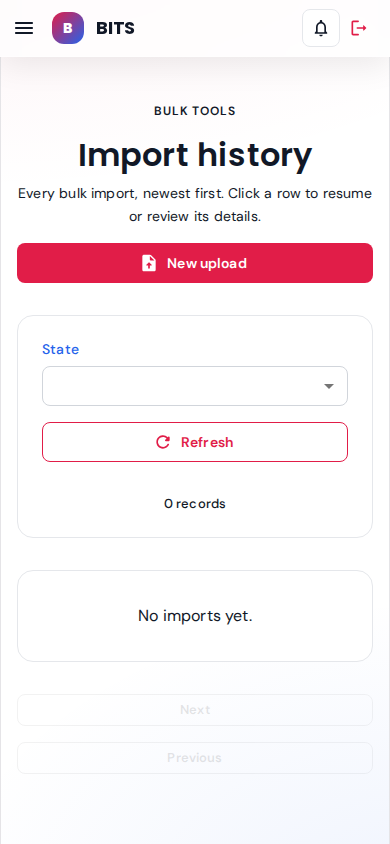
Bulk import log — empty state shown (no CSV uploads seeded). "New upload" button initiates a fresh import run.
seeded: 0 imports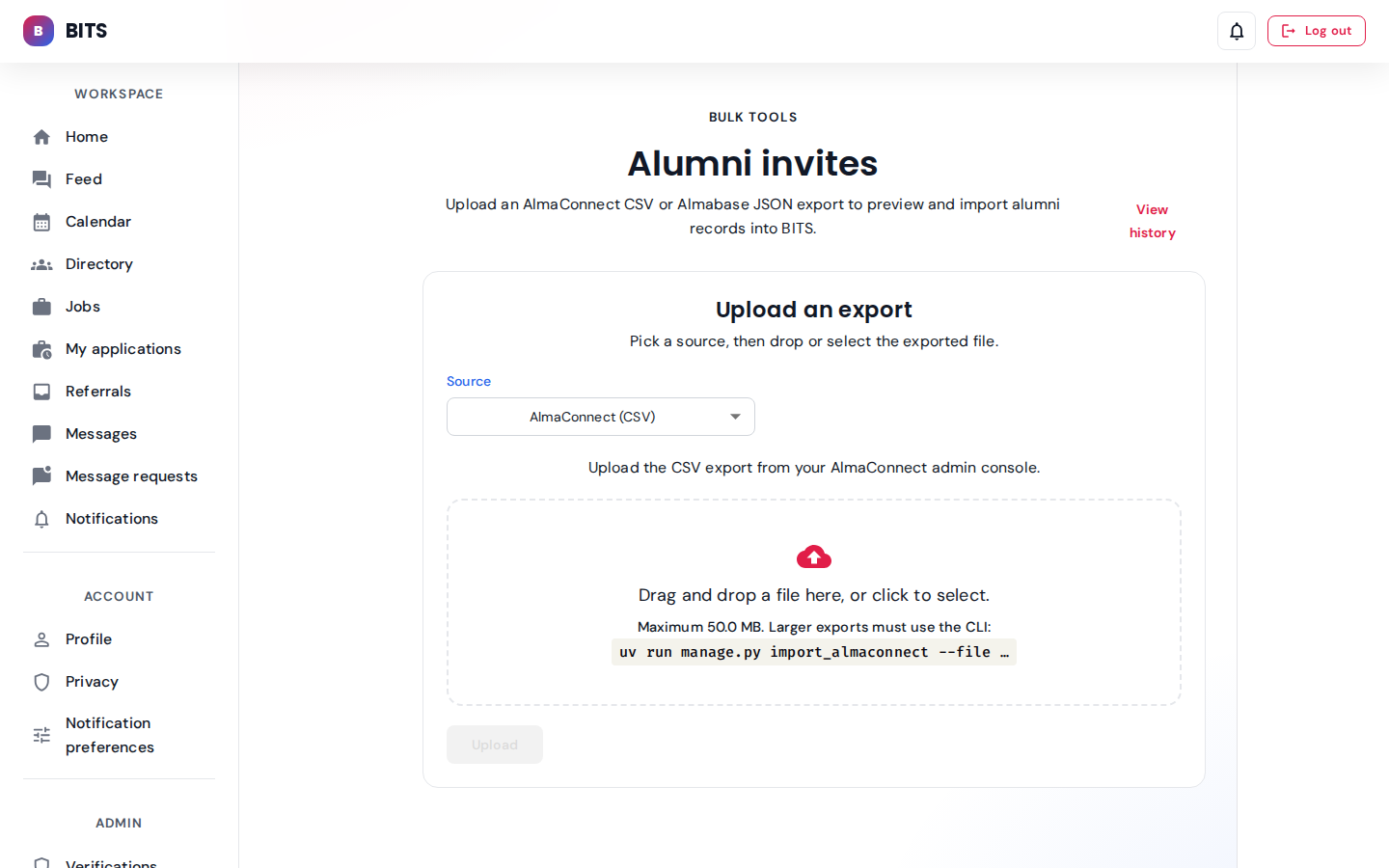
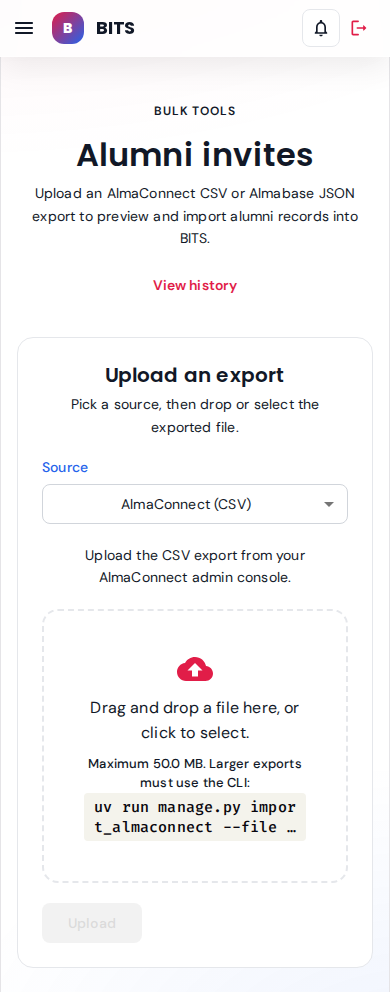
Directory-seeded invite flow for alumni who haven't claimed their account yet.
Directory
Search, filter and inspect members across cohorts, programs and roles.
Admin view
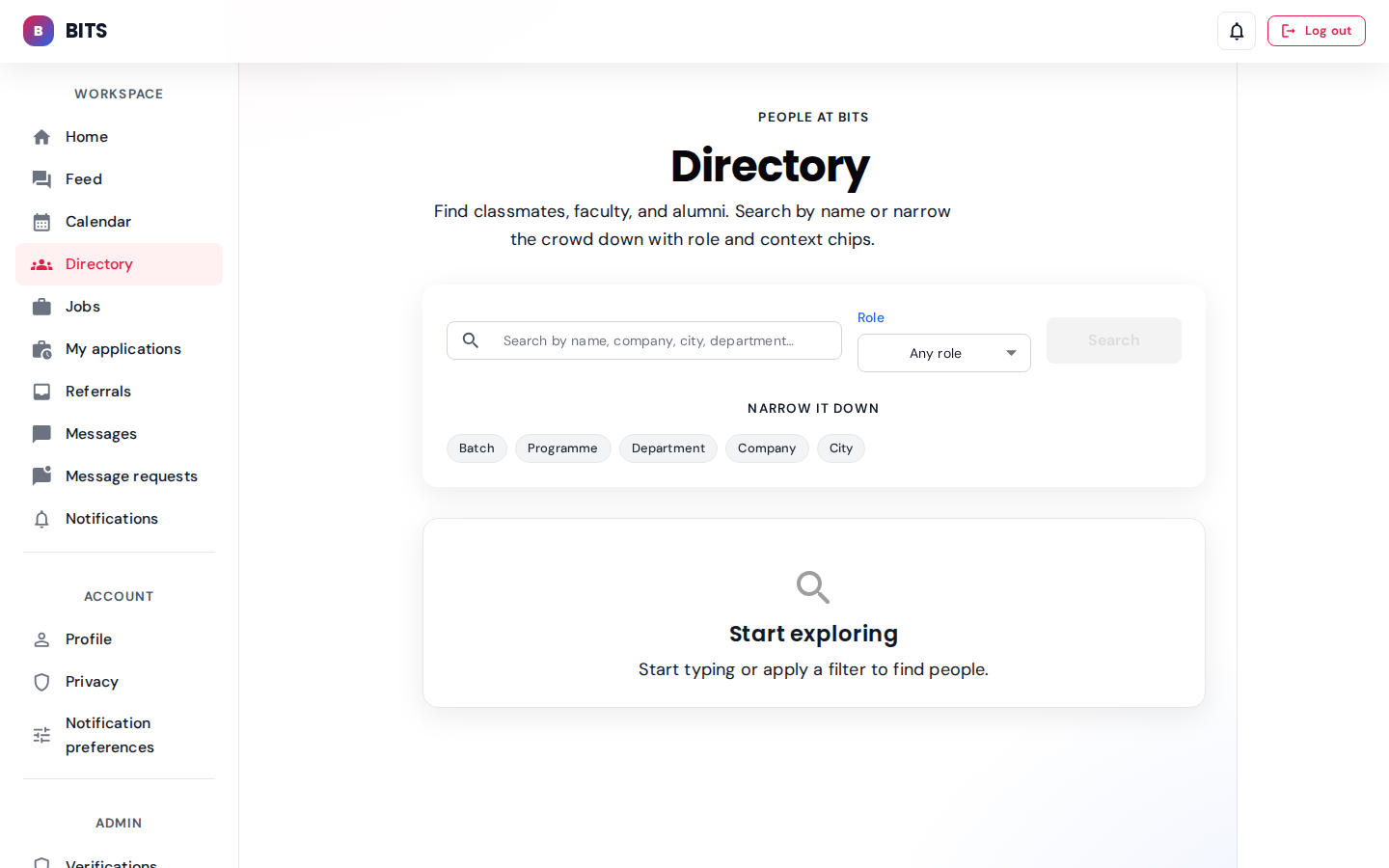
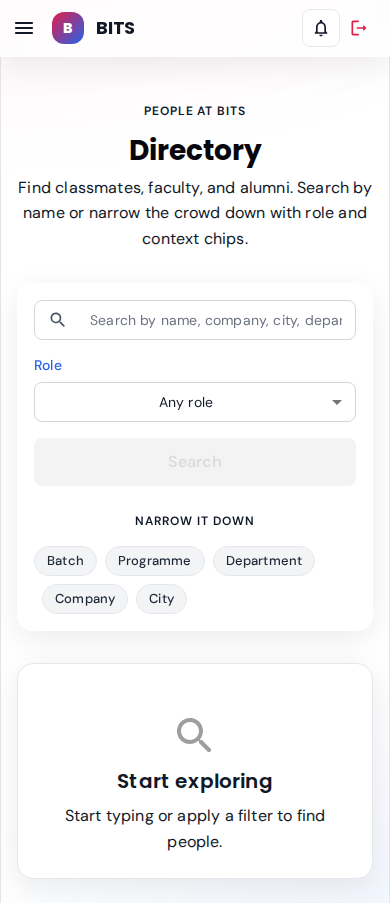
Search-first UX — users type a query or apply a filter to reveal results. "Start exploring" CTA is the default state.
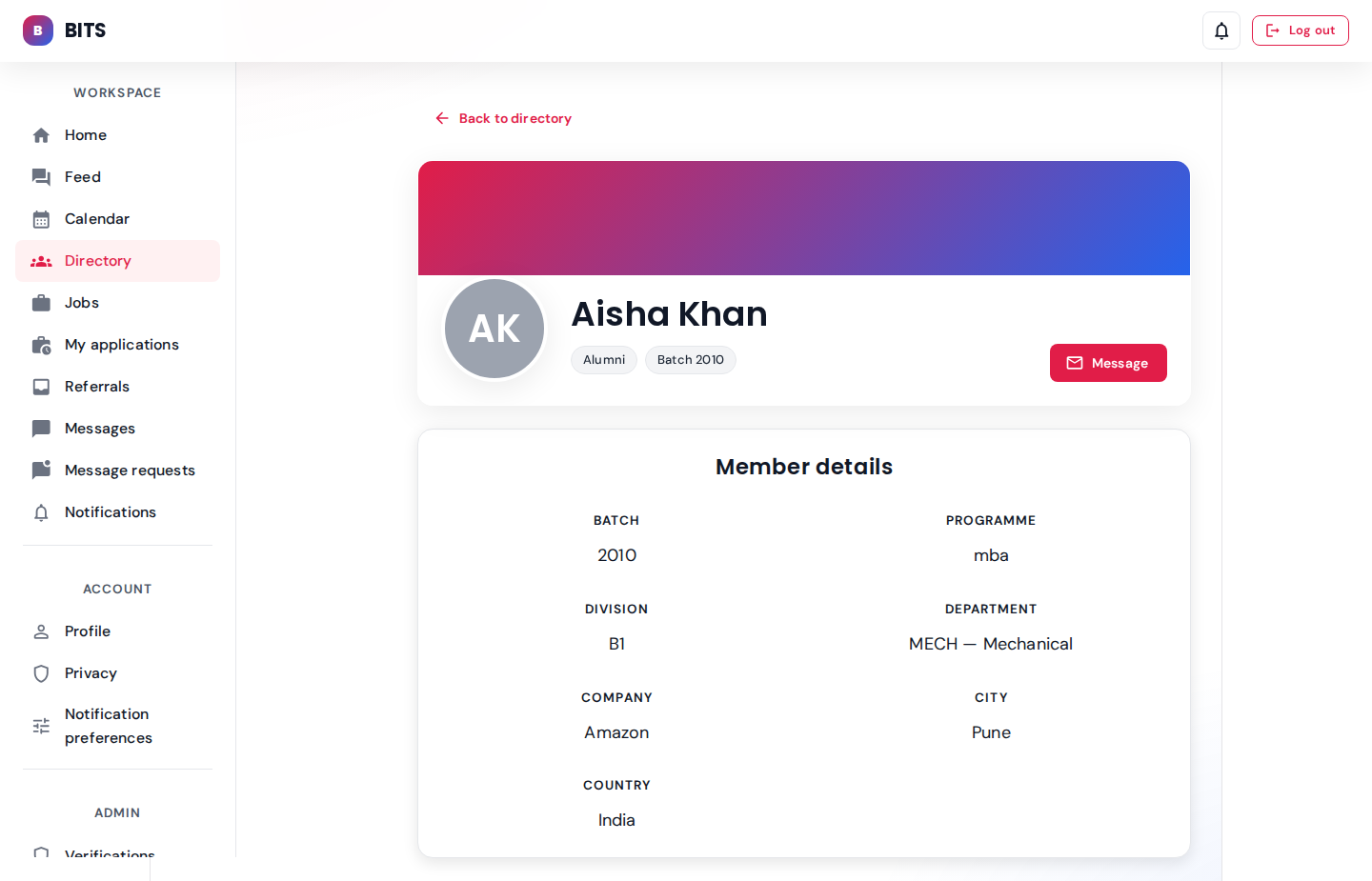
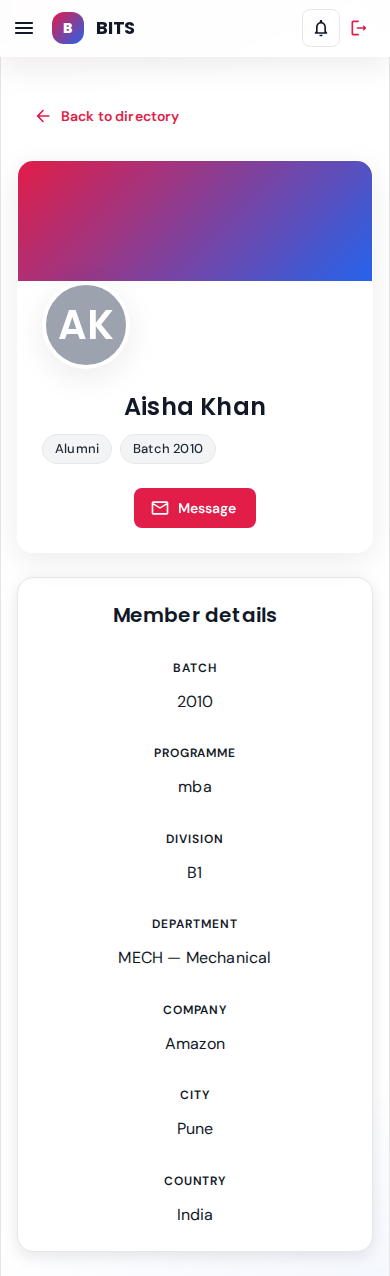
Public profile card: role chips, batch, programme, department, company, city. Message CTA starts a 1:1 thread.
seeded: aisha.alumni — MBA 2010, Amazon PuneNotifications
Inbox of system notifications with read / unread distinction and navigate-to-target links.
Admin role: admin
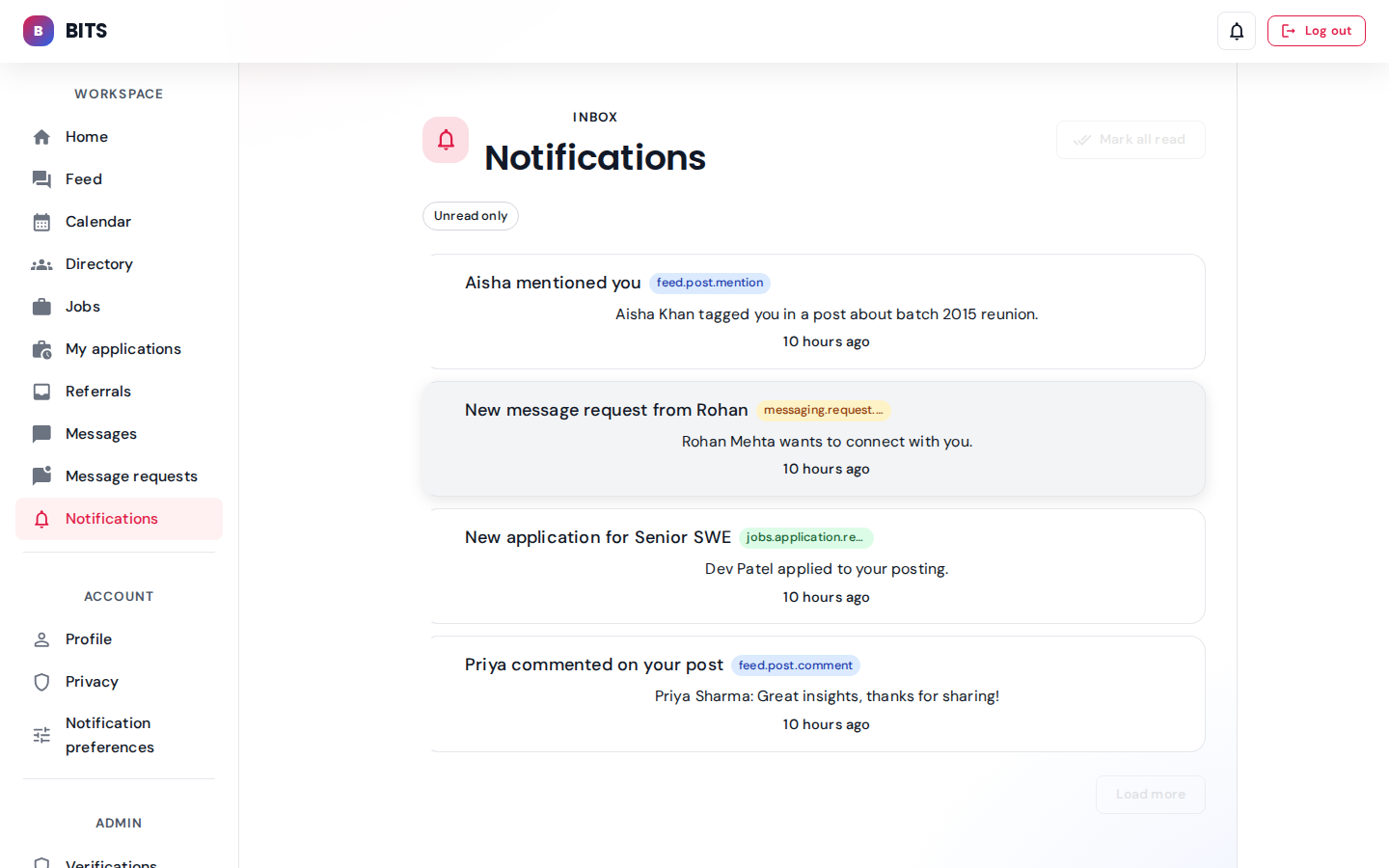
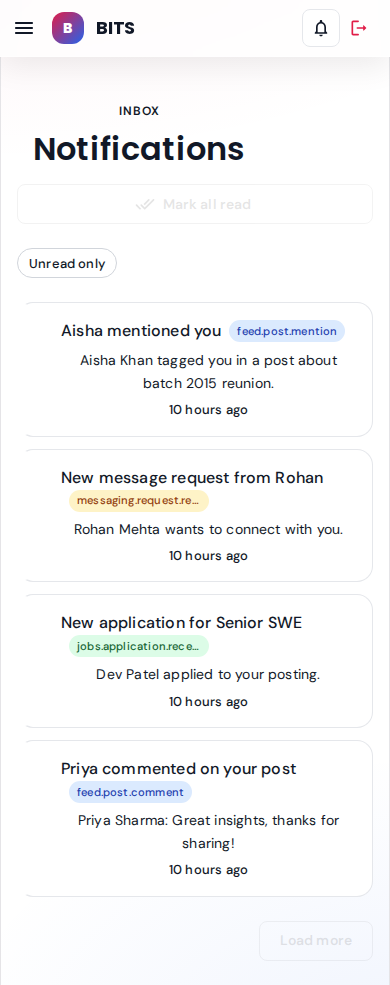
Seeded admin notifications (4 entries). Unread indicator matches the header badge.
seeded: 4 admin notificationsCommunity feed
Scoped-visibility posts (public / institute / alumni-only) with reactions and comments.
Admin view
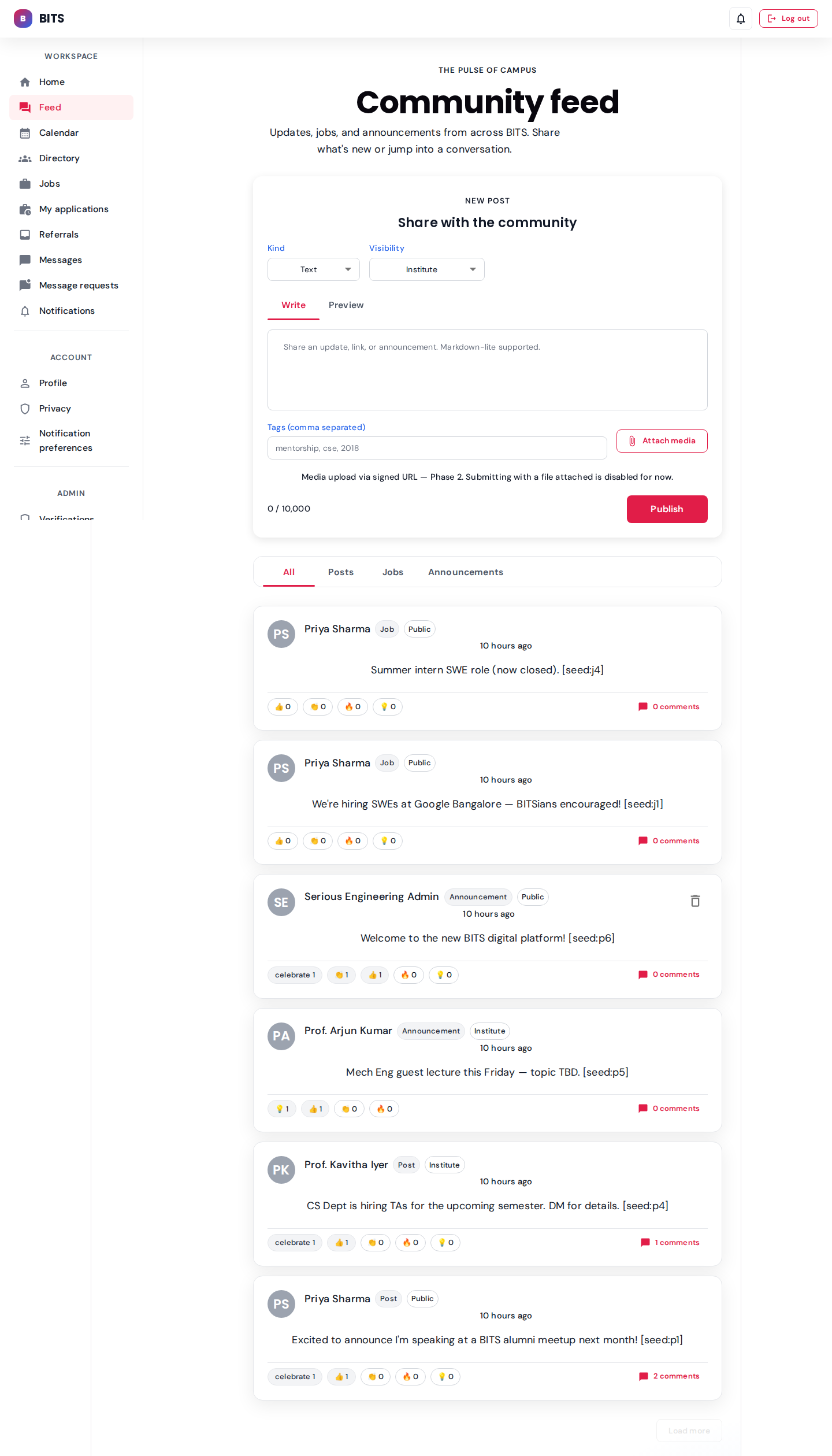

Admin sees posts across every scope: public + institute + own. Reaction counts reflect the 14 seeded reactions.
seeded: 7 posts, 4 comments, 14 reactions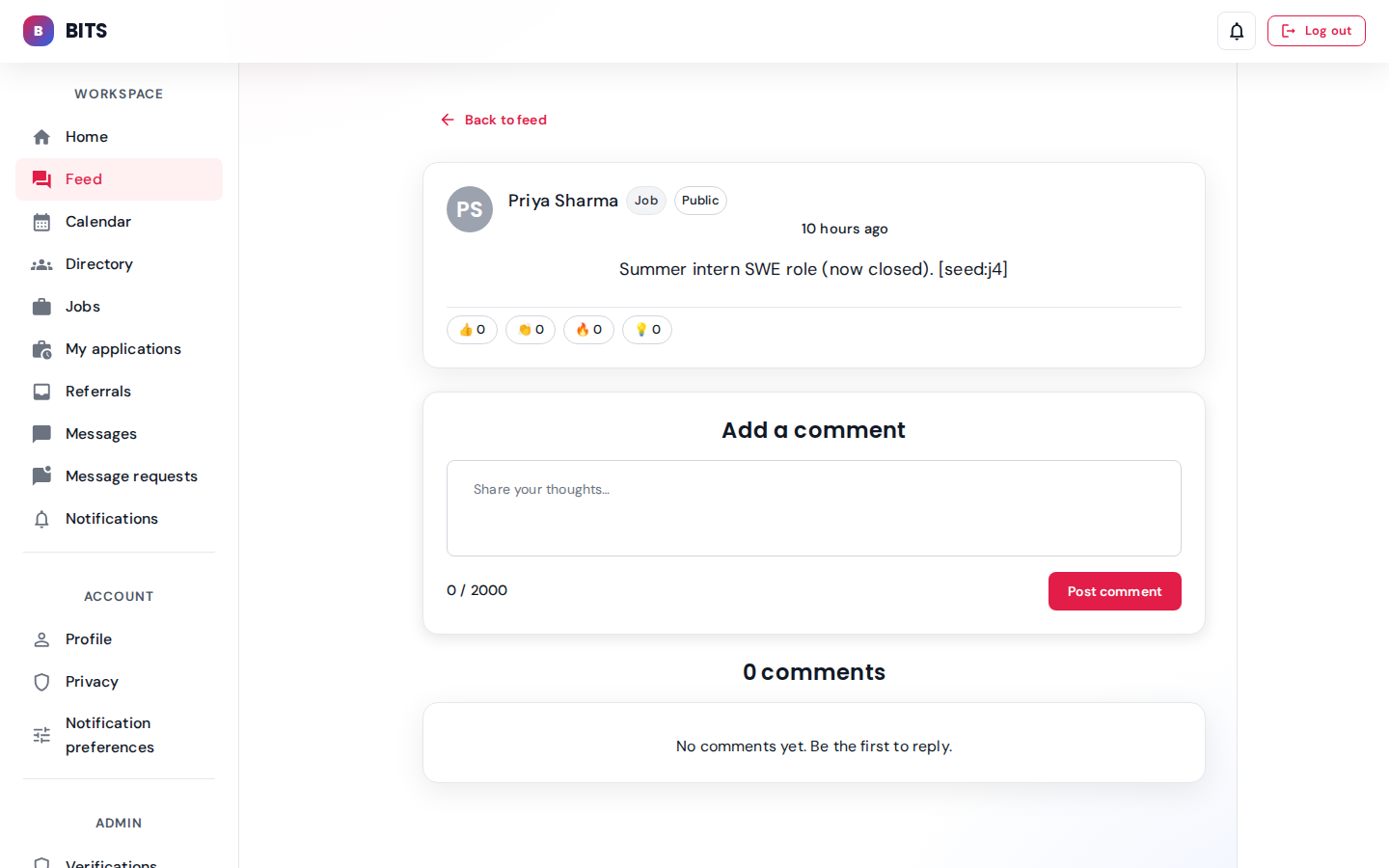
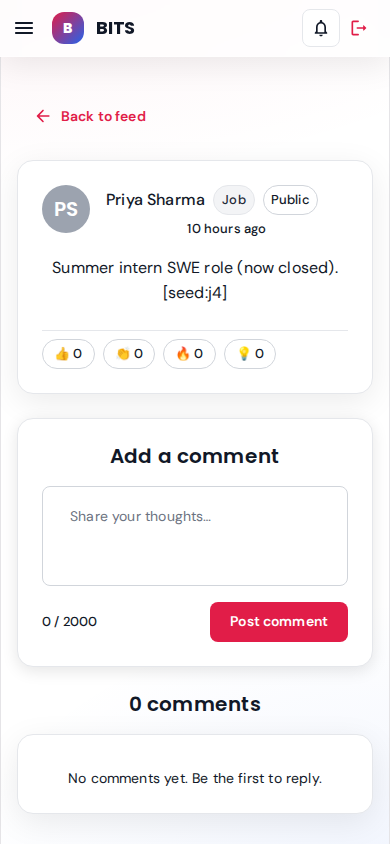
Priya Sharma's "Summer intern SWE role" post with reaction tray and comment composer.
Alumni view — priya.alumni@srs-ngr.com
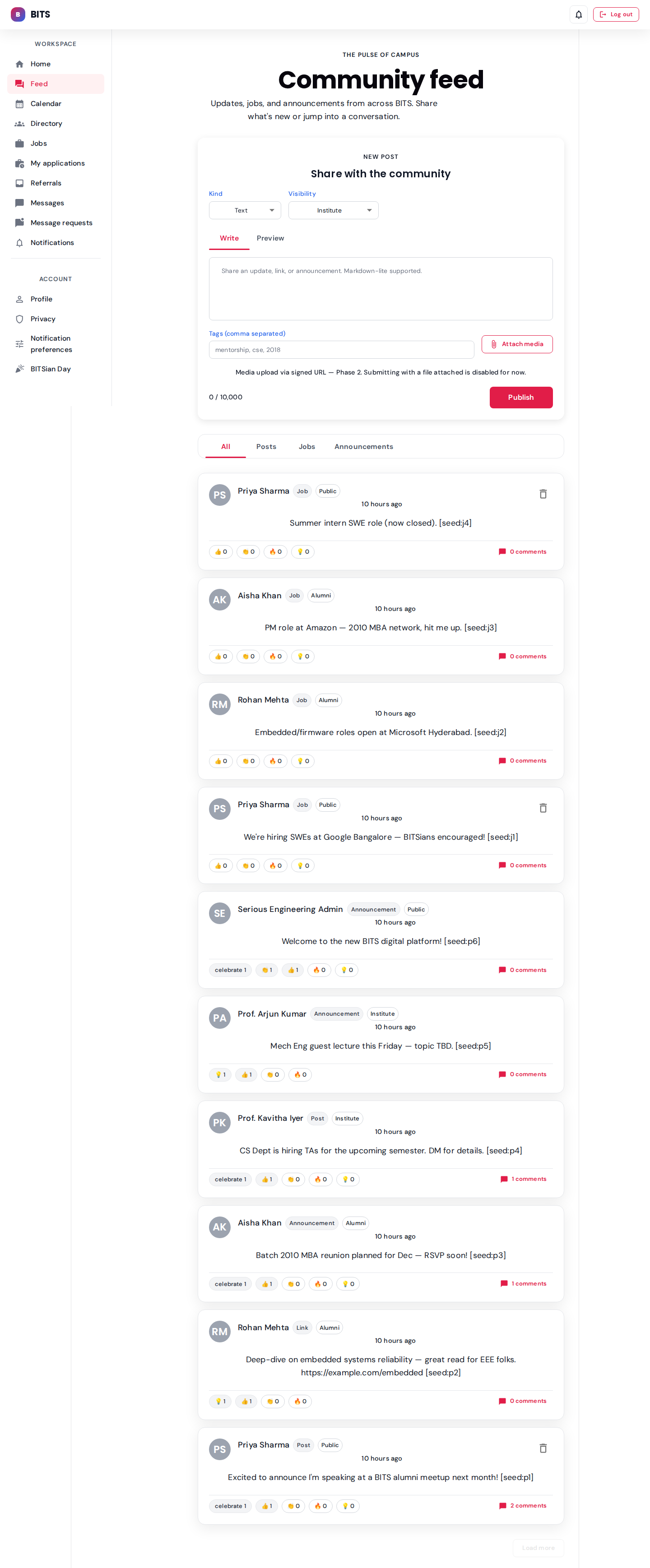

Same feed surface, scoped to what an alum can see (public + alumni-only posts).
Jobs & referrals
Open roles from alumni + partner companies. Apply directly or request a referral.
Alumni — priya.alumni@srs-ngr.com role: alumni
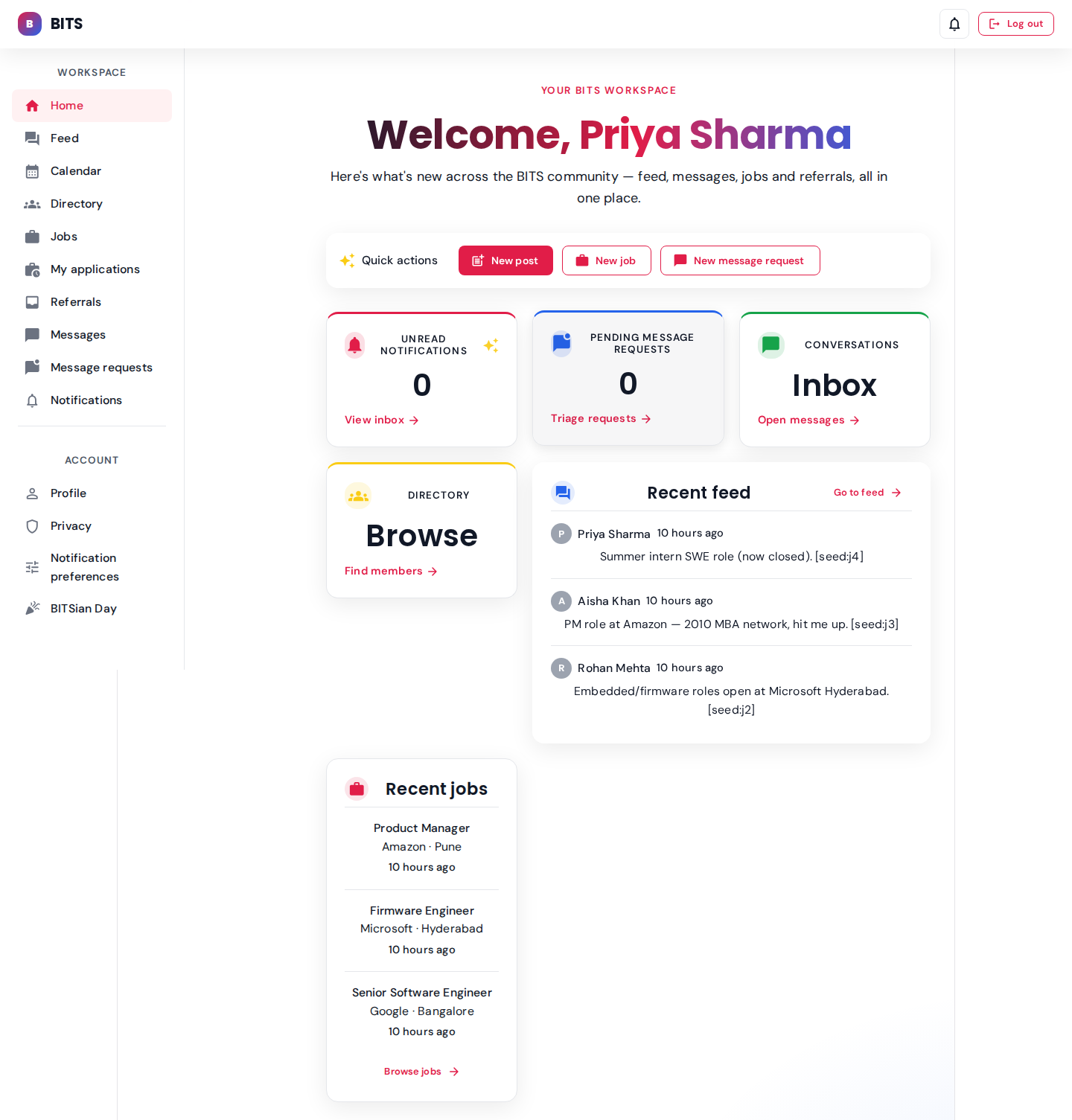
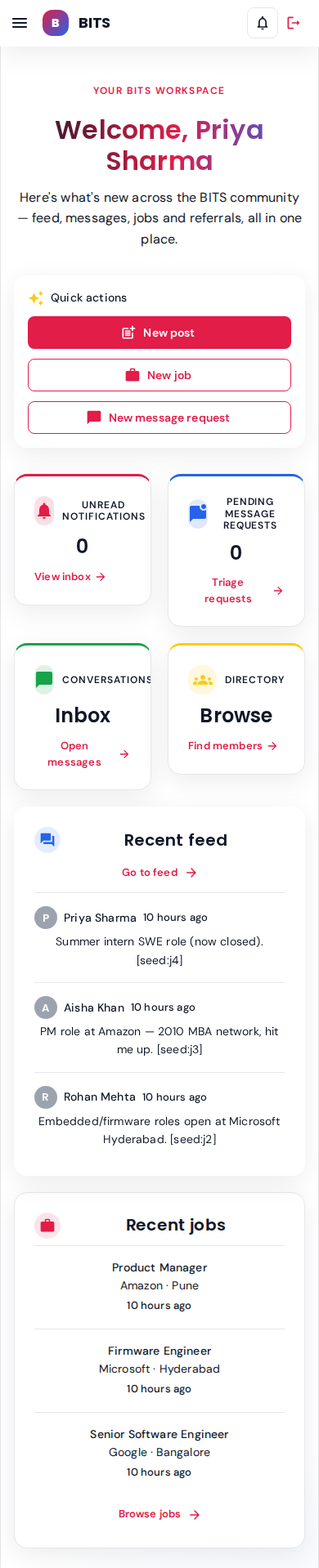
Priya's dashboard — quick links to jobs, referrals, messages with dev.student.
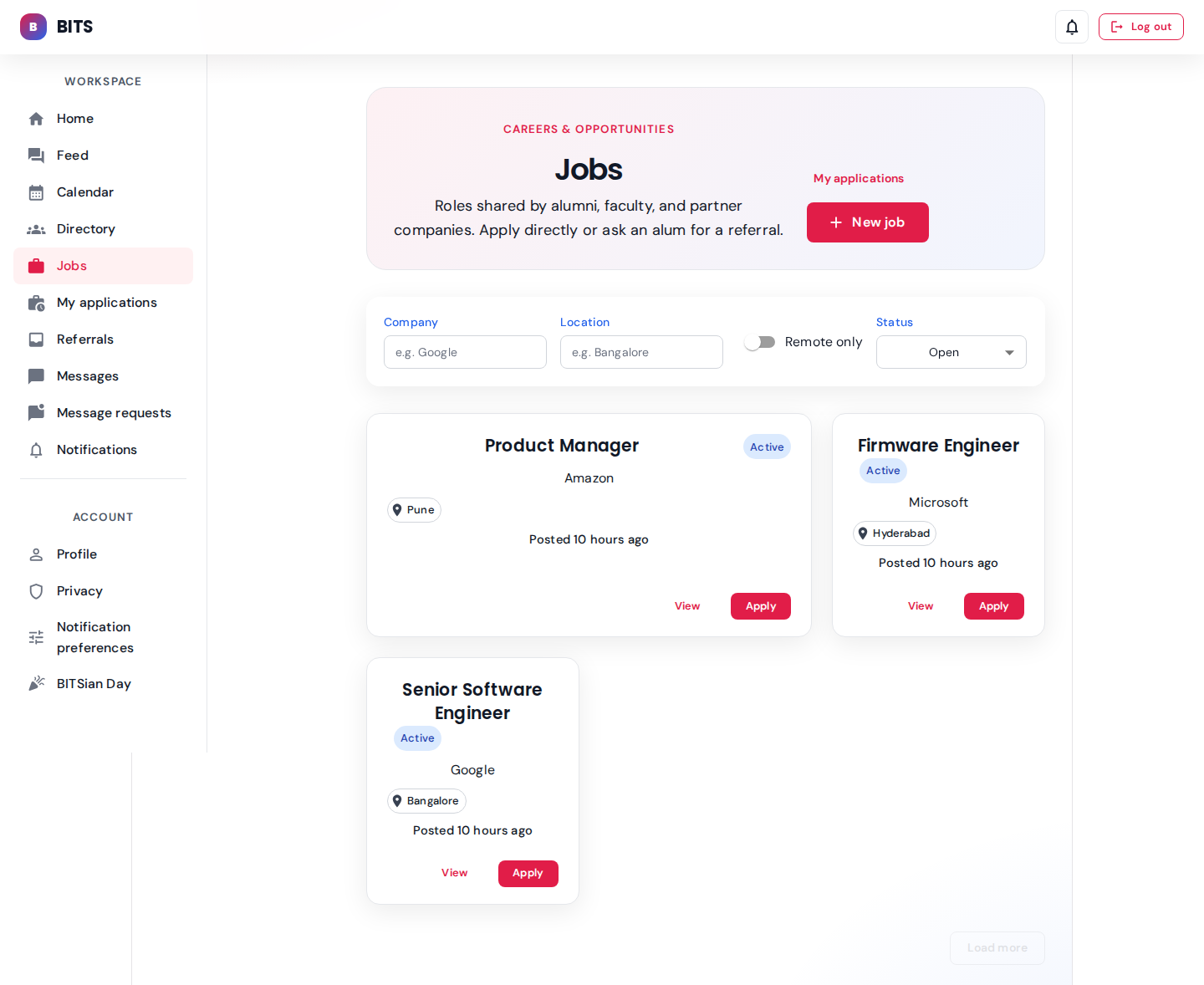
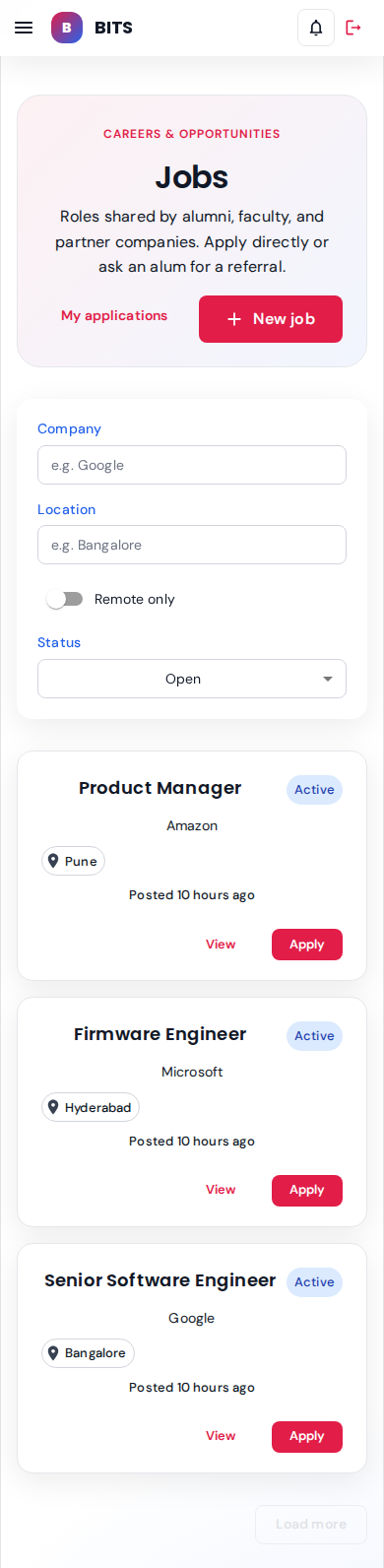
Three open roles seeded: Product Manager @ Amazon (Pune), Firmware Engineer @ Microsoft (Hyderabad), Senior SWE @ Google (Bangalore).
seeded: 3 open + 1 closed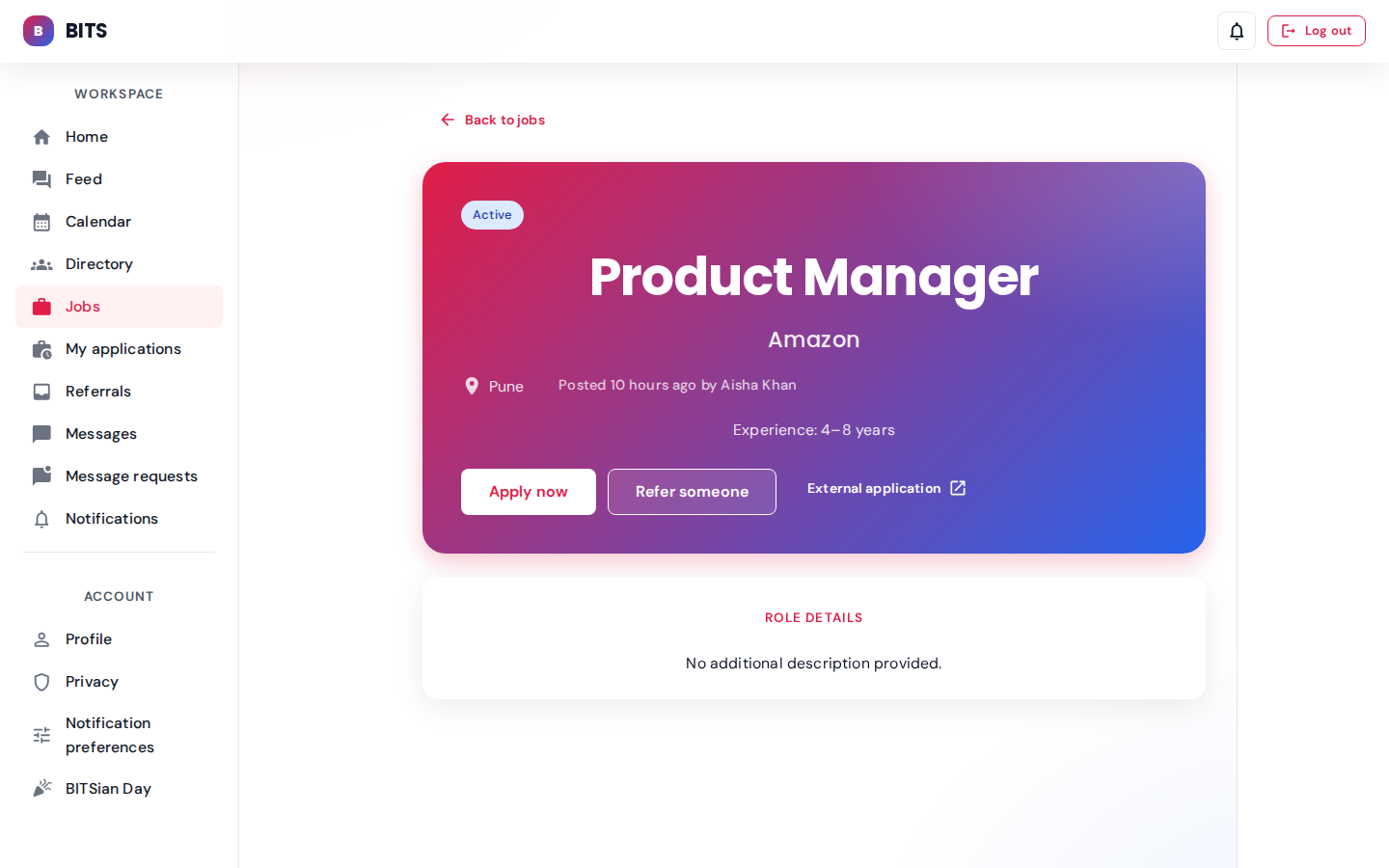
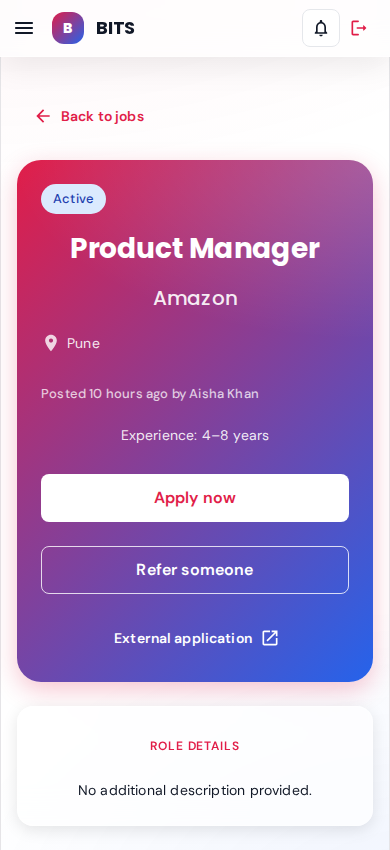
Posted by Aisha Khan. Apply-now + Refer-someone actions with external application link.
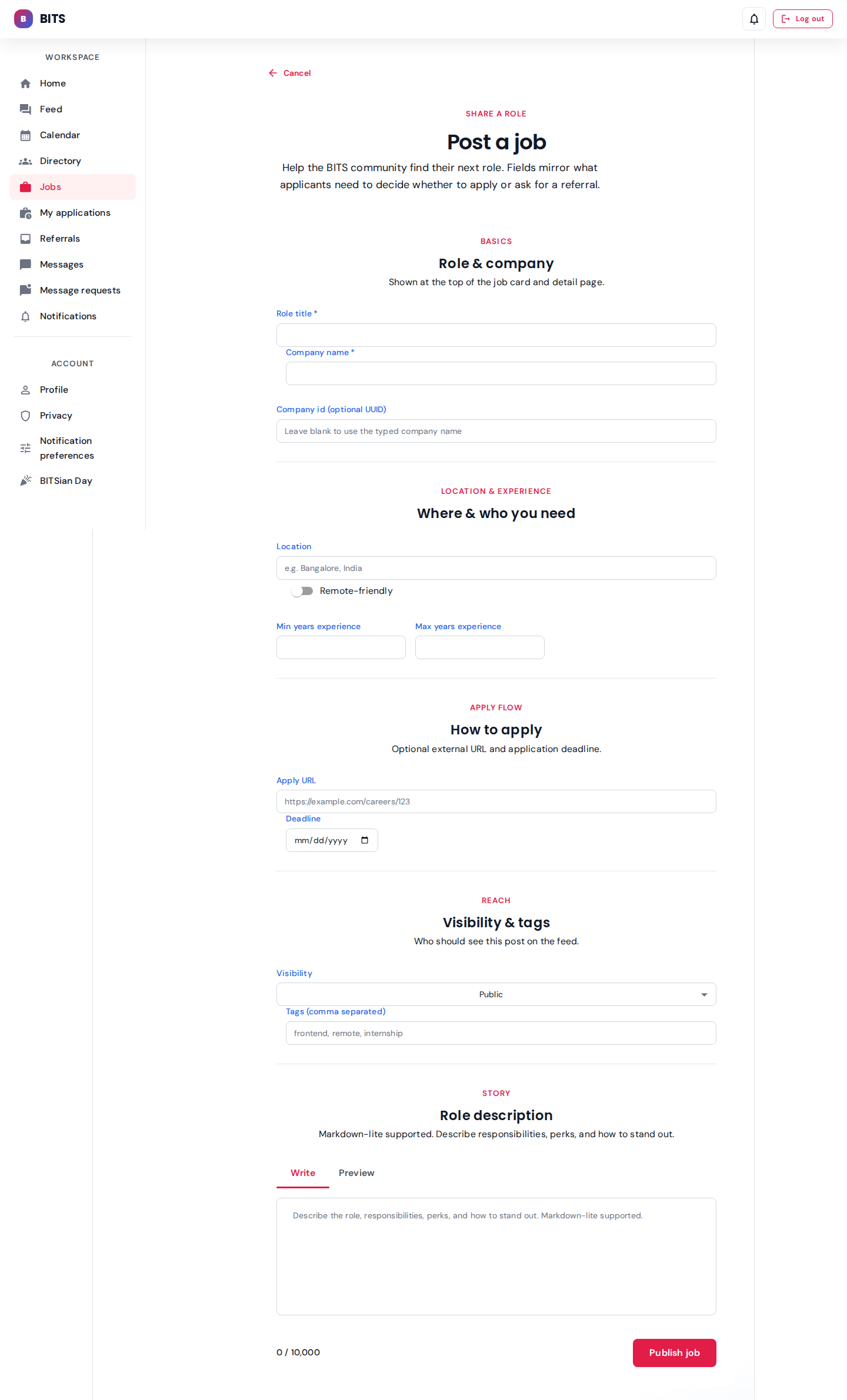

Alumni role lets Priya submit a new opening. Form covers title, company, location, experience, description.
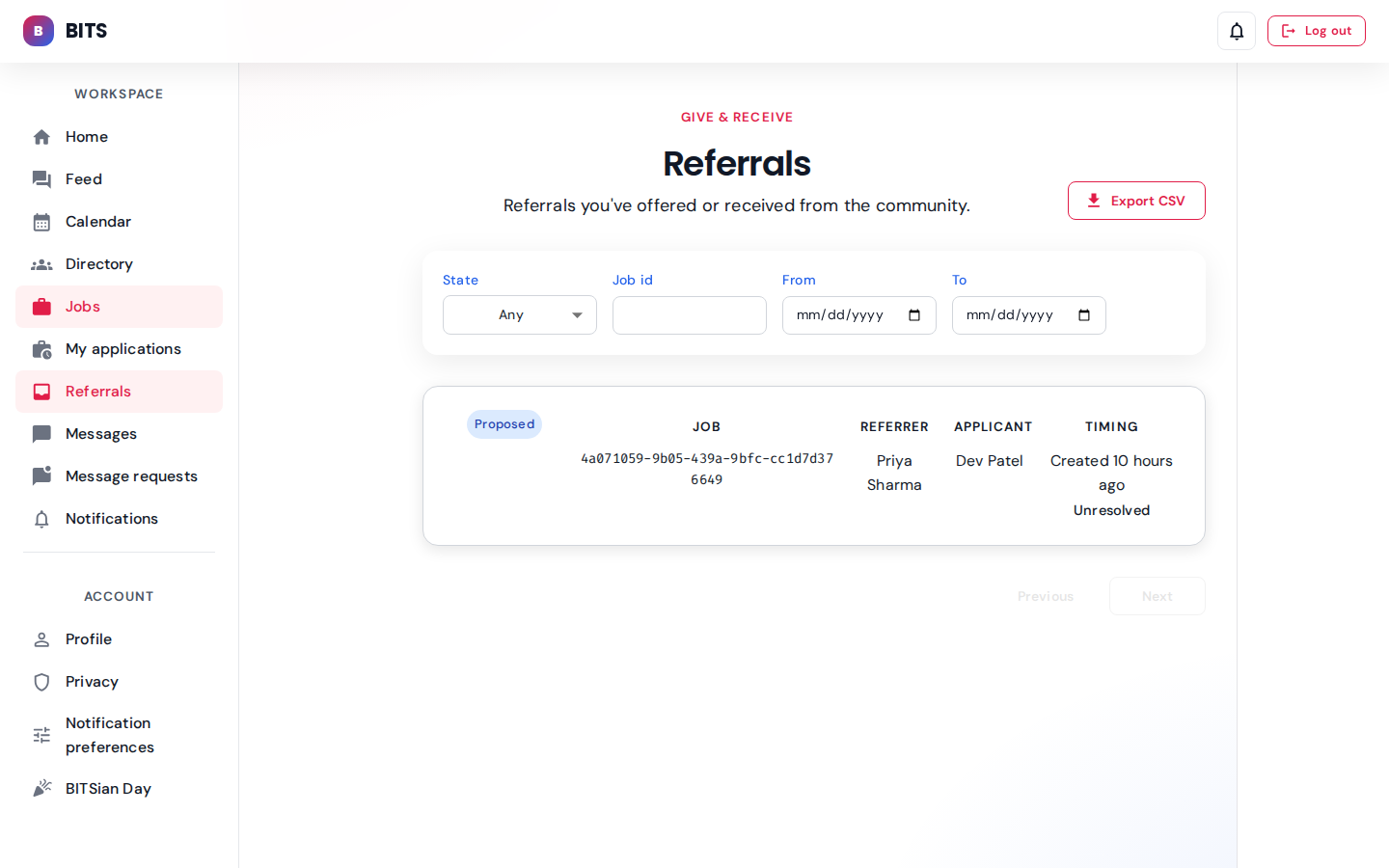
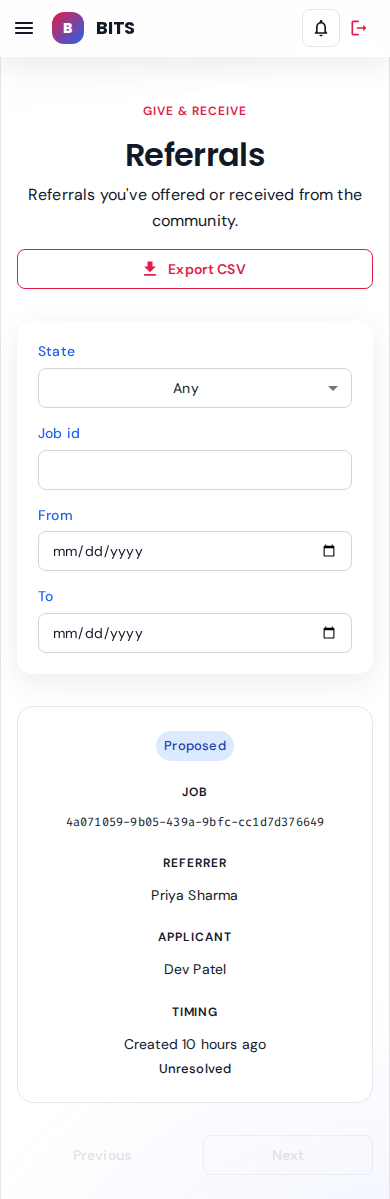
Priya owns 1 seeded referral — this view lists inbound referral asks she can accept or decline.
seeded: 1 referralAdmin view
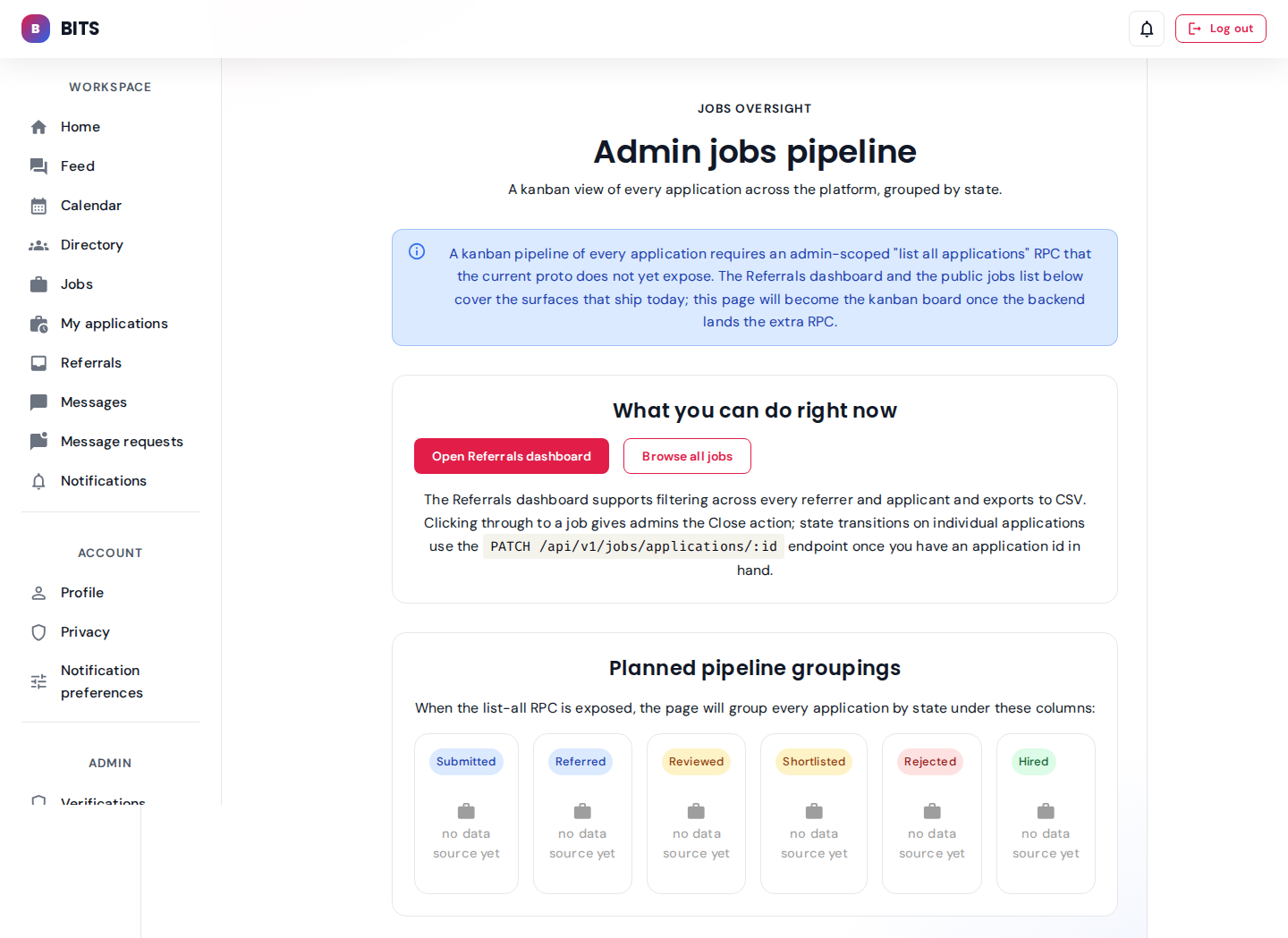

Moderator view — every job across every state, with bulk close/reopen controls.
Messaging
Two-sided approval-gated 1:1 DMs. Accepted threads go to Inbox; unsolicited ones sit in Requests.
Priya (alumni) — accepted thread with dev.student
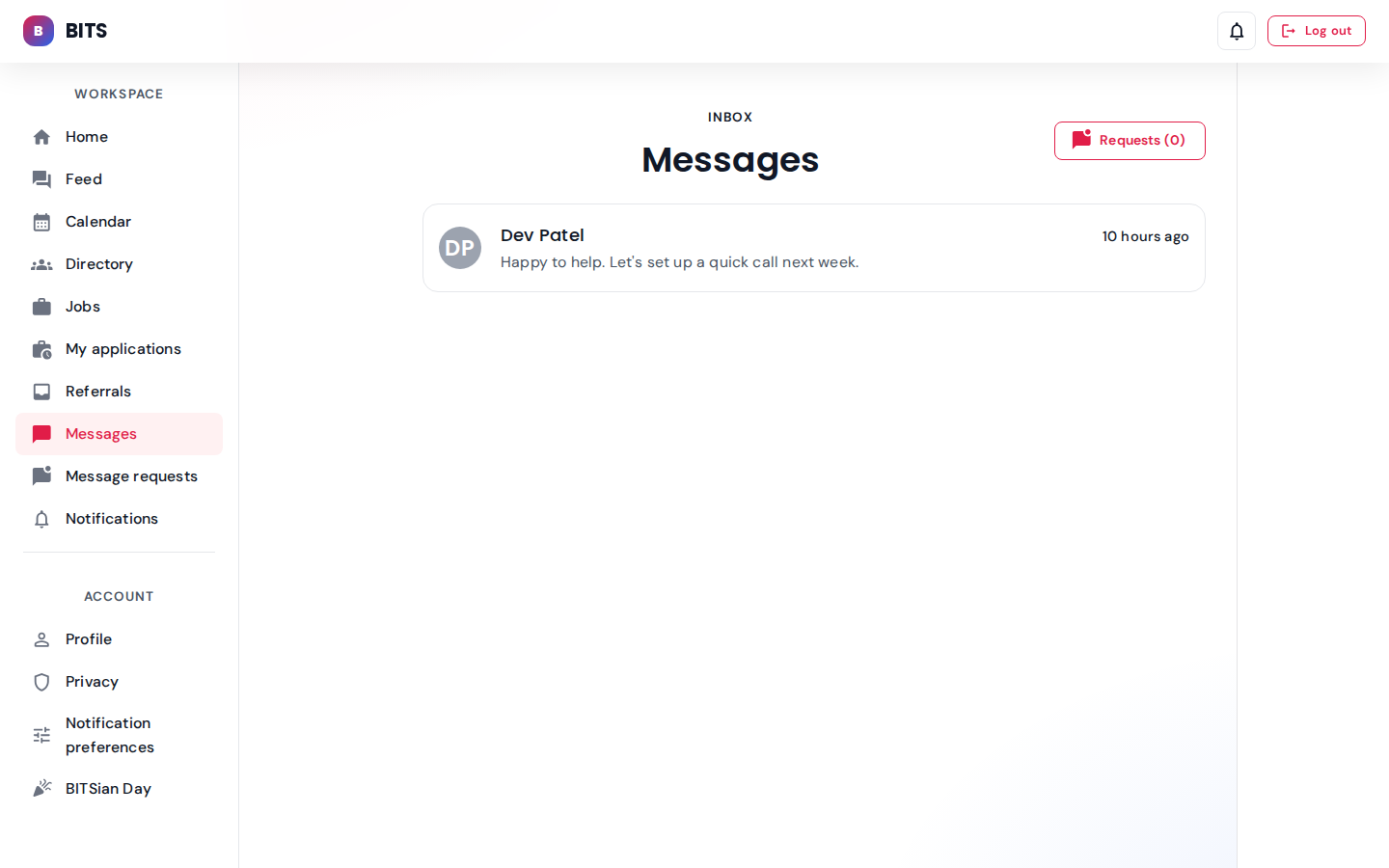
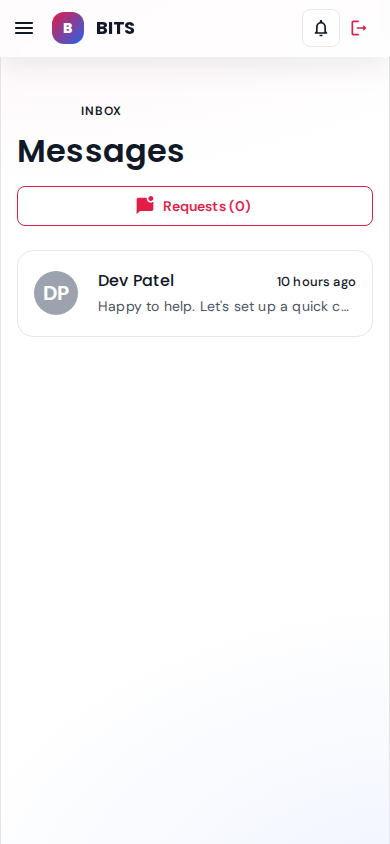
One accepted conversation with Dev Patel. Unread badge shows 2 unread from dev.
seeded: 1 accepted conv, 5 messages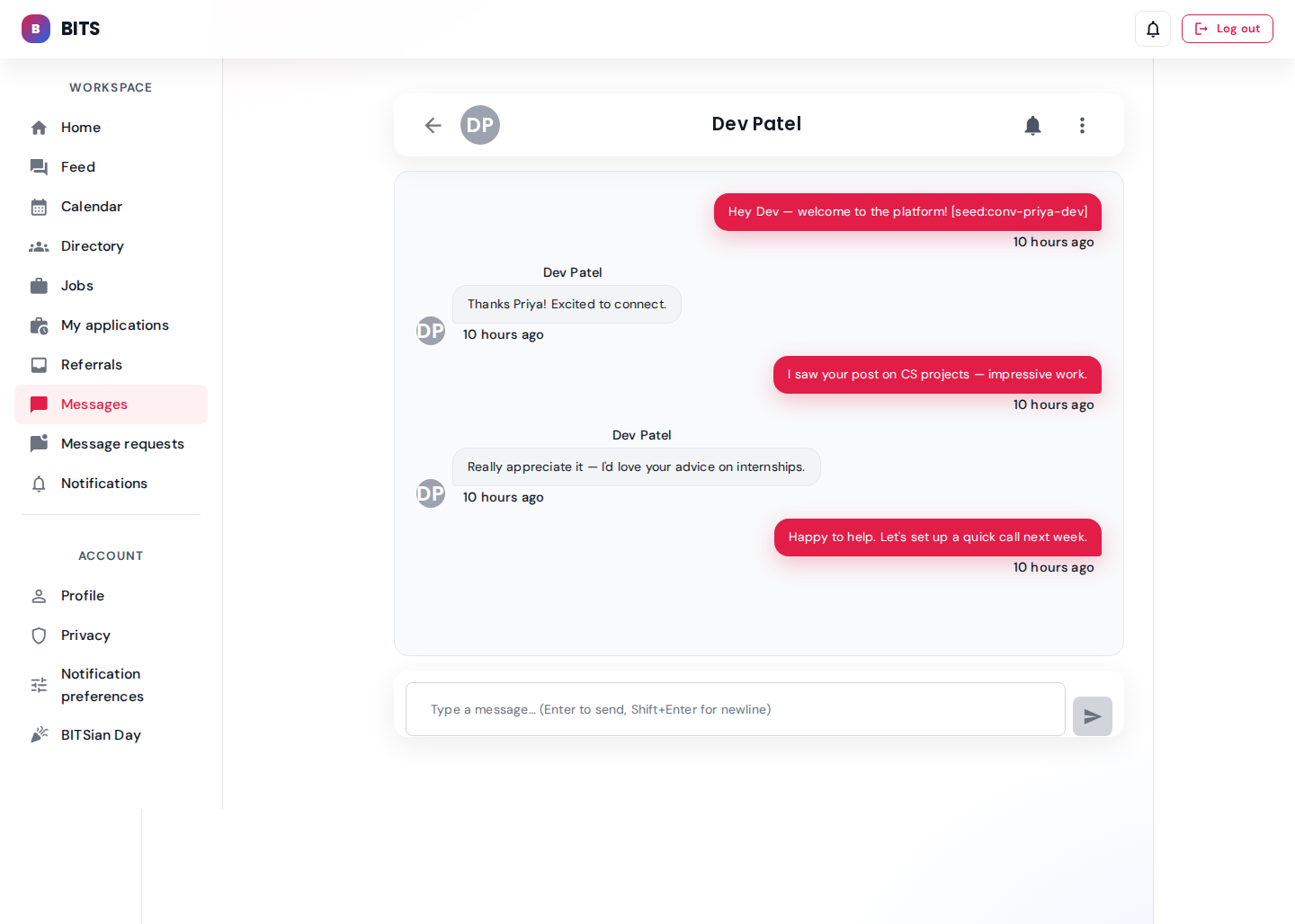
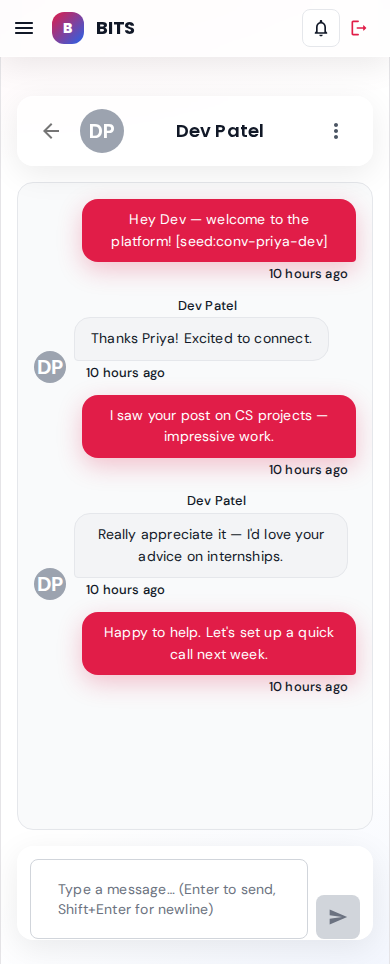
Full 5-message thread: Priya's welcome, Dev's thanks, Priya's CS-project compliment, Dev's internship ask, Priya's "happy to help" reply.
Nisha (student) — pending inbound request from rohan.alumni
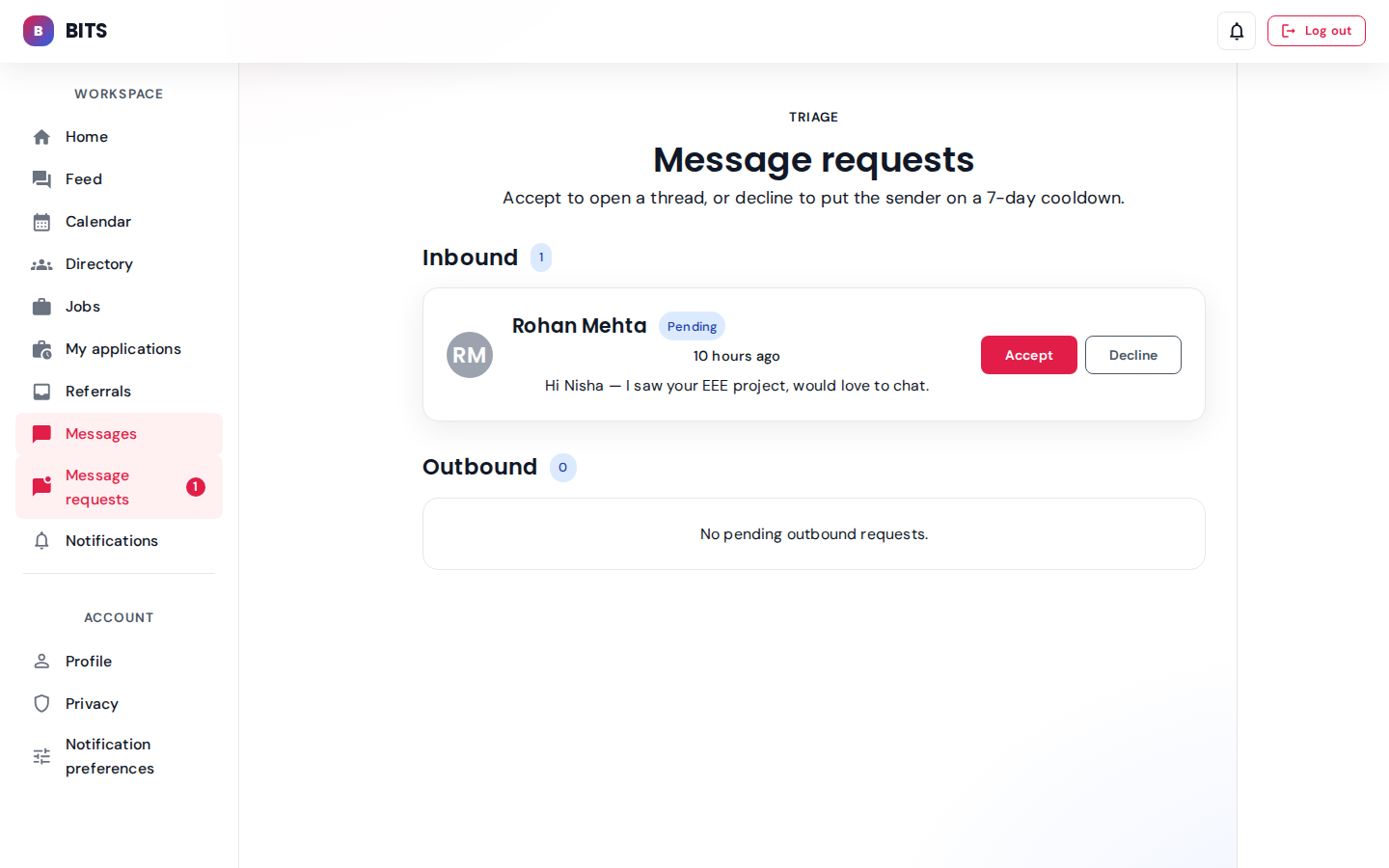
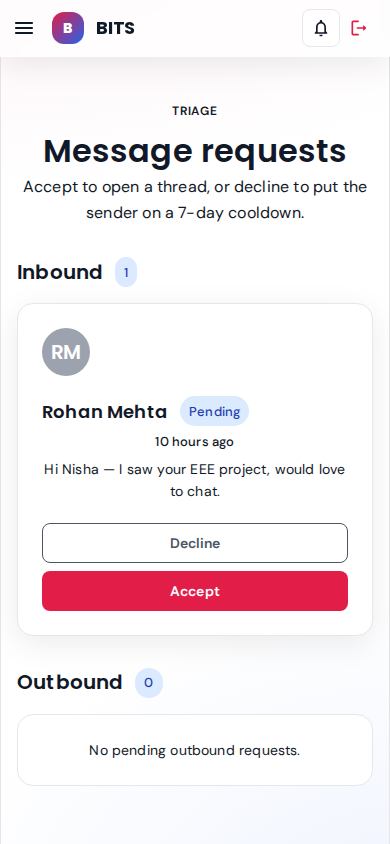
Pending inbound request from Rohan Mehta about Nisha's EEE project. Accept opens a thread; Decline puts the sender on a 7-day cooldown.
seeded: 1 pending inboundUnified calendar & BITSian Day
Cross-role campus calendar spanning academic, campus, chapter, personal and advanced events — plus the flagship BITSian Day geofenced check-in flow.
Calendar — every actor role: *
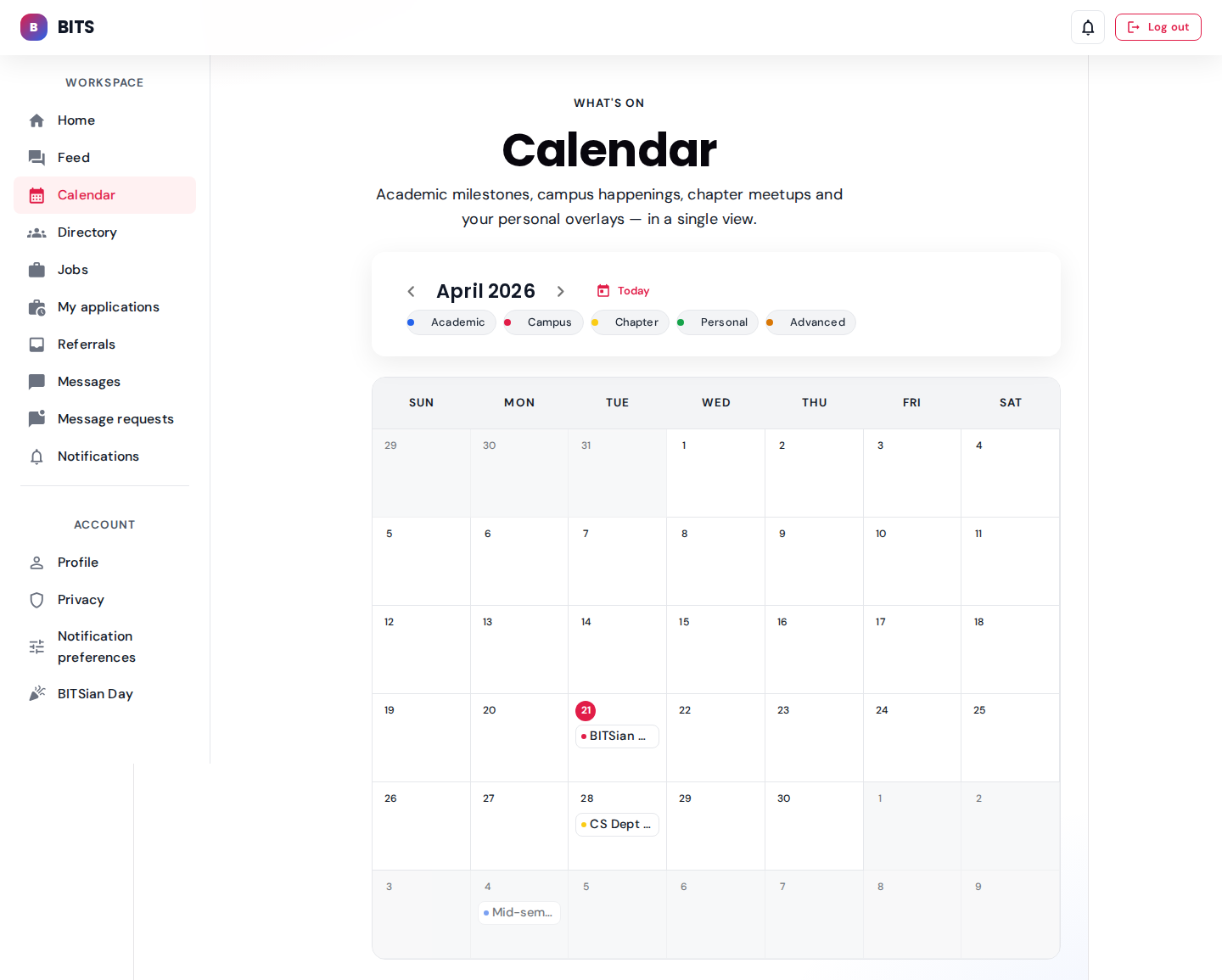
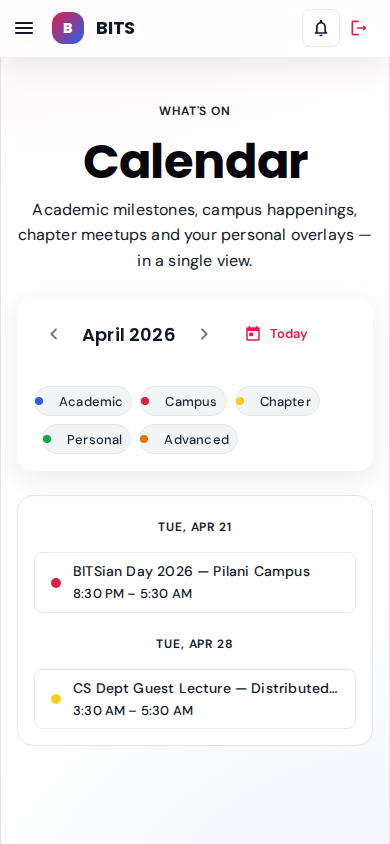
Priya's month view: BITSian Day, chapter lecture, and academic milestones blended into a single grid.
user: priya.alumni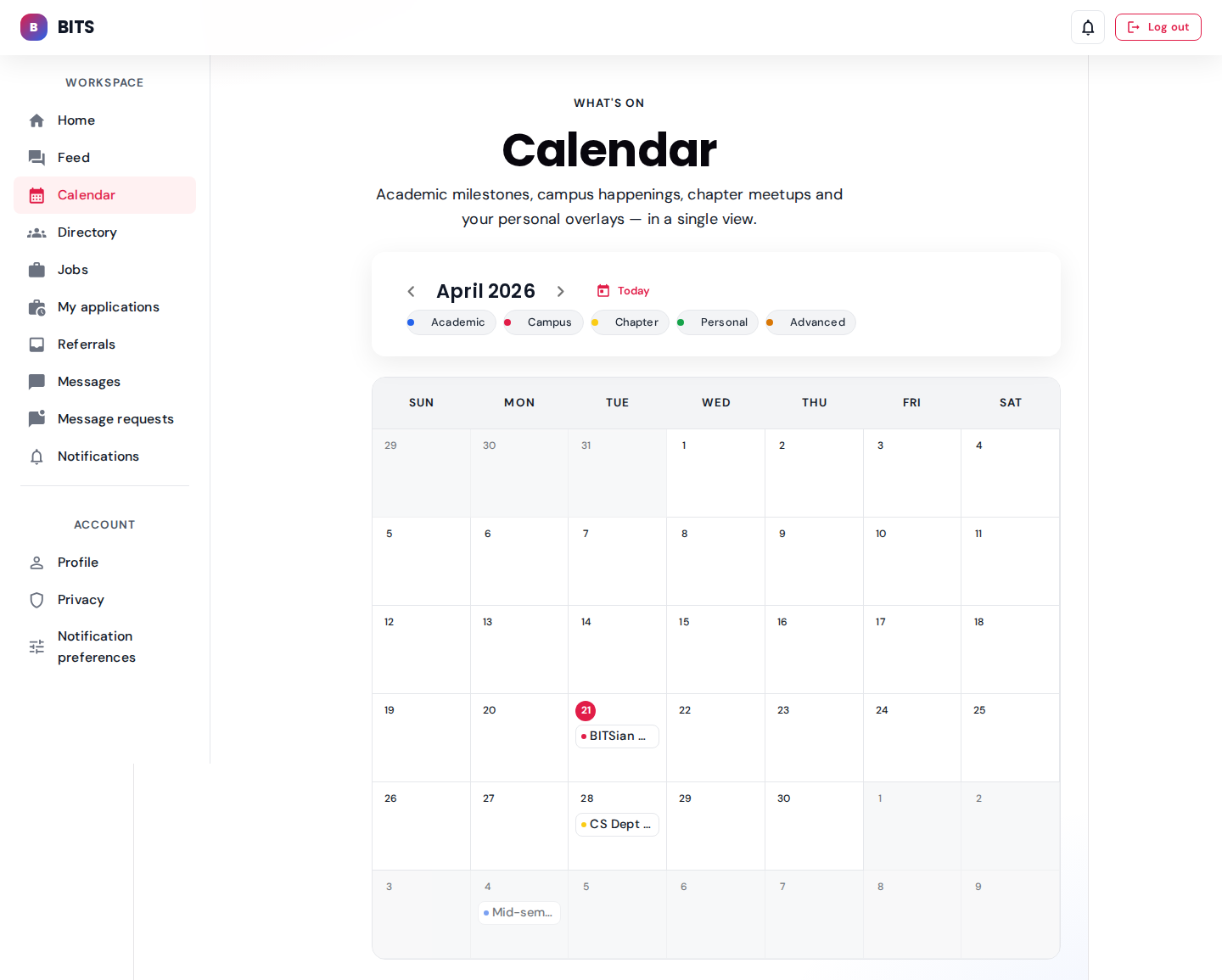
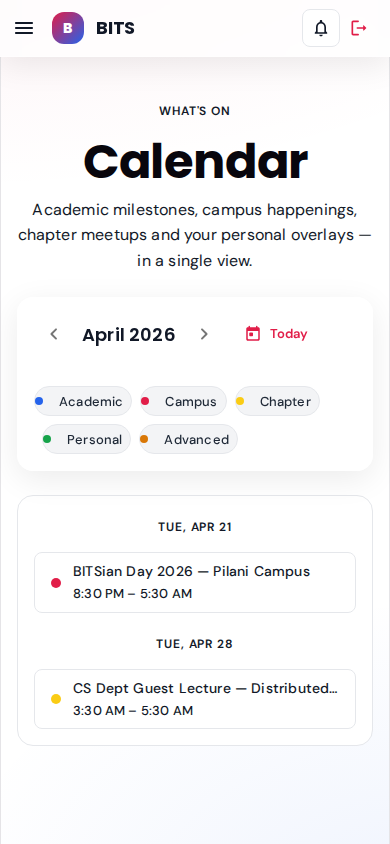
Institute-scoped events Dev can see: academics + campus happenings.
user: dev.student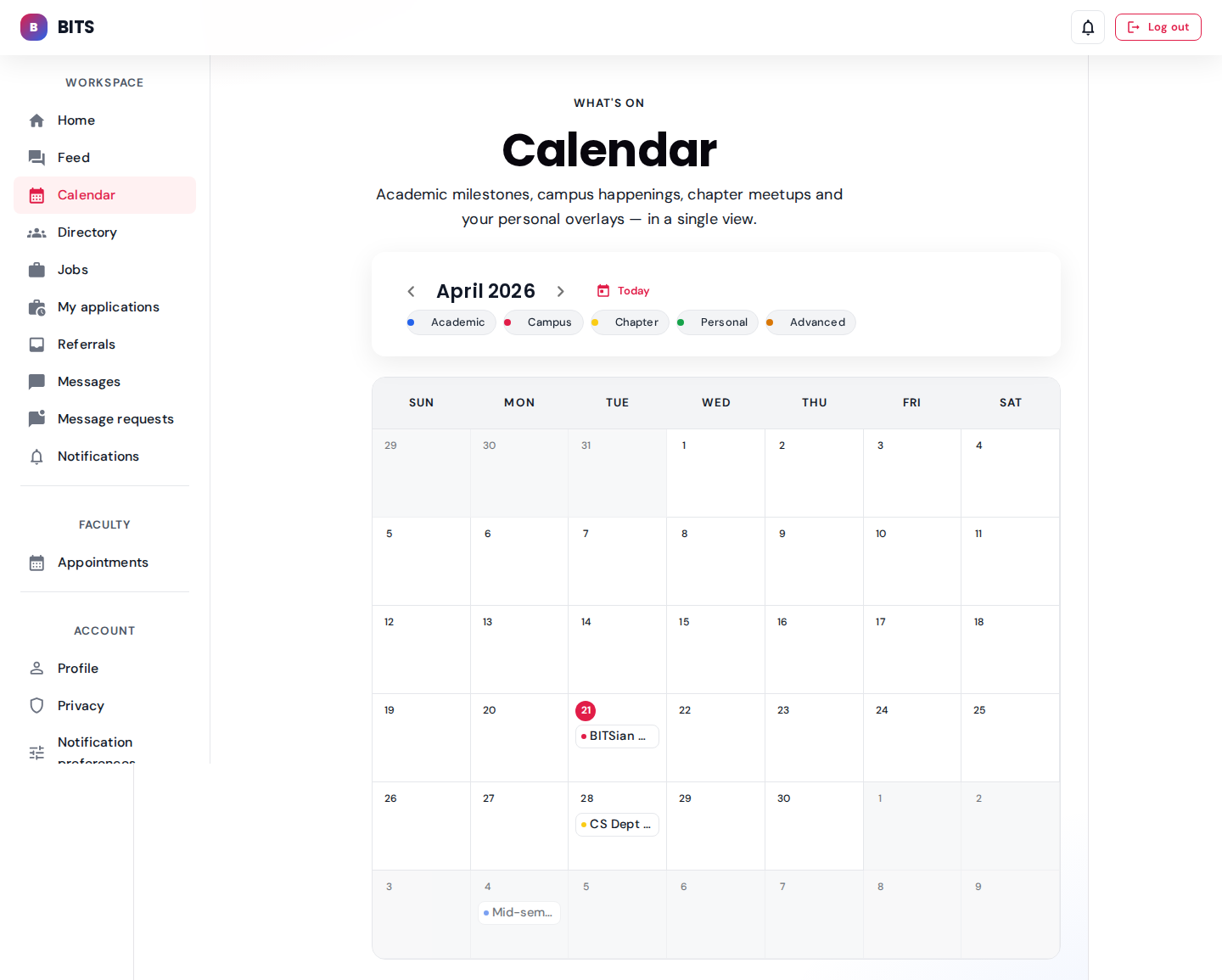
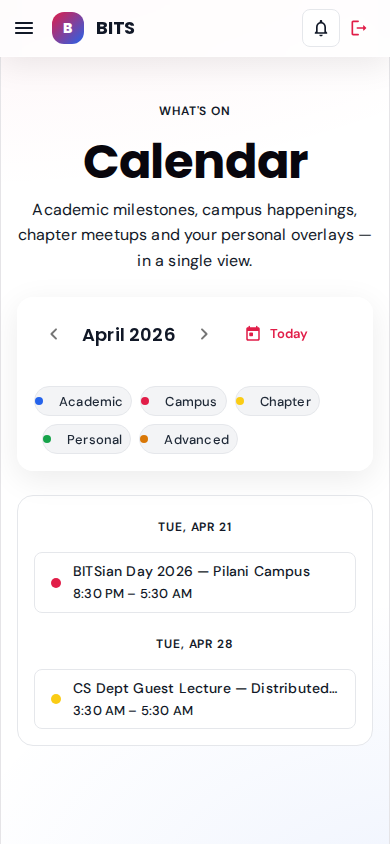
Prof. Iyer's guest lecture is owned by a faculty member — appears alongside institute-wide events.
user: prof.iyer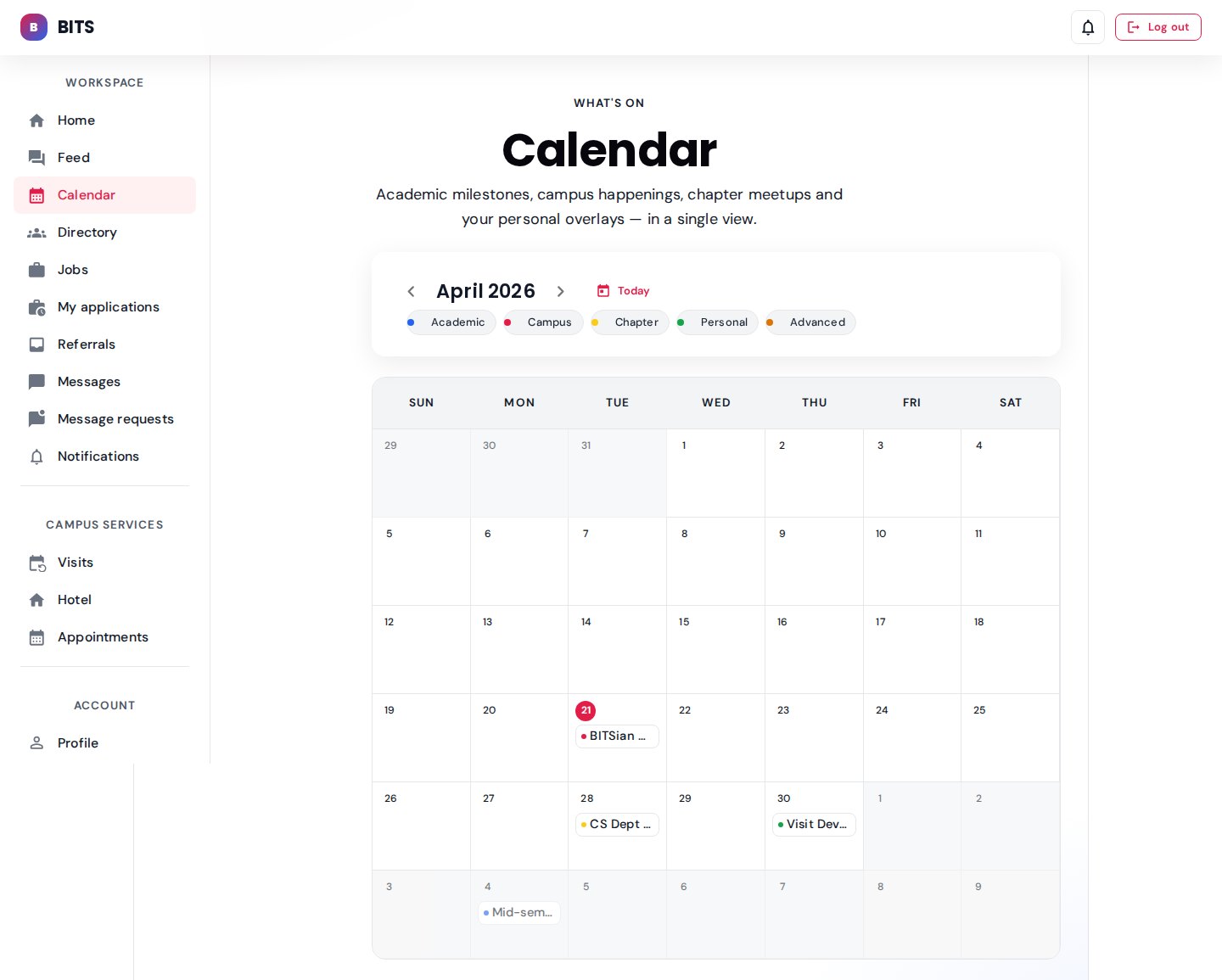
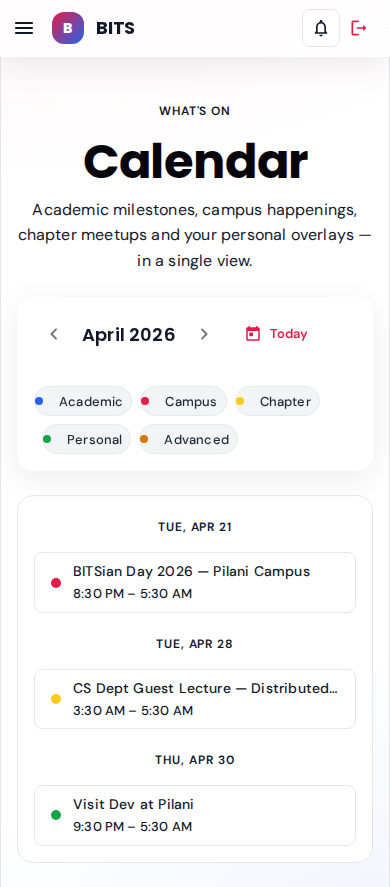
Sunita's personal overlay appears alongside the institute events shared with parents of linked students.
user: sunita.parent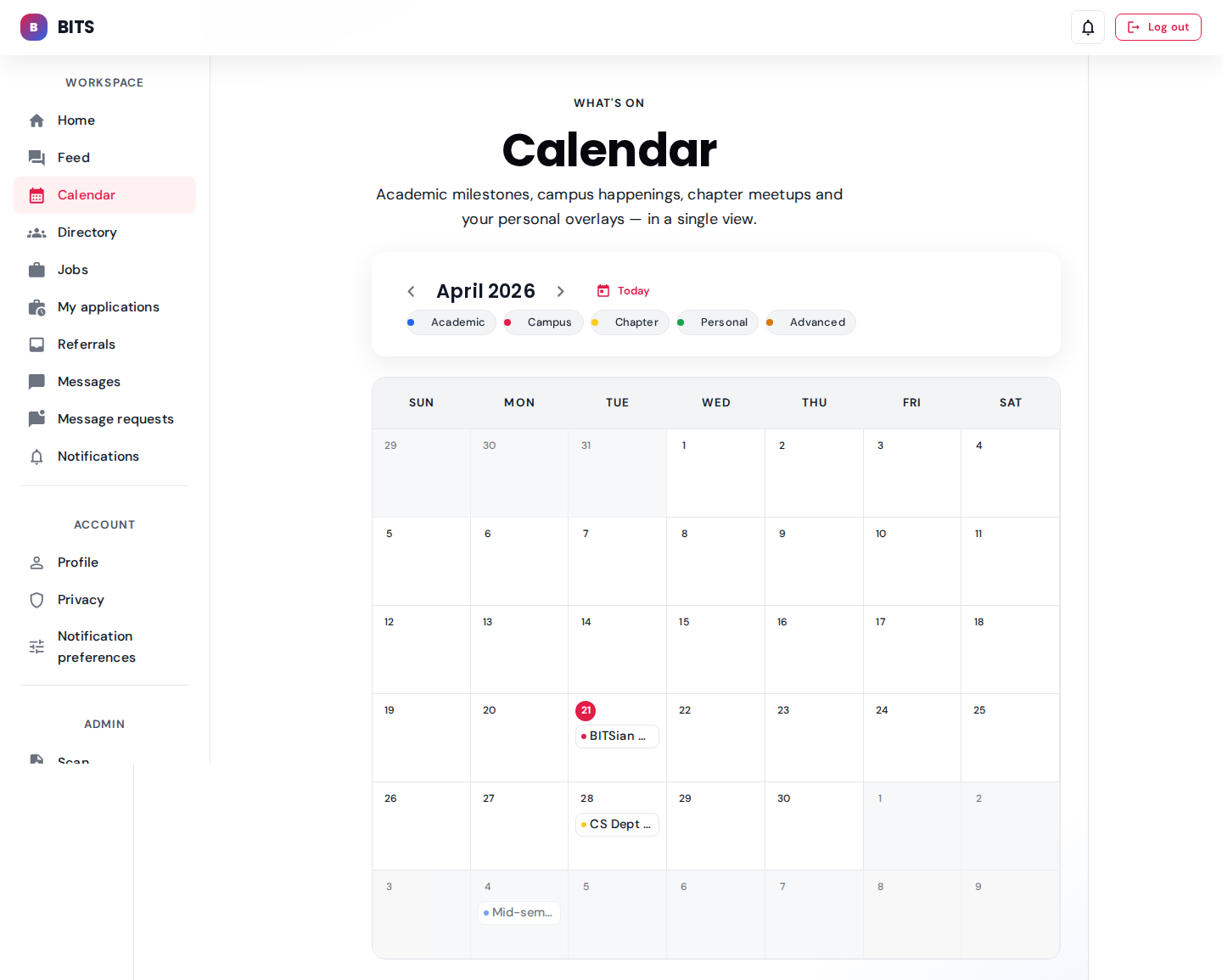
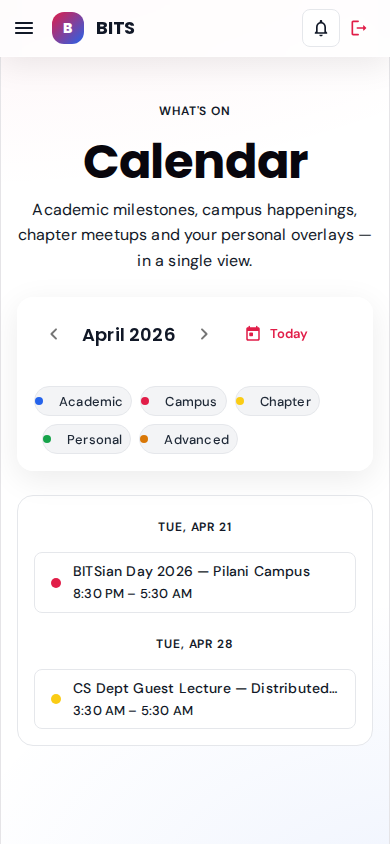
Ops staff see the institute-wide schedule they help run.
user: staff.ops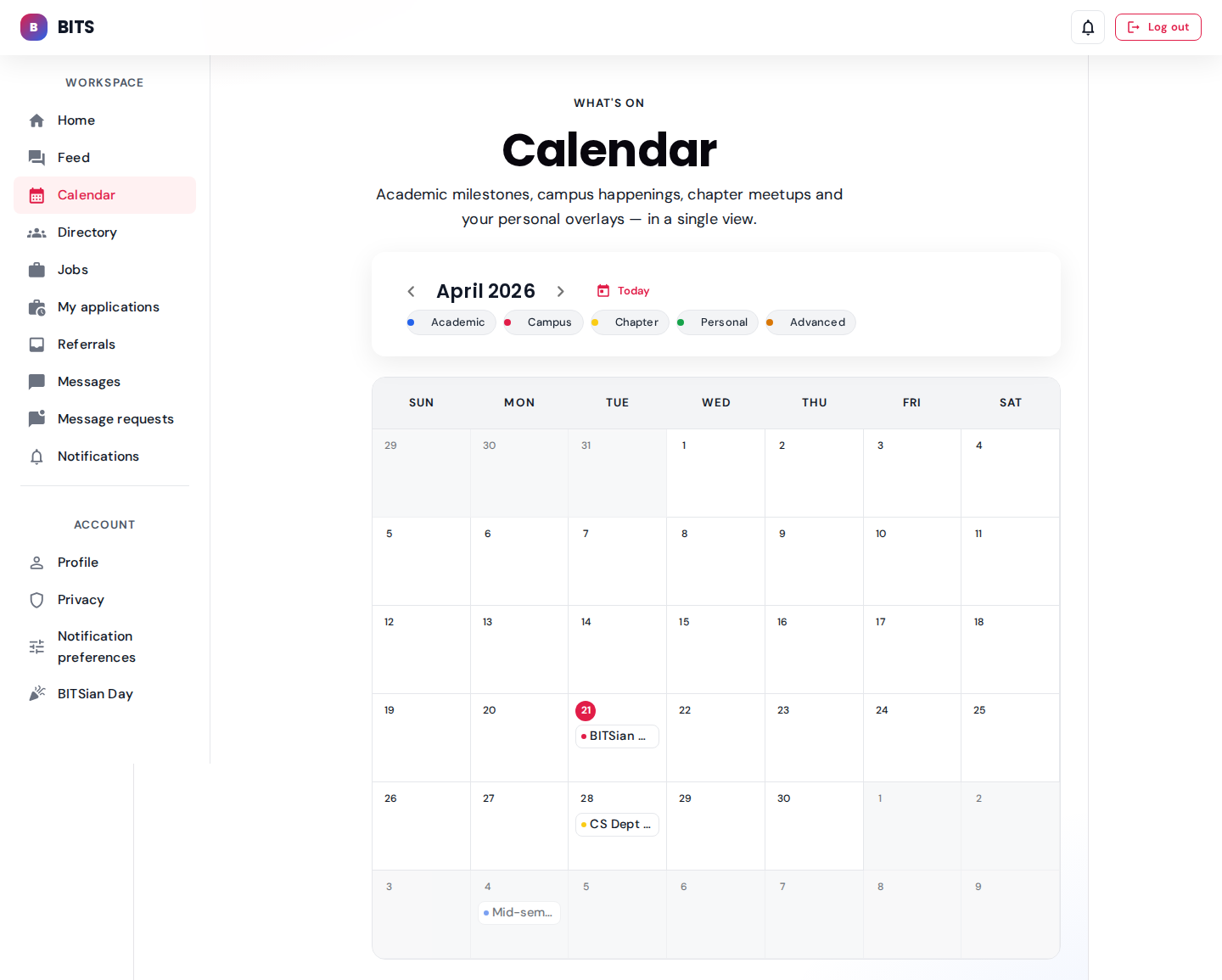
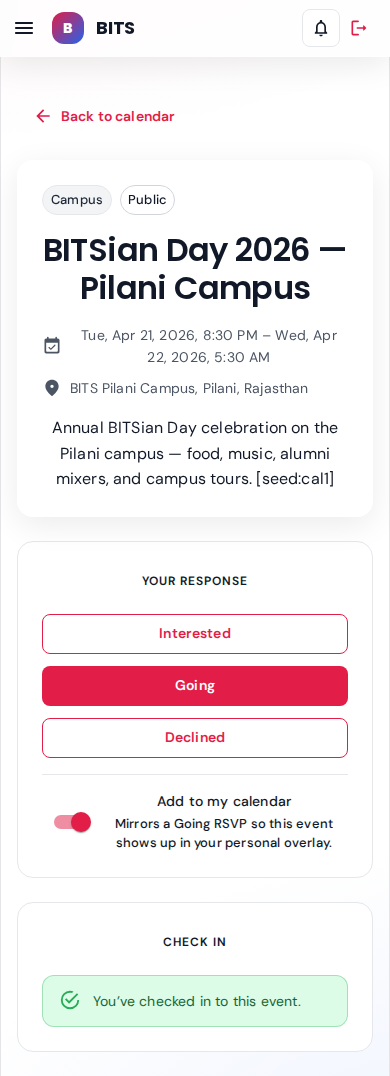
RSVP (Interested / Going / Declined), "add to my calendar" overlay, and a geofenced check-in panel.
BITSian Day — alumni flagship role: alumni
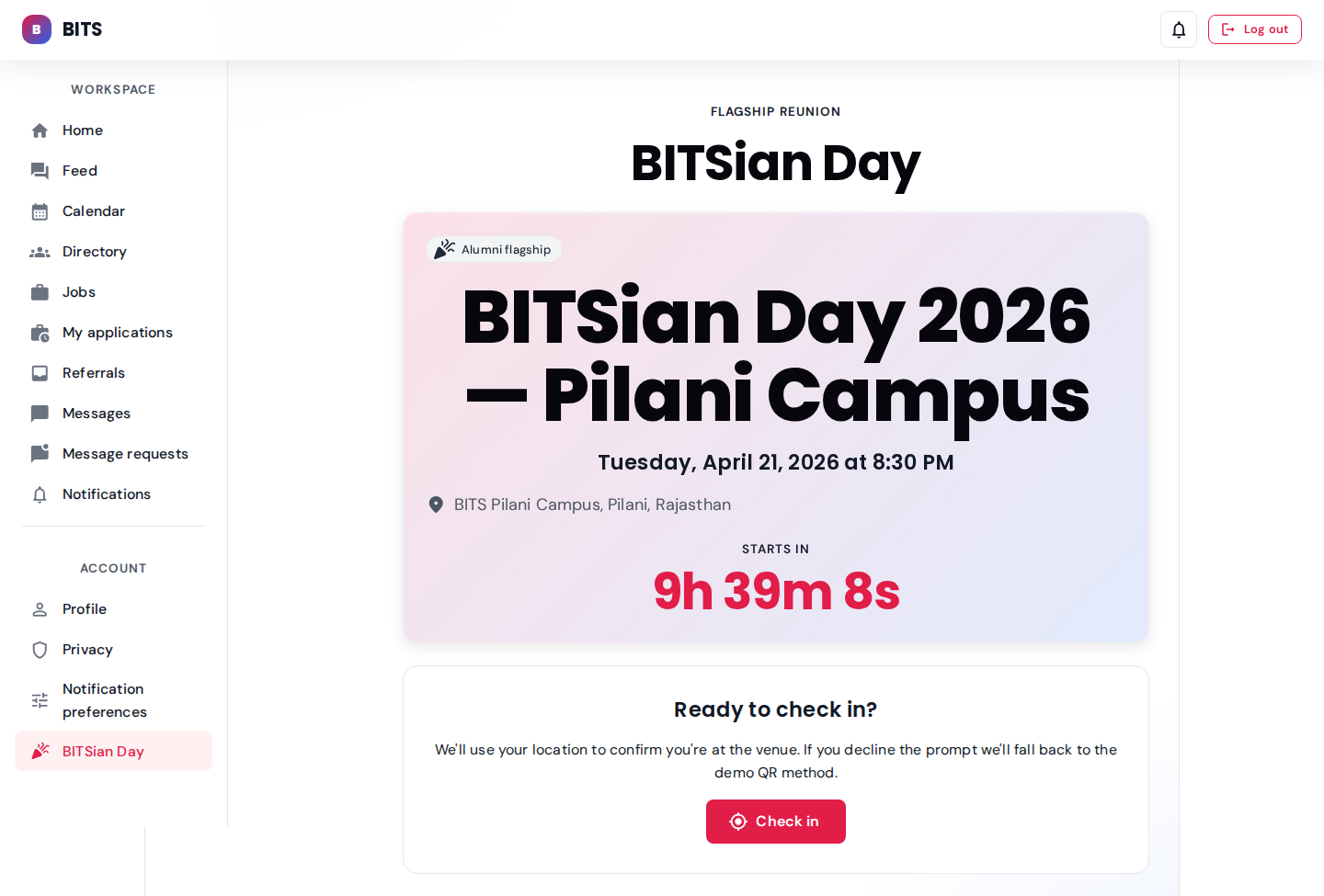
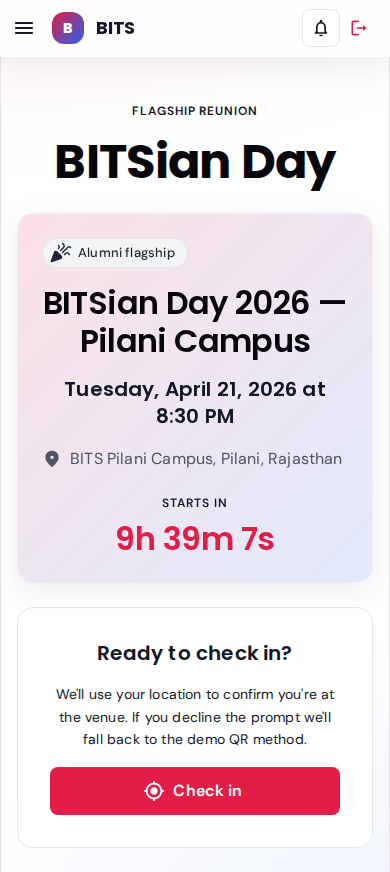
Flagship reunion hero with countdown; tap "Check in" to hit the geofenced API (QR fallback when geolocation is denied).
seeded: 3 alumni check-insAdmin — calendar CMS & BITSian Day dashboard role: admin
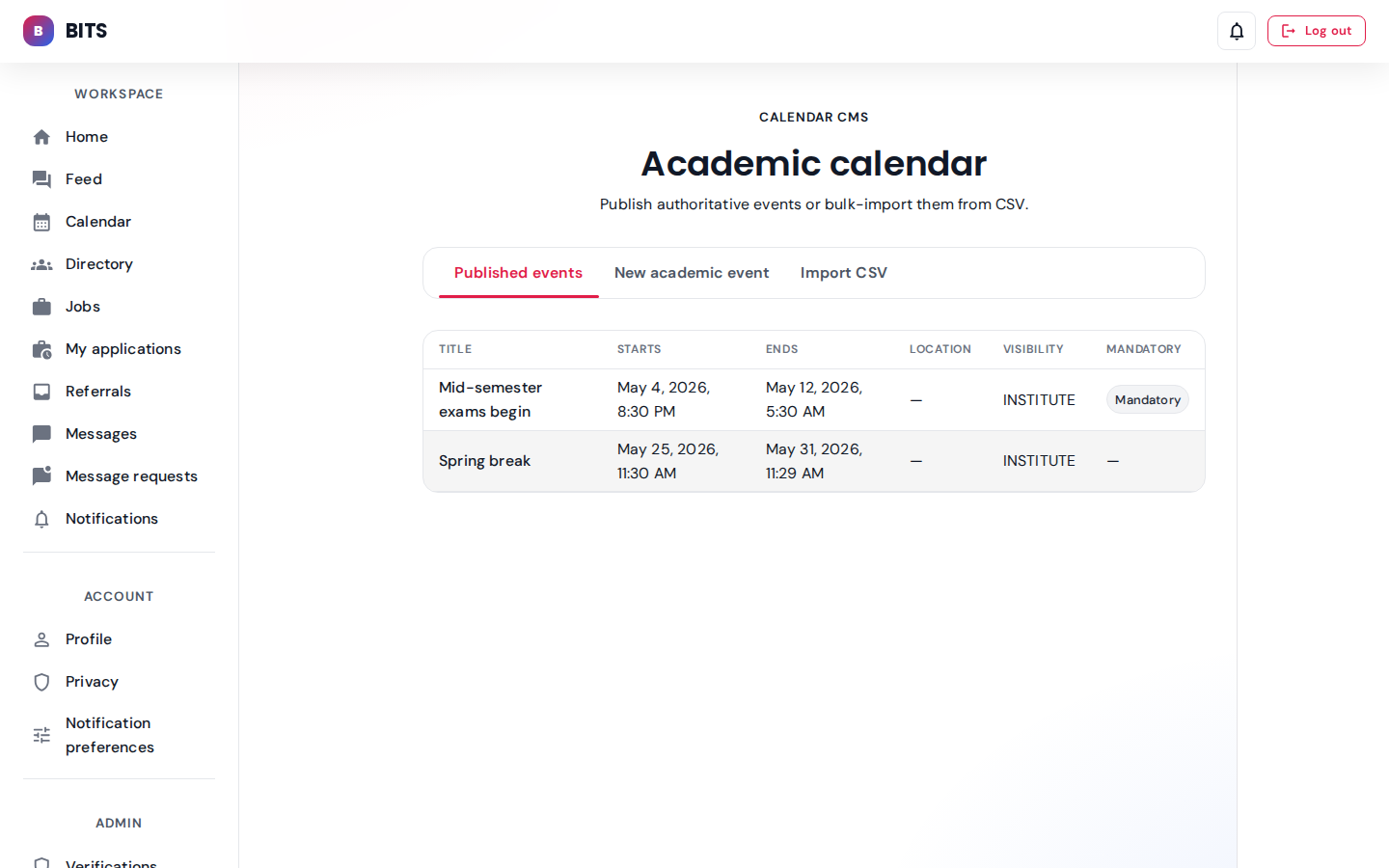
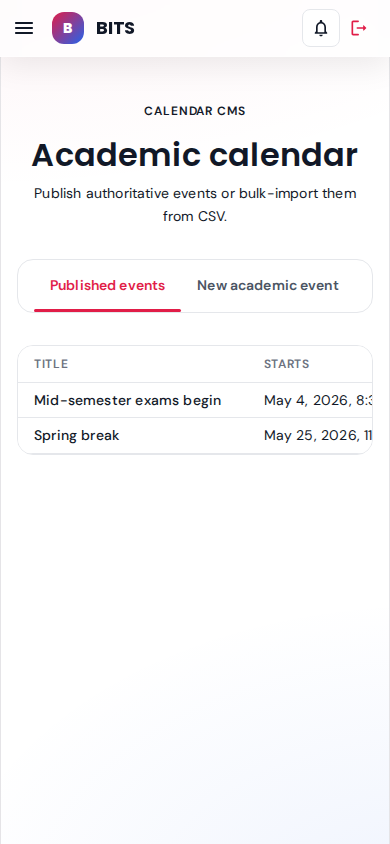
Authoritative academic events (mid-sem, spring break) with mandatory flags and visibility chips.
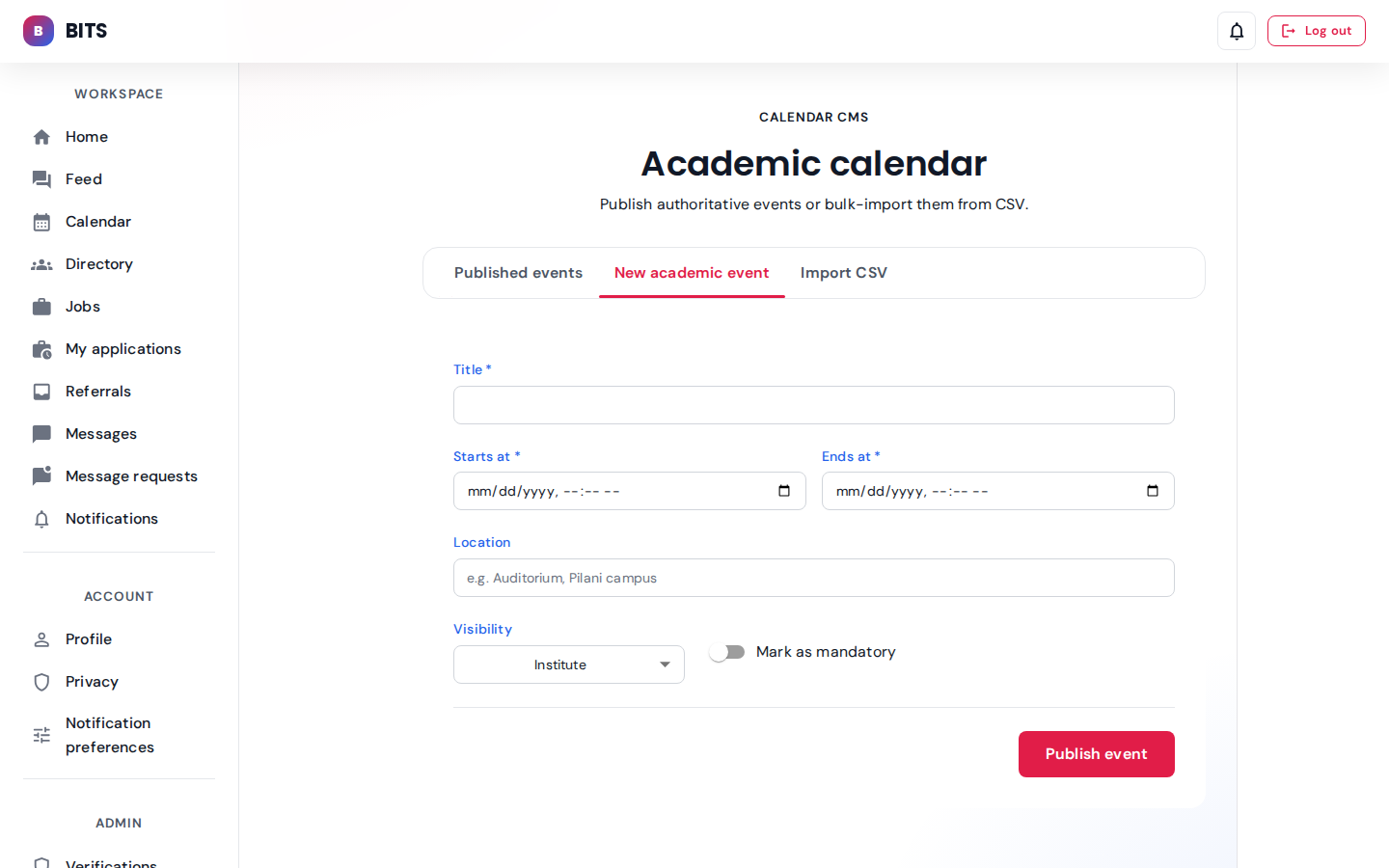
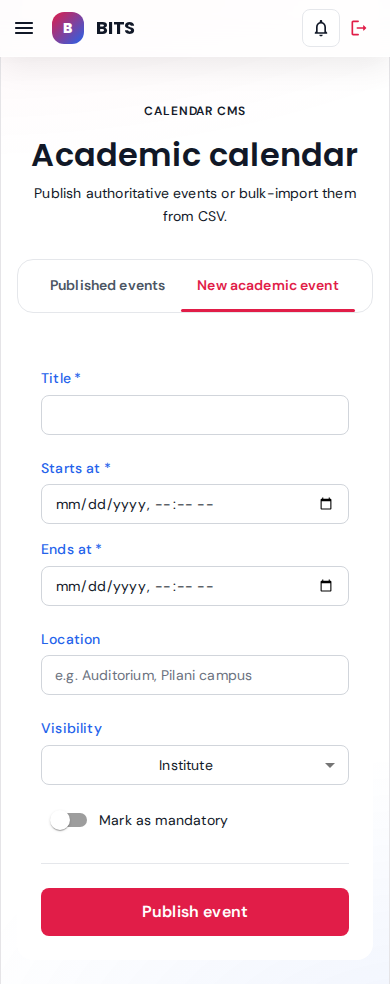
Title, window, location, visibility scope and mandatory toggle — posts to the calendar CMS.
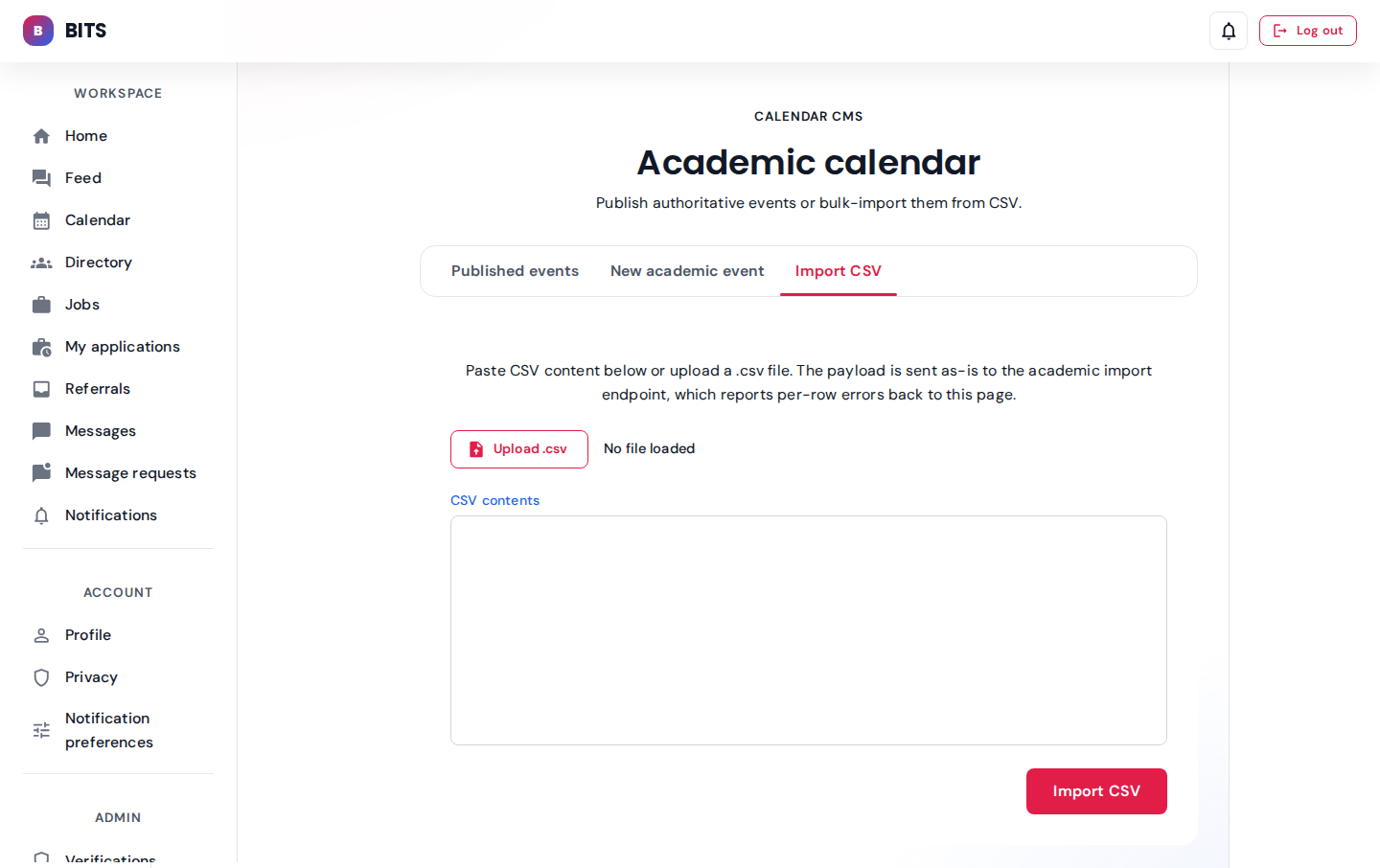
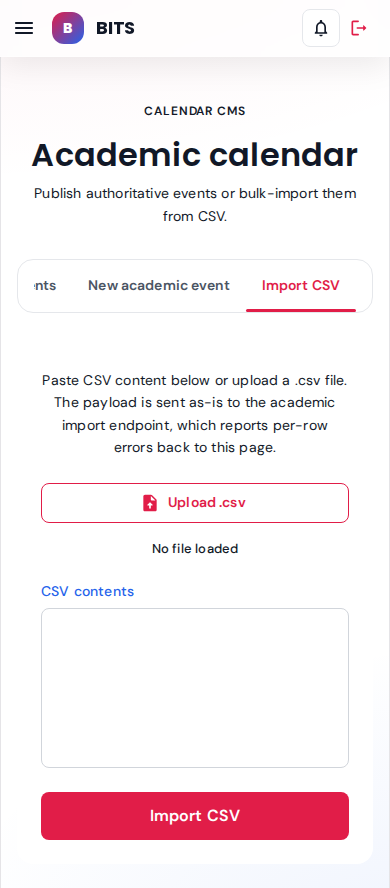
Upload or paste CSV; per-row validation errors render inline below the form.
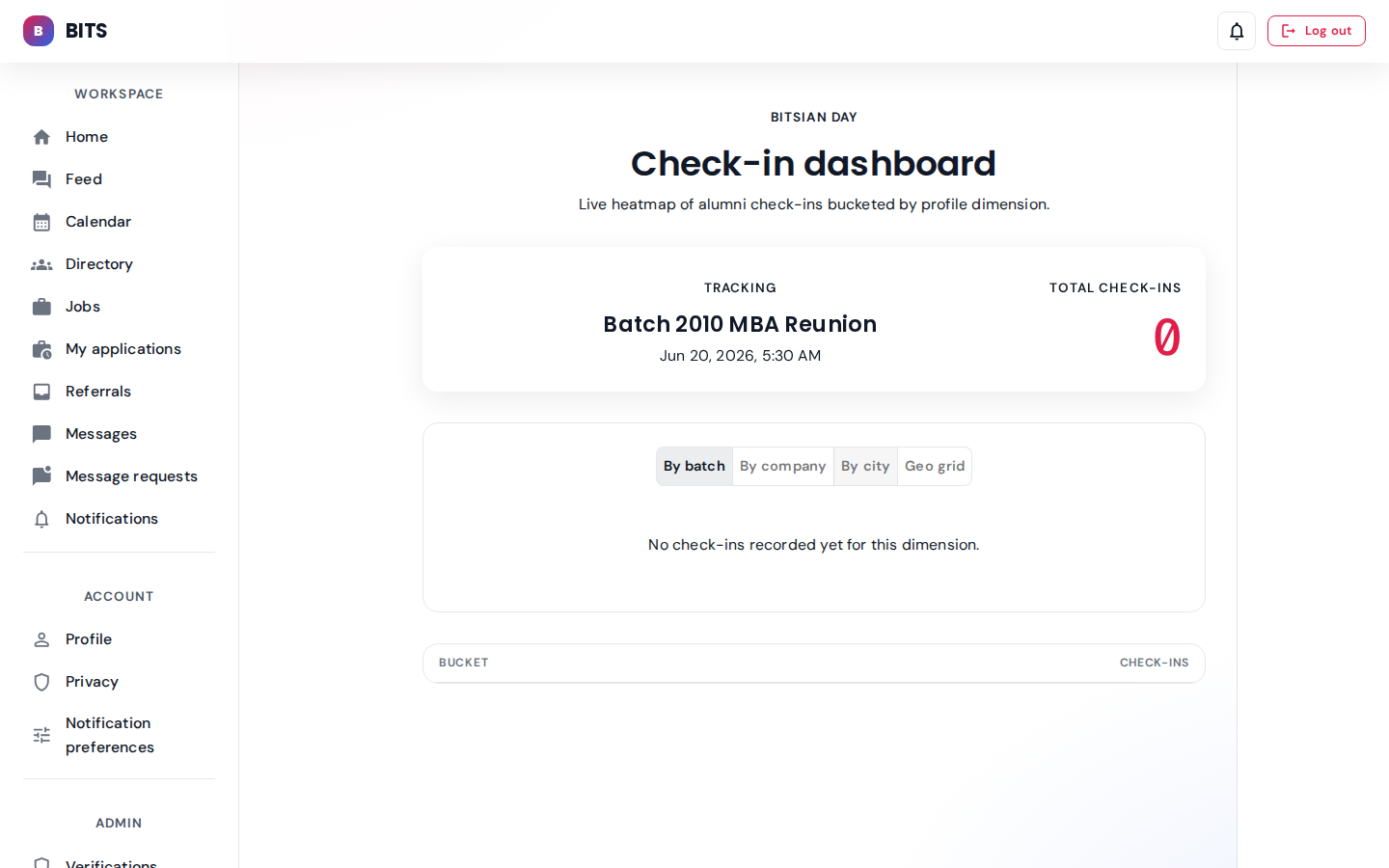
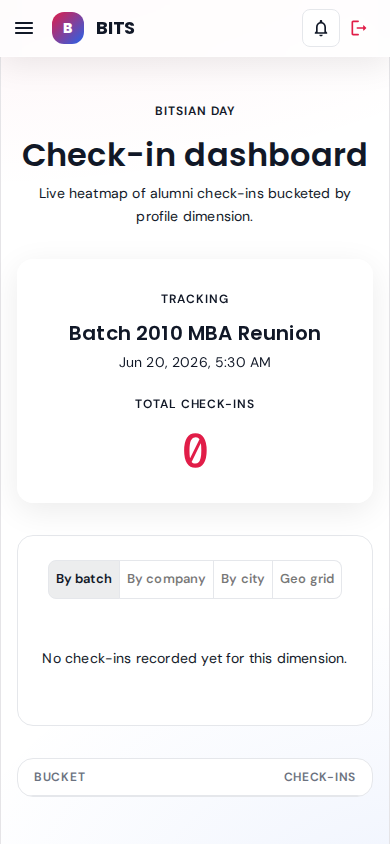
Live count of alumni check-ins bucketed by batch year. Default dimension.
seeded: 3 check-ins (2010, 2015, 2018)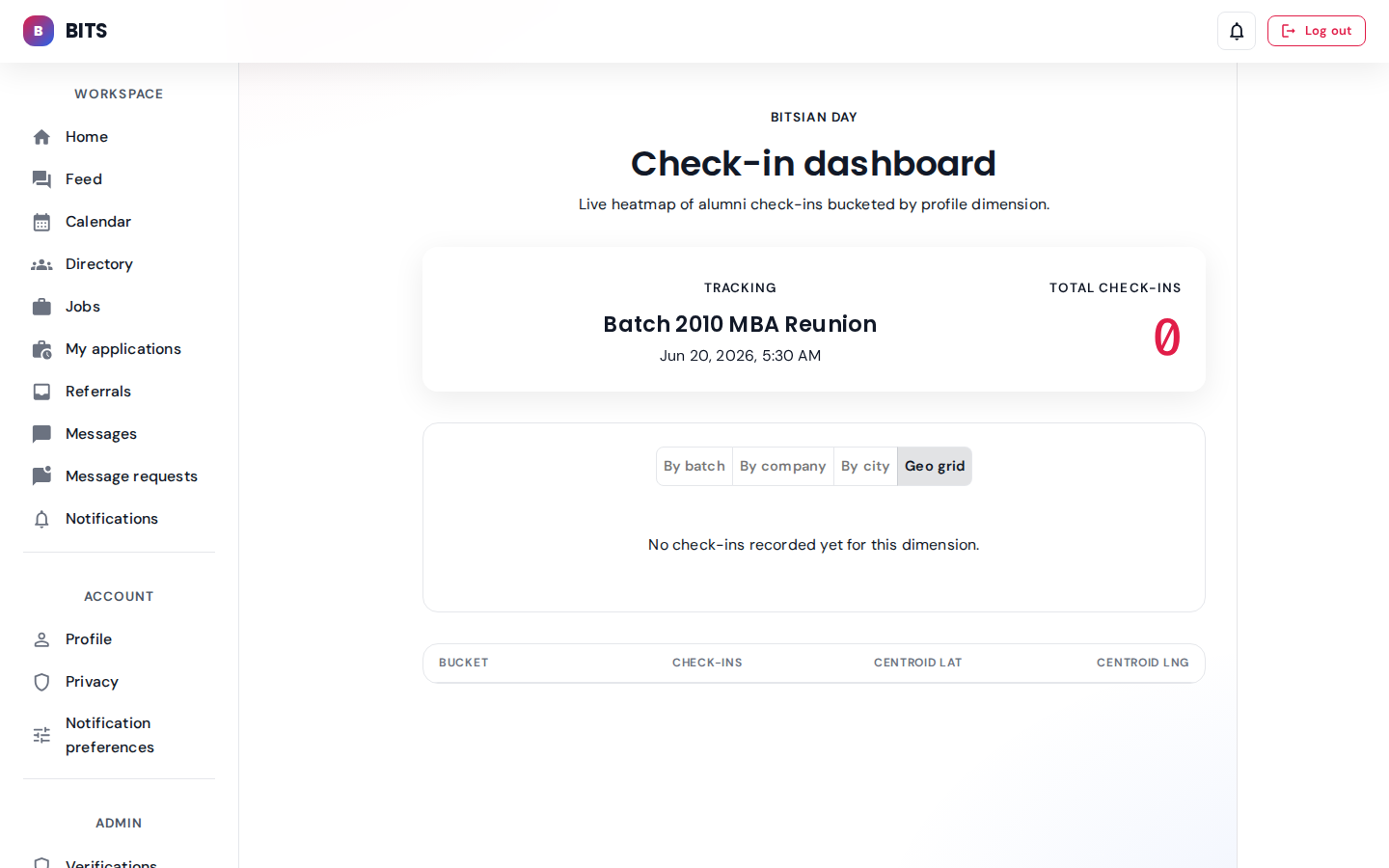
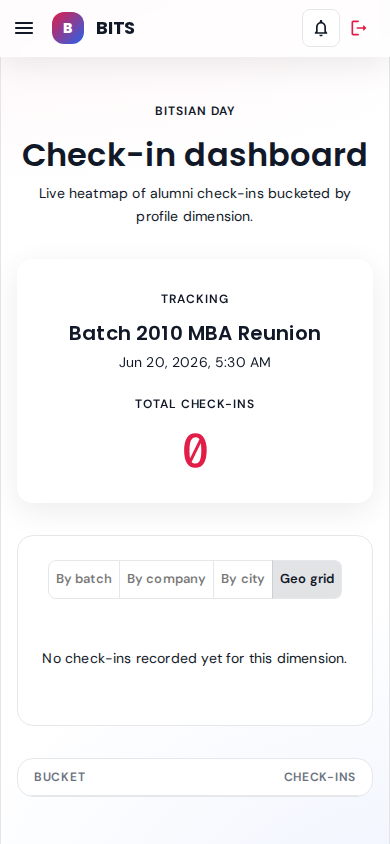
Alternate dimension: check-ins clustered into geo cells with centroid lat/lng.
Campus services
Visits with digital gate passes, guest-house bookings, faculty appointments, late-entry log, and the security scan console.
Parent — sunita.parent@srs-ngr.com role: parent
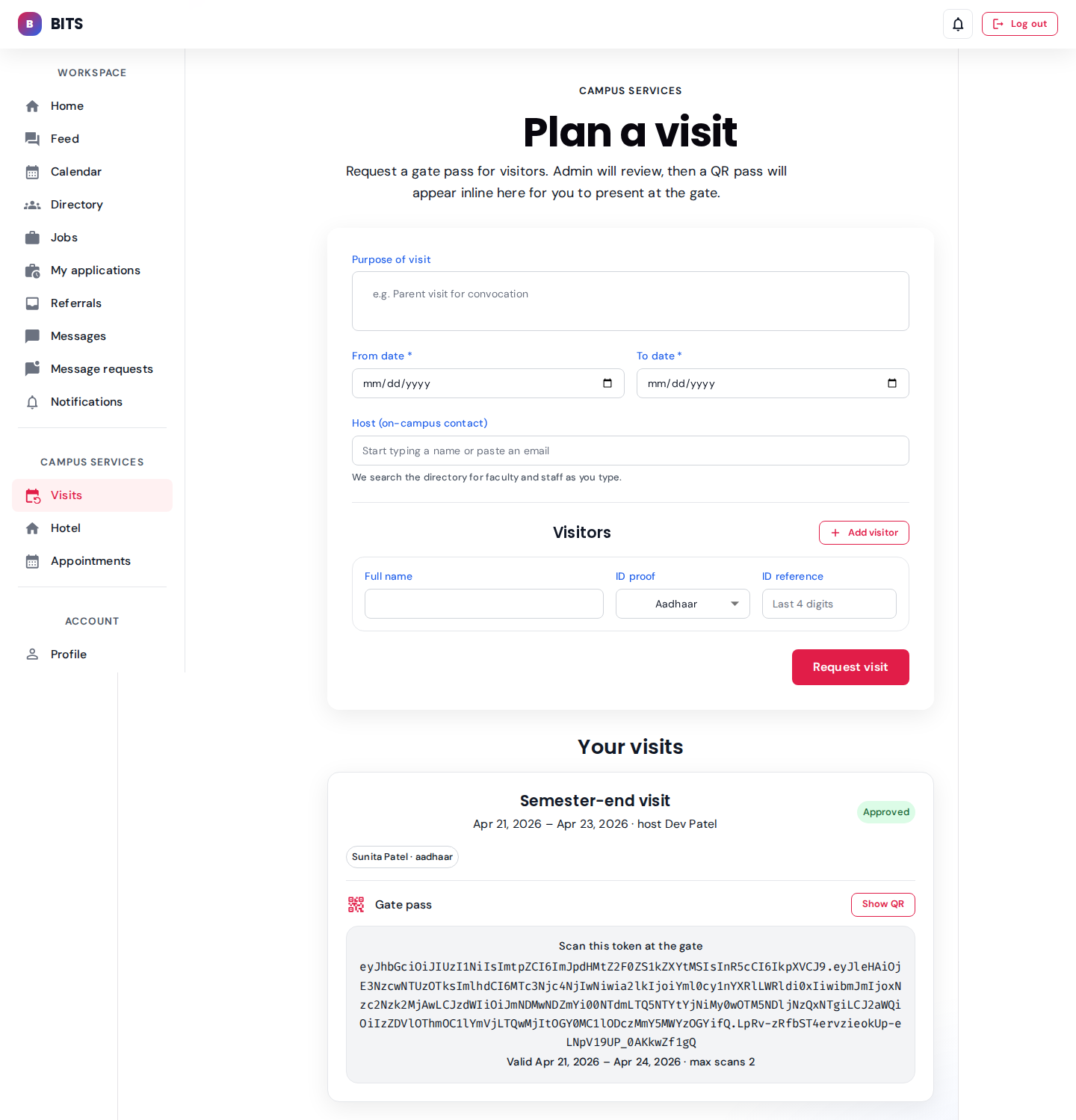
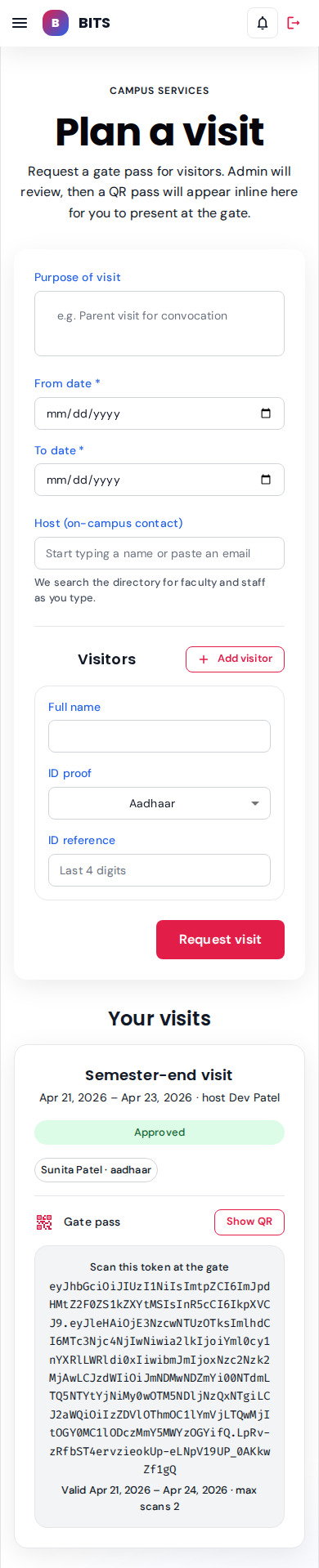
Sunita's semester-end visit is approved; the gate-pass card below shows the signed QR token plus a "Show QR" toggle.
seeded: 1 approved visit, valid 2 days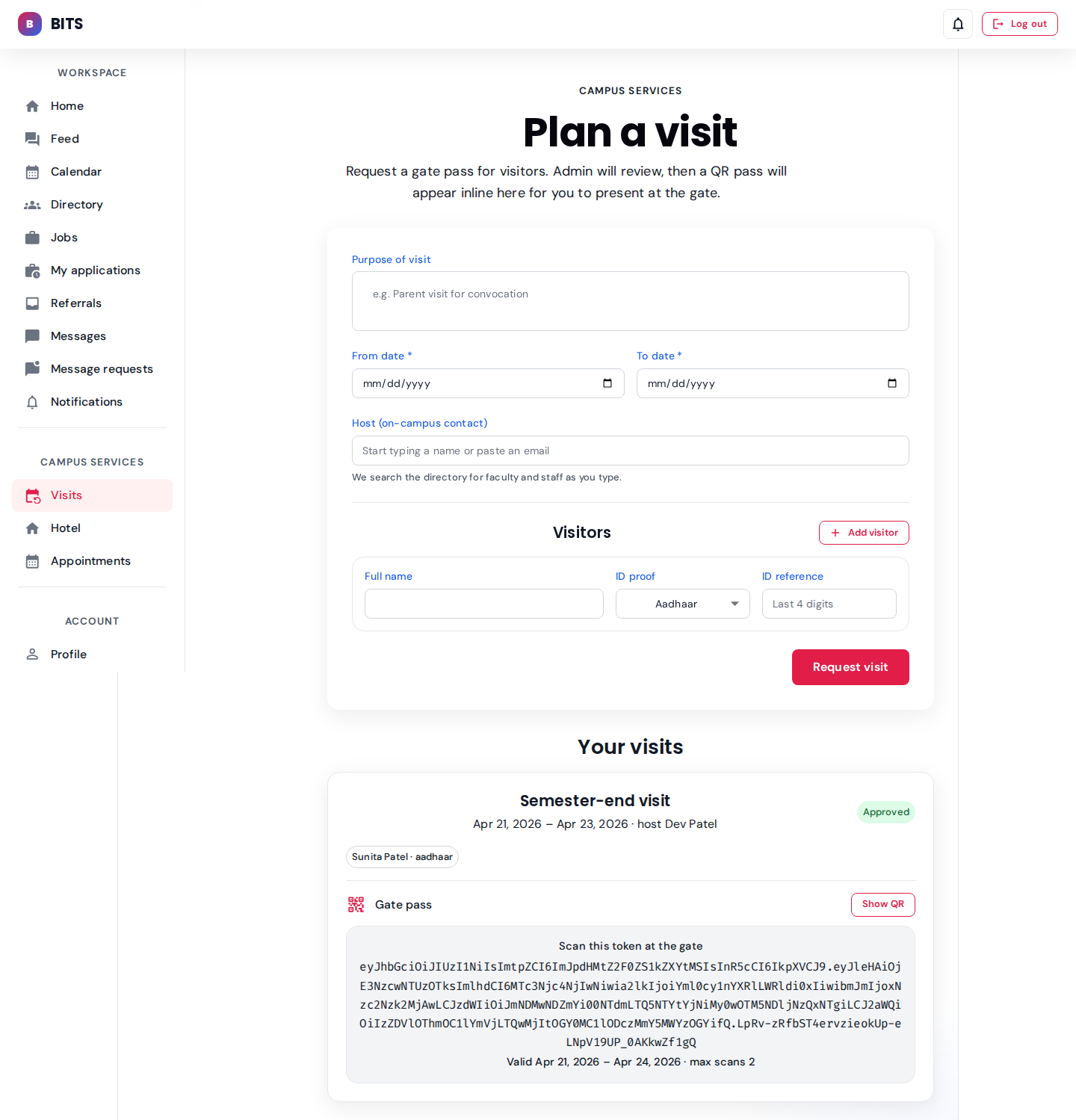
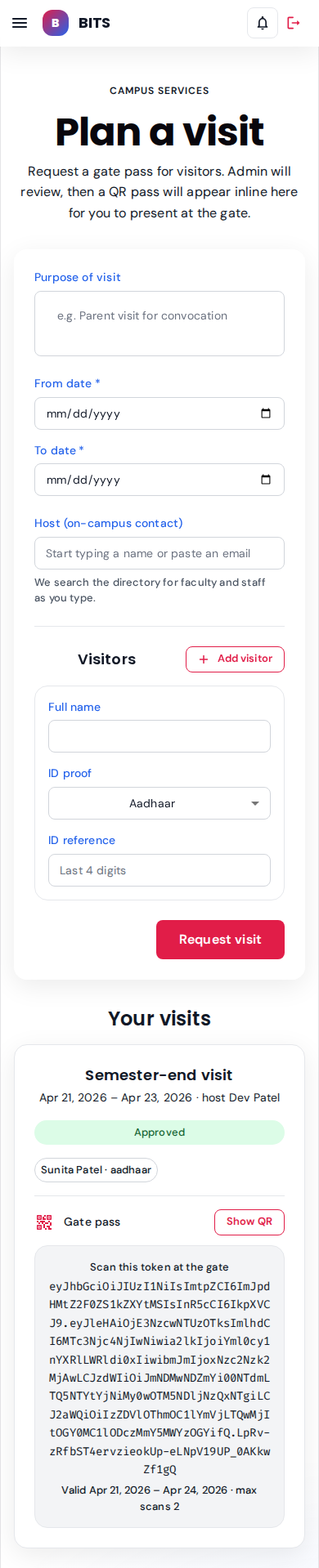
Date window, host lookup, and visitors table (name + ID proof). Submitting queues the request for admin review.
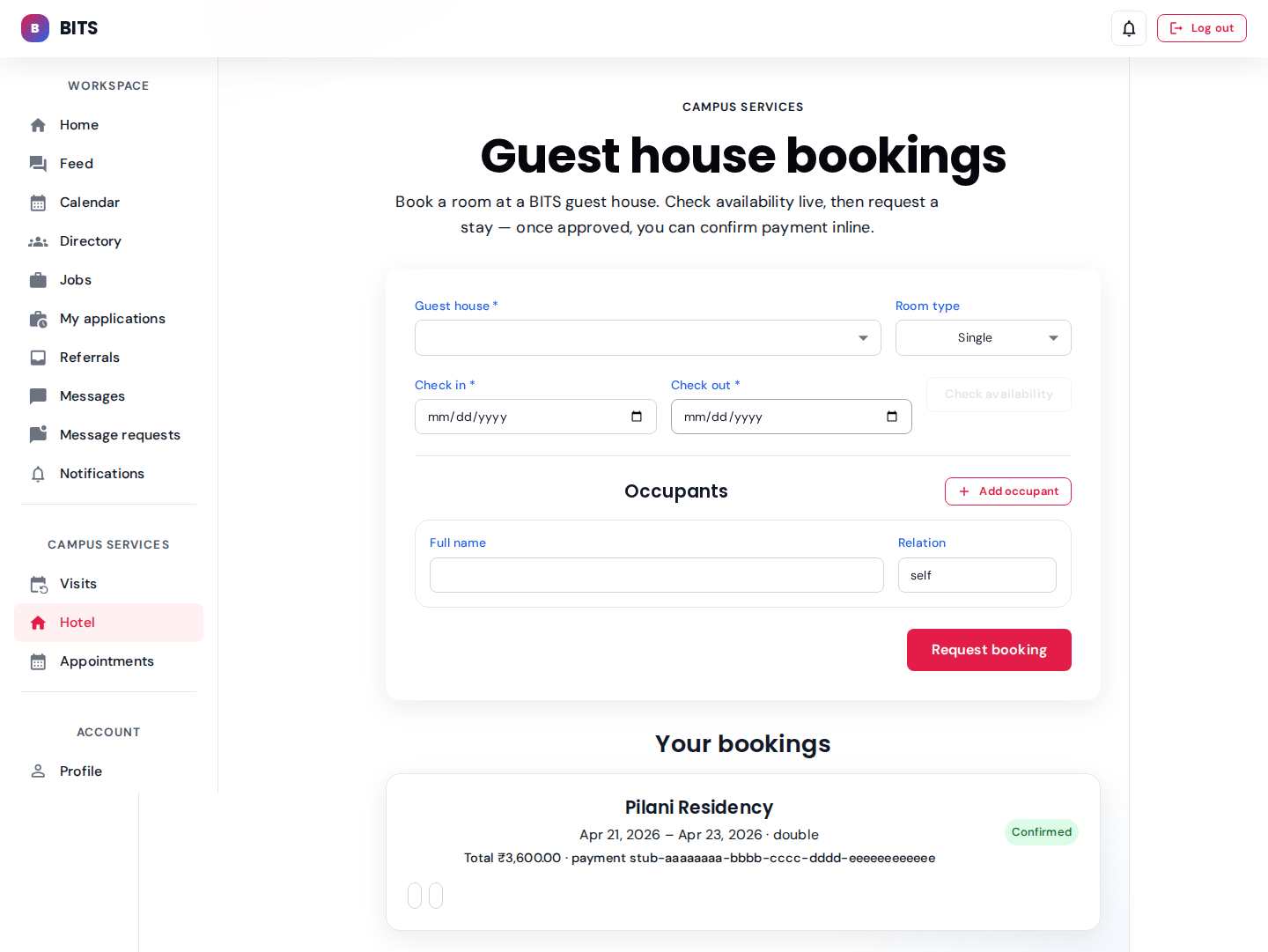
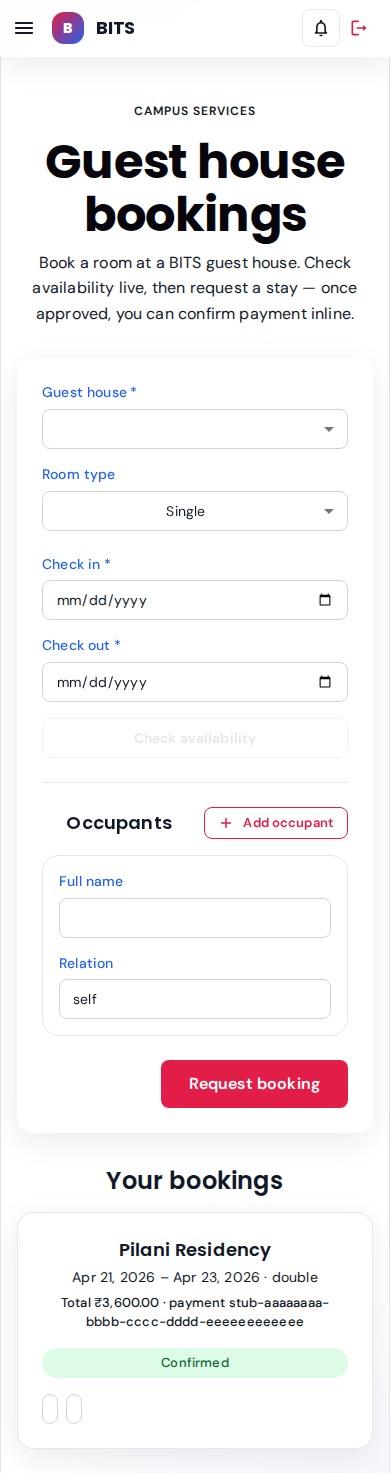
Availability widget plus "Your bookings" rail. Sunita's Pilani Residency stay (Room 201, Apr 21–23) shows a Confirmed chip.
seeded: 1 confirmed booking, ₹3,600 total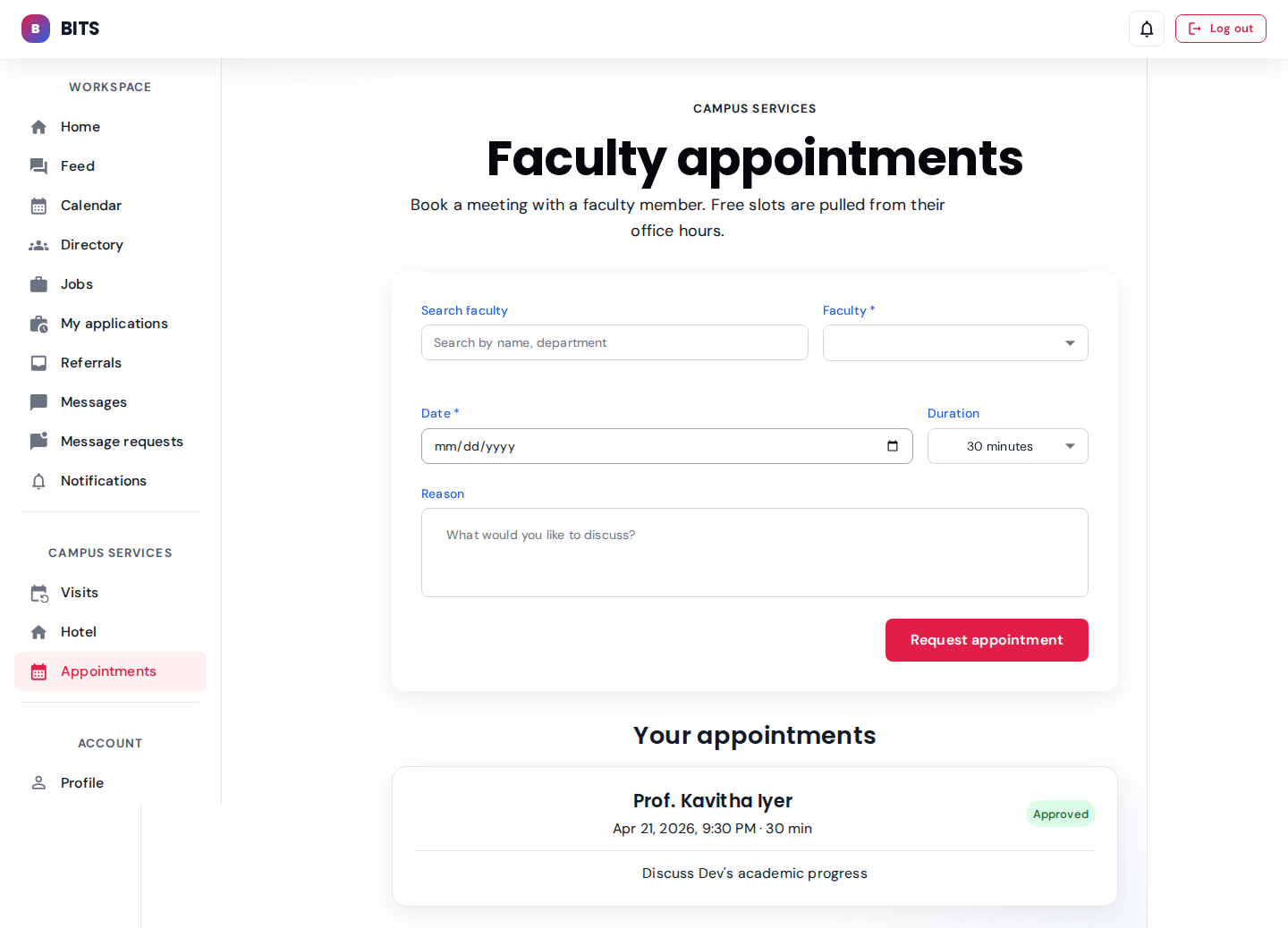
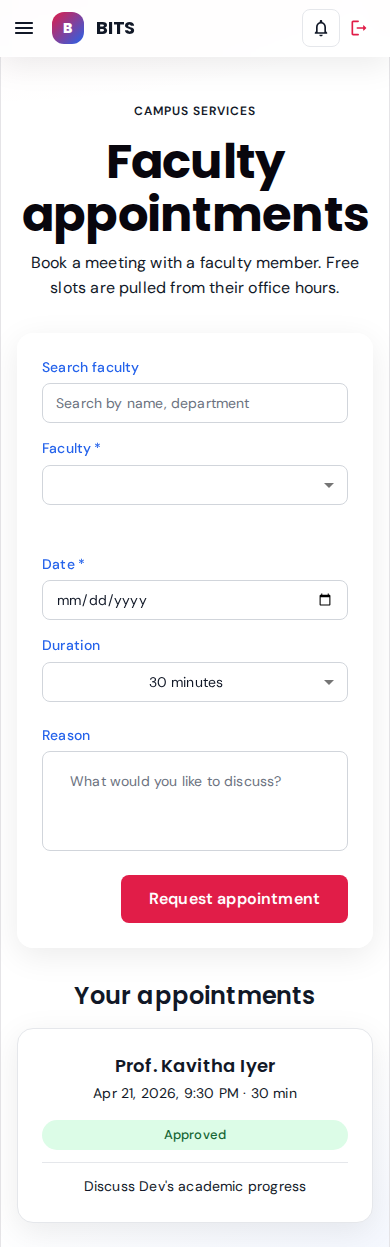
Approved slot with Prof. Iyer. Parent can cancel before the faculty member locks the slot.
seeded: 1 approved appointmentParent — ravi.parent@srs-ngr.com role: parent
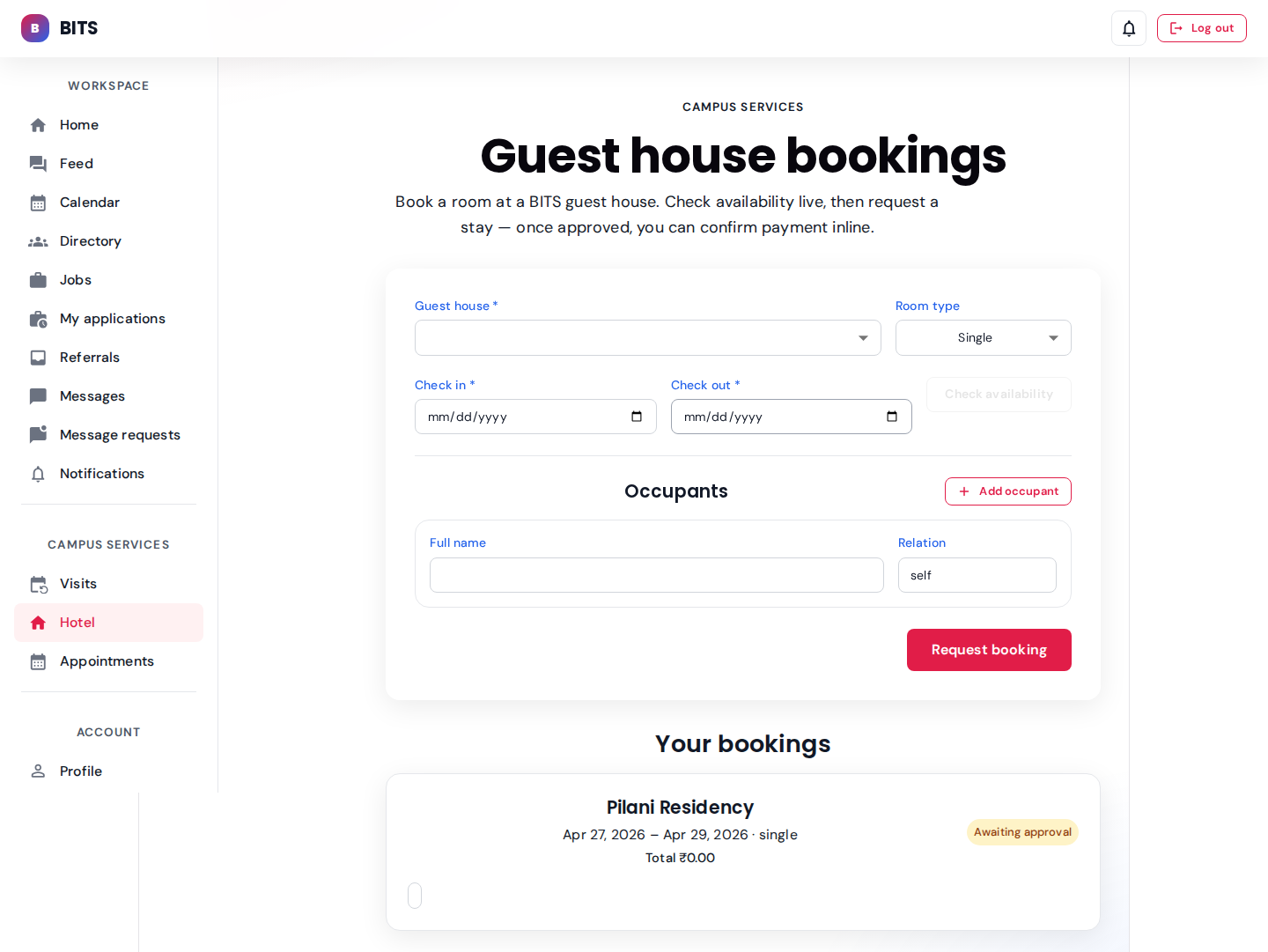
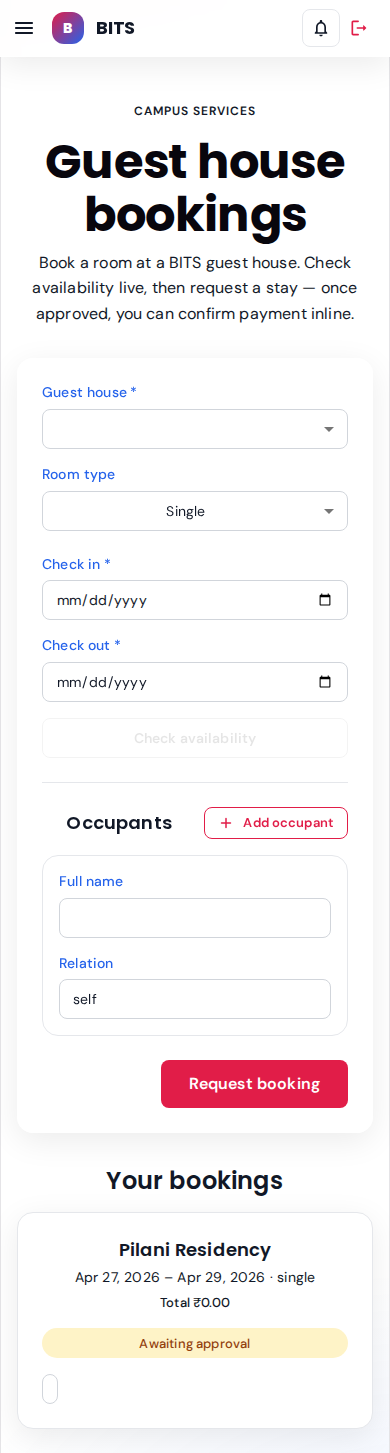
Ravi's booking sits in REQUESTED state until an admin confirms. No payment stub yet.
seeded: 1 requested bookingFaculty — prof.kumar@srs-ngr.com role: faculty
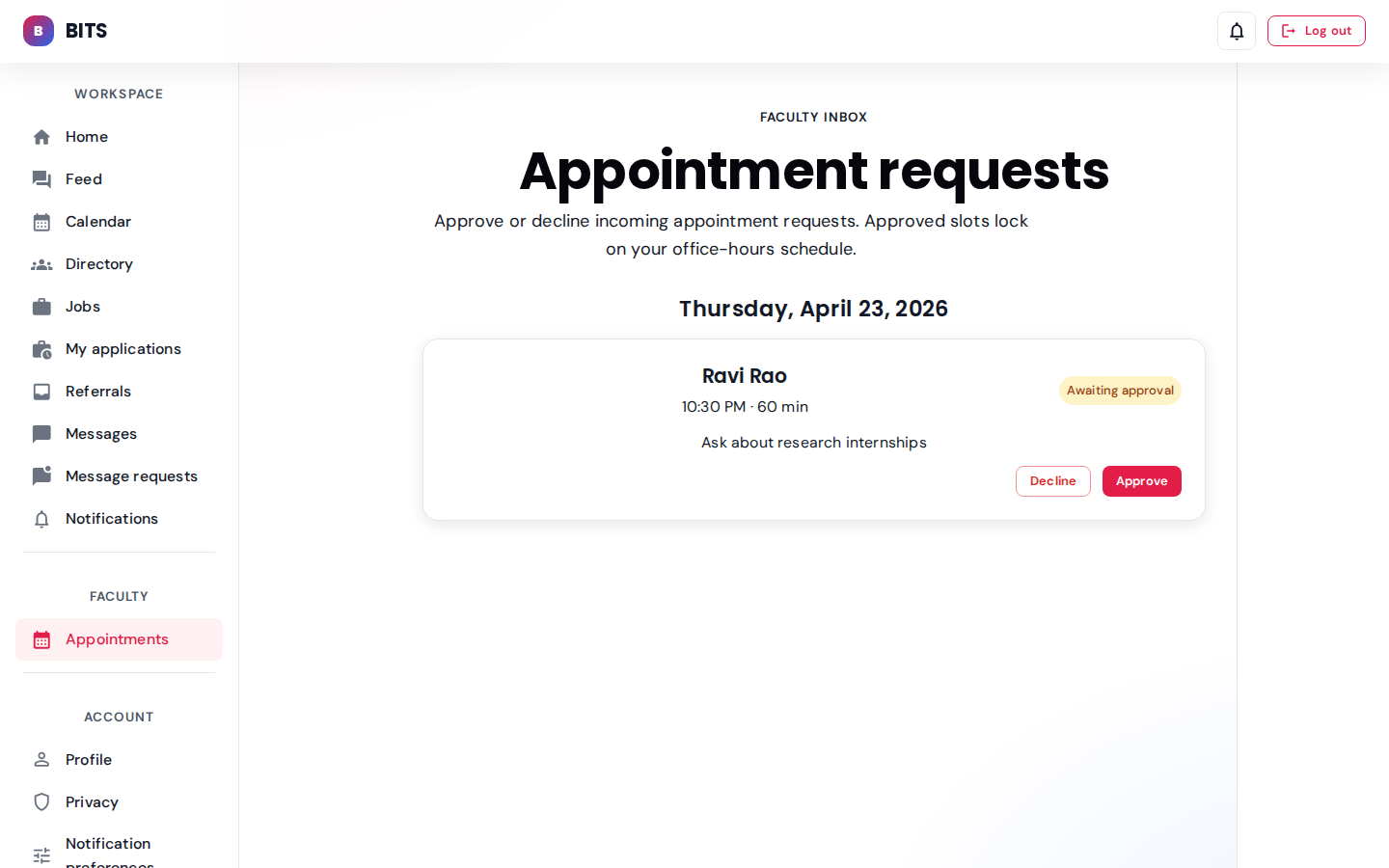
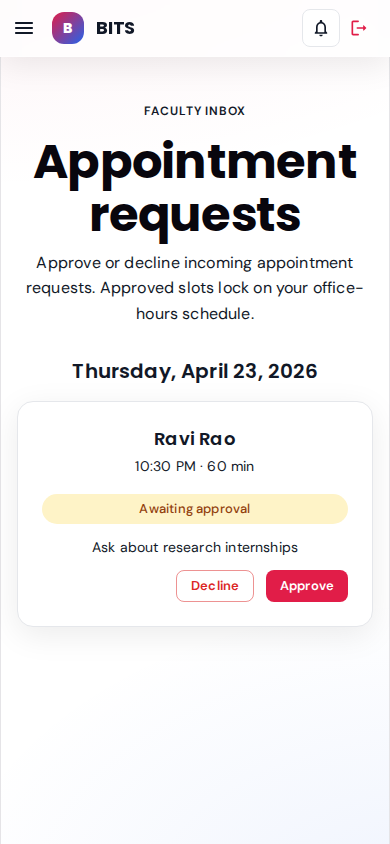
Prof. Kumar sees Ravi's requested slot; Approve mints the parent-side confirmation, Decline returns a reason.
seeded: 1 inbound requestAdmin & security — admin@srs-ngr.com + staff.ops role: admin / staff
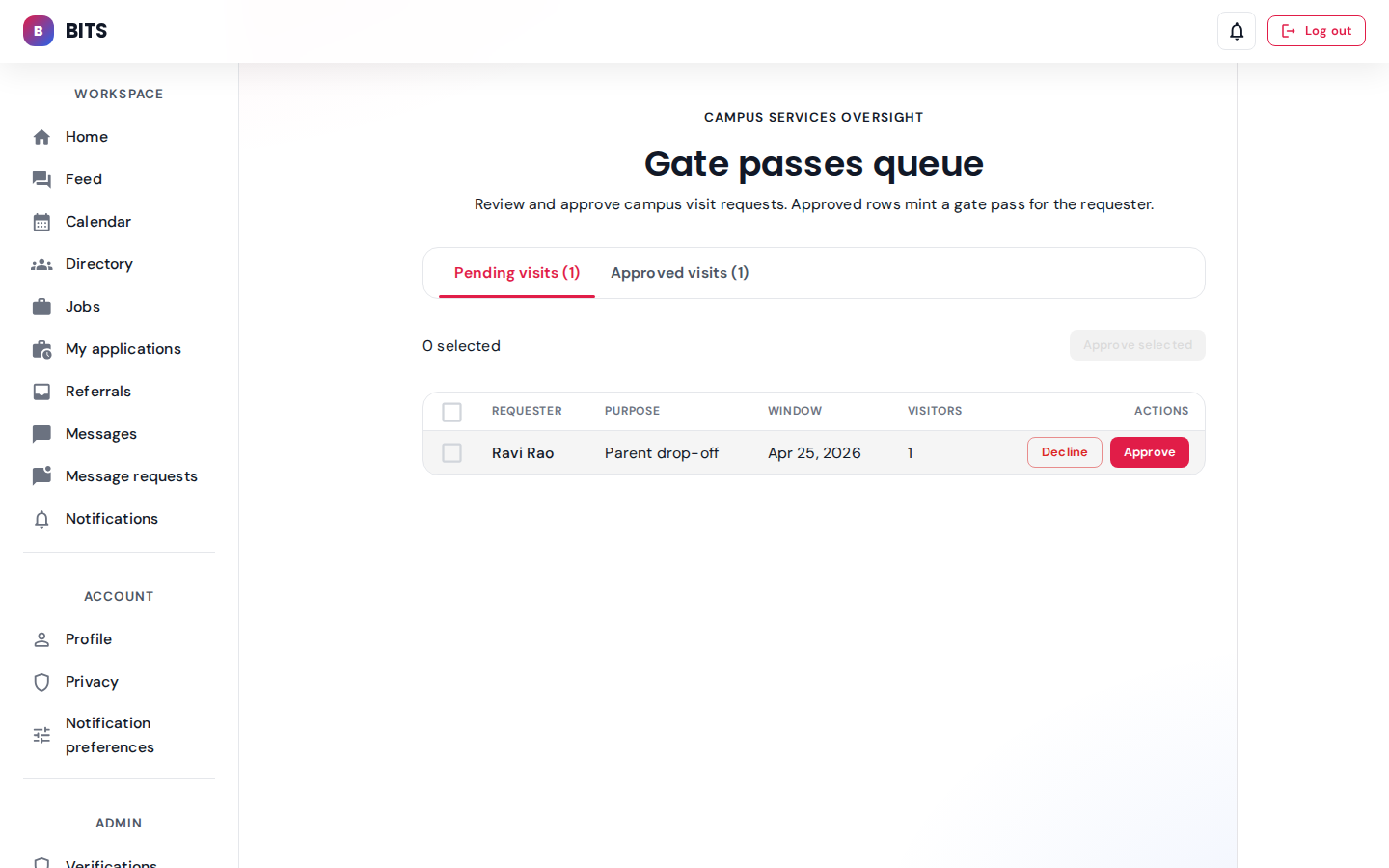
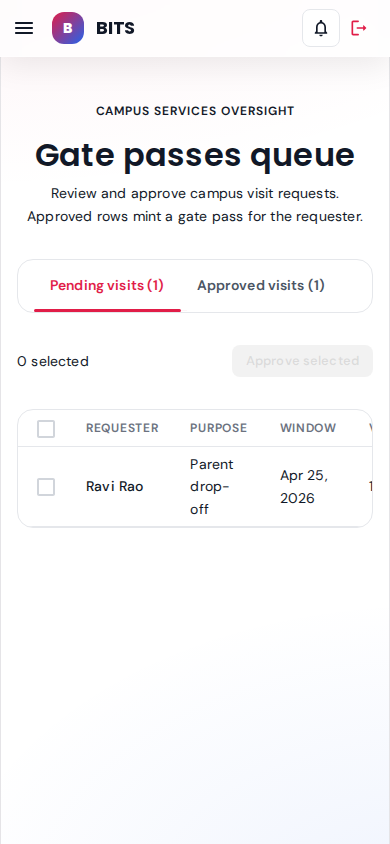
Pending tab surfaces Ravi's visit request; Approve mints a signed QR pass, Decline records a reason. Bulk-approve handles roster-day spikes.
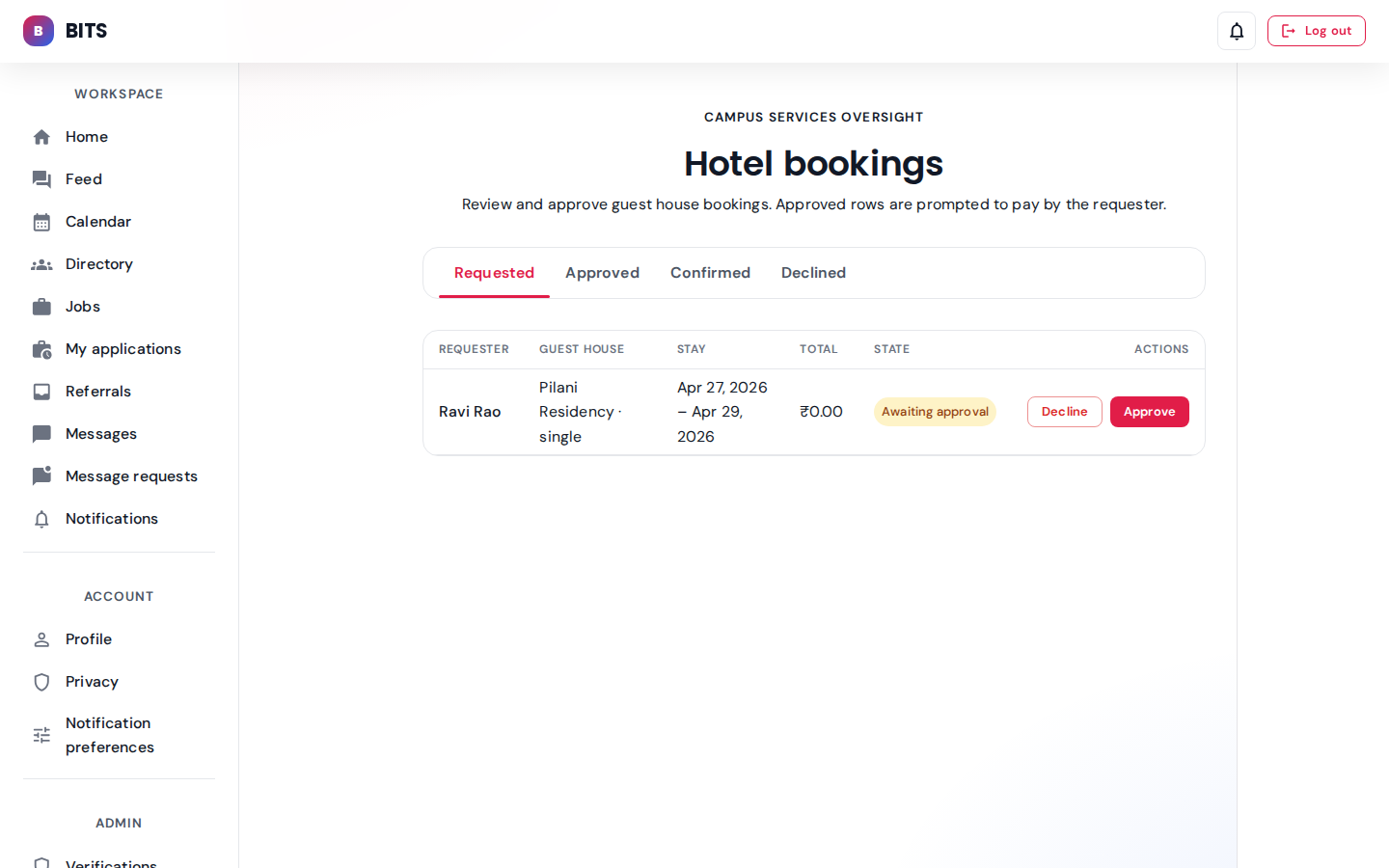
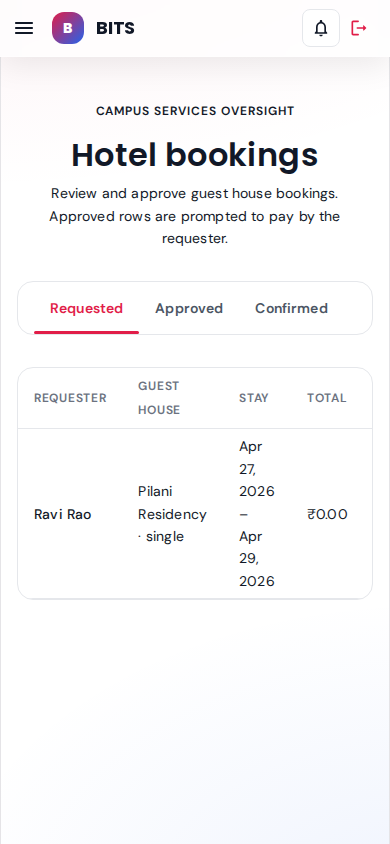
Admin-only view across every guest house — approve / decline / cancel, with a running ledger of payment stubs.
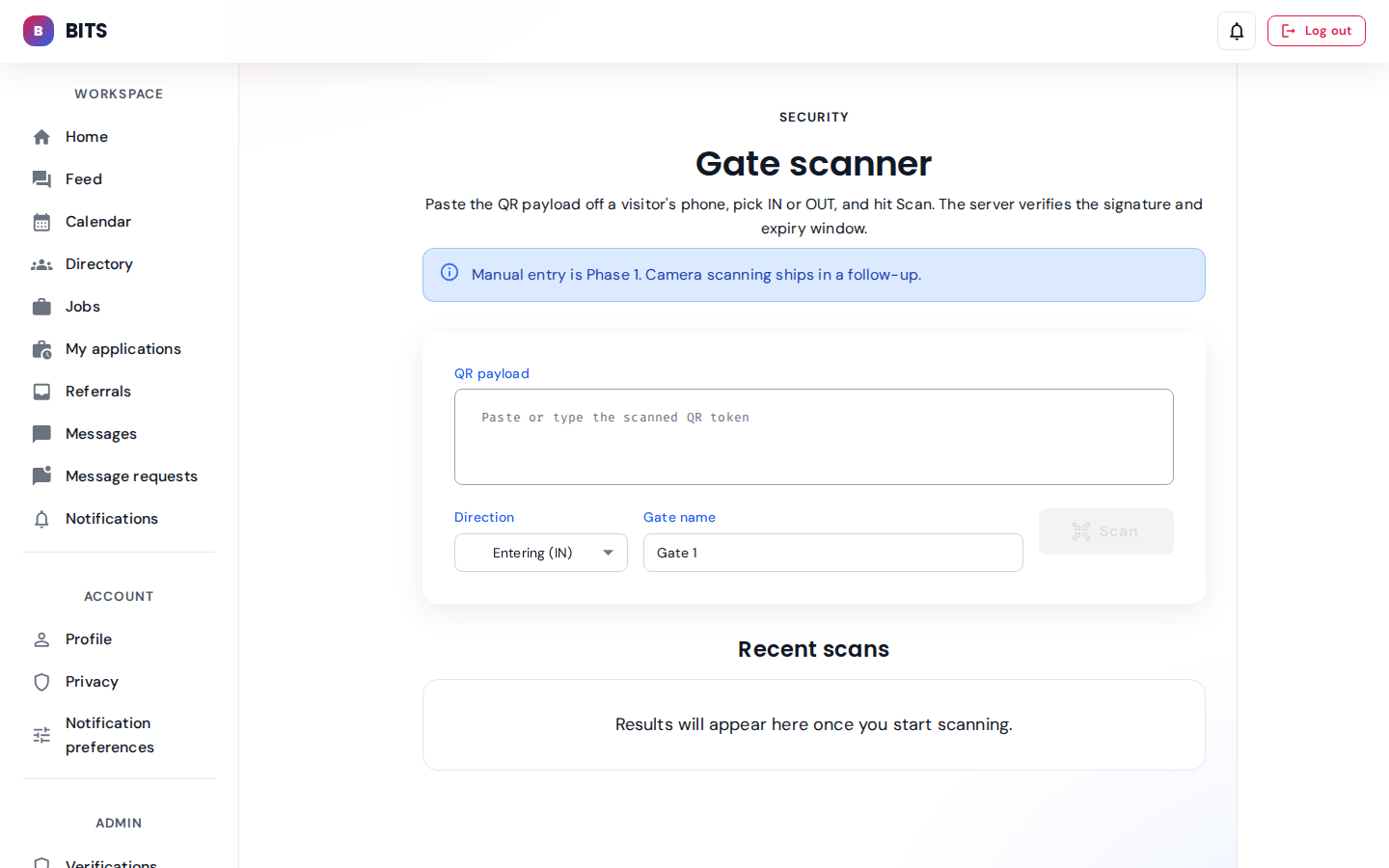
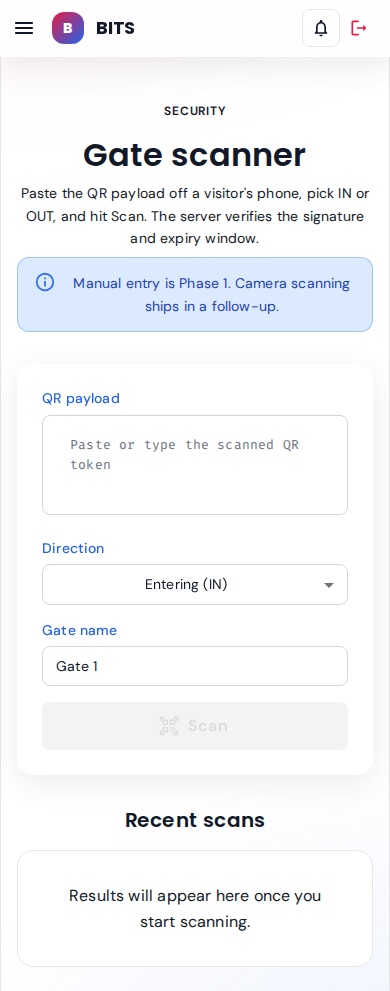
Manual QR-entry console for security. Paste the scanned payload, pick IN / OUT + gate, hit Scan. Camera mode ships in Phase 2.
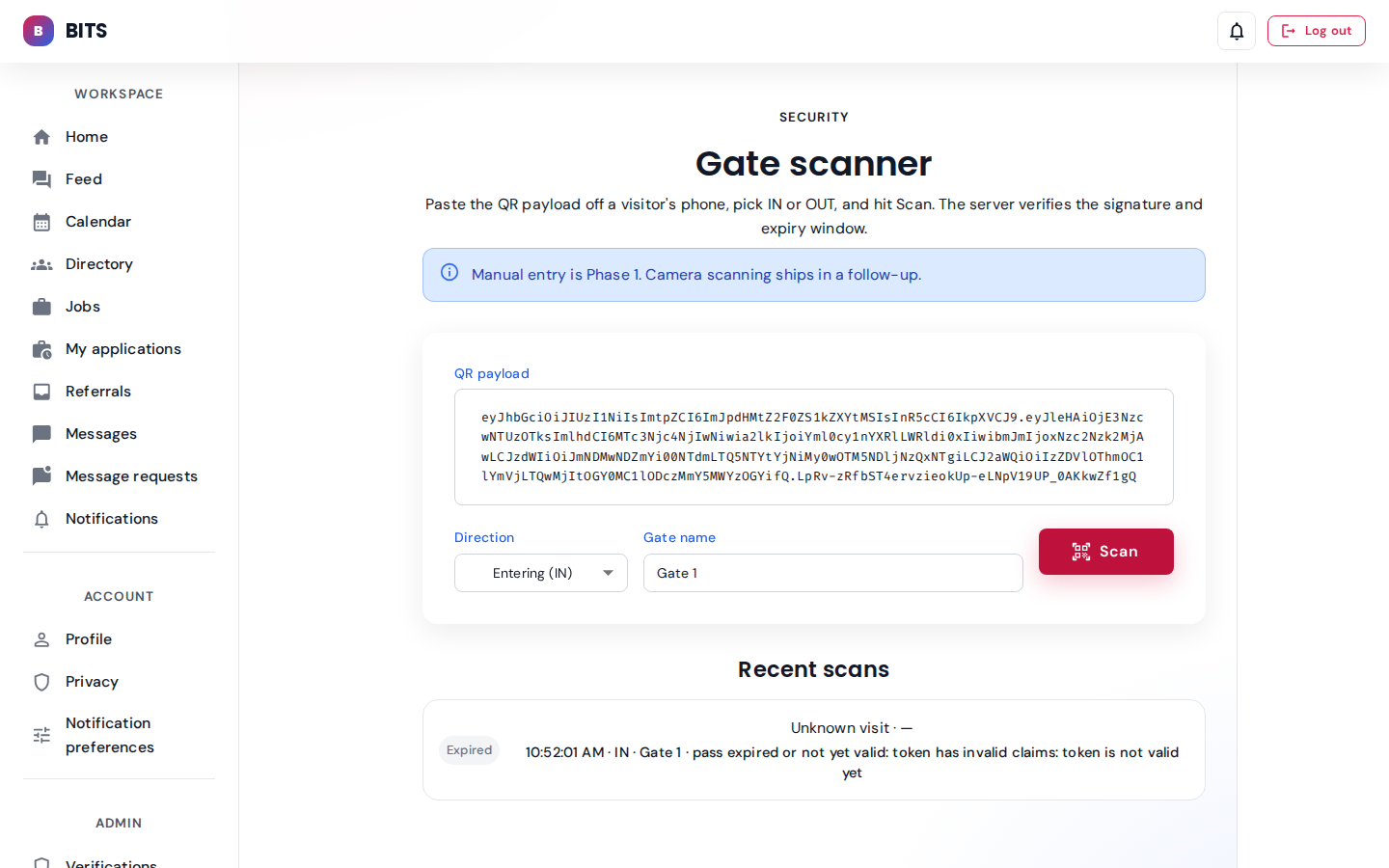
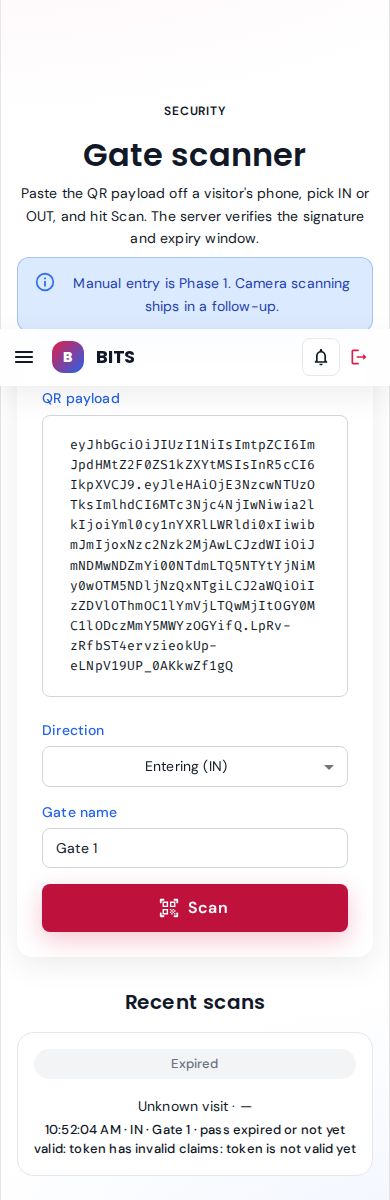
Live scan of the seeded approved-visit QR token. Recent-scans rail shows the per-attempt state chip, gate, direction, and server message.
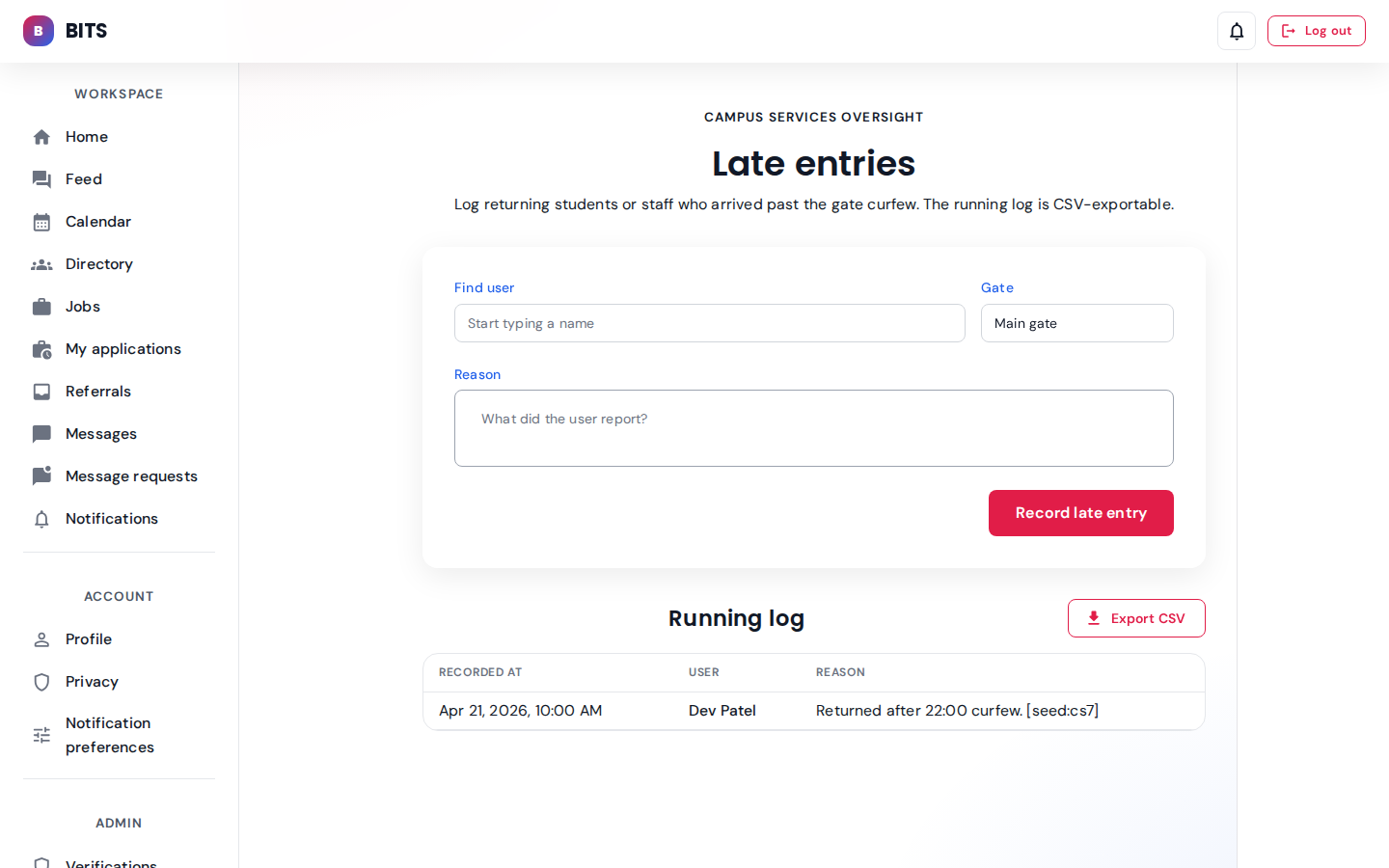
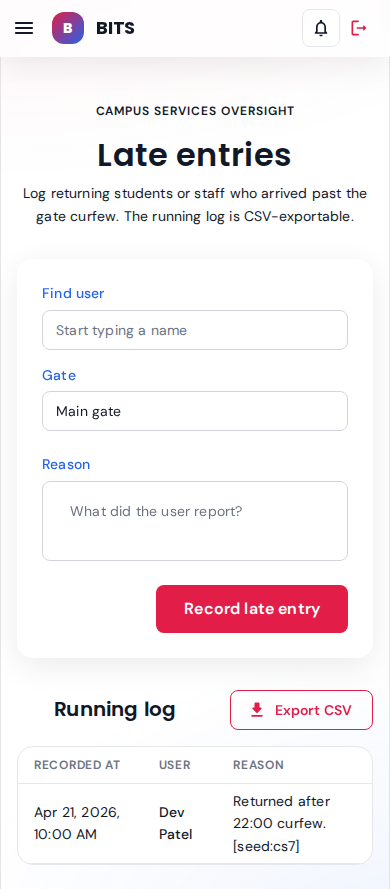
Post-curfew returns recorded by security for audit; one seeded row for dev.student.
seeded: 1 late entry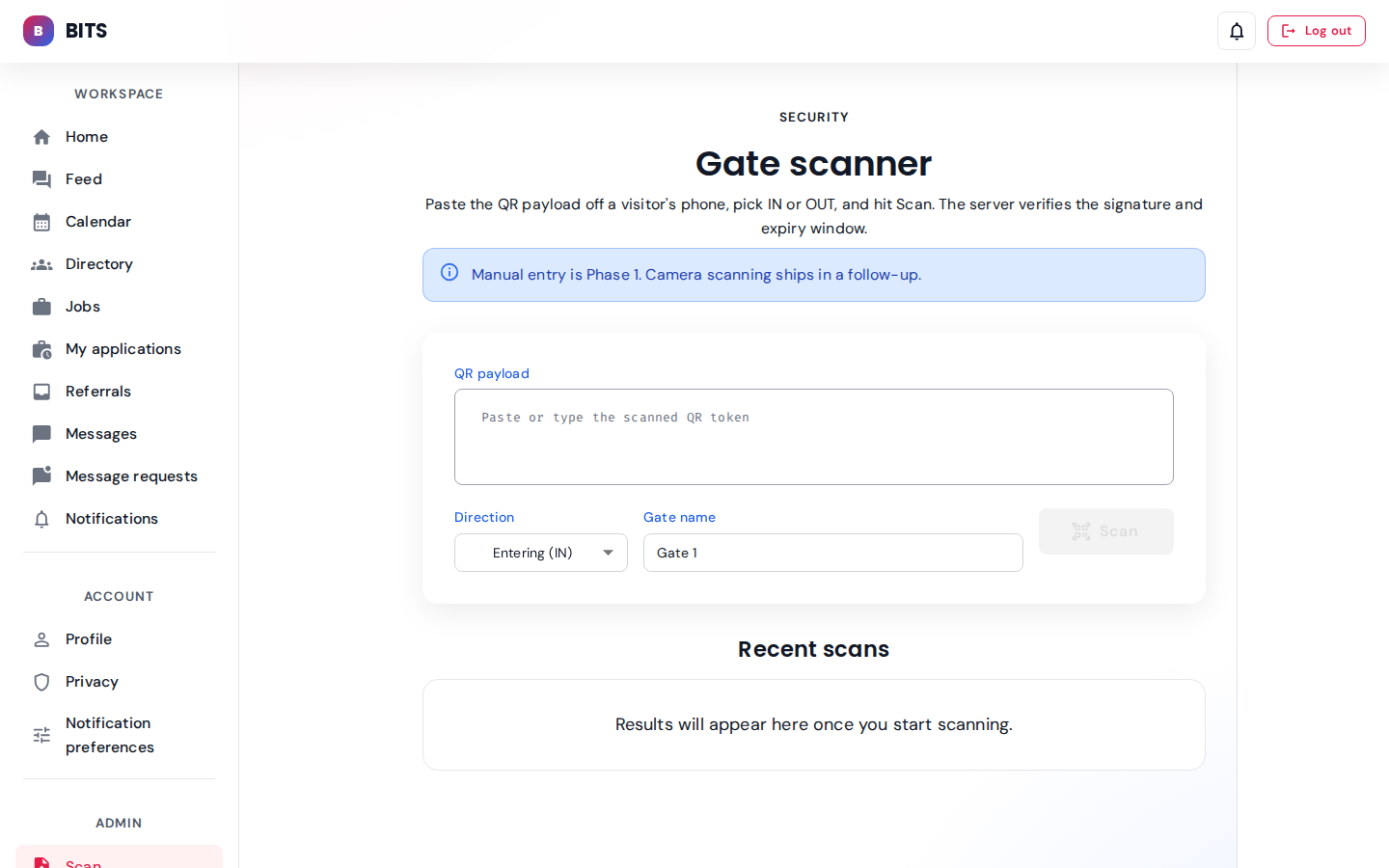
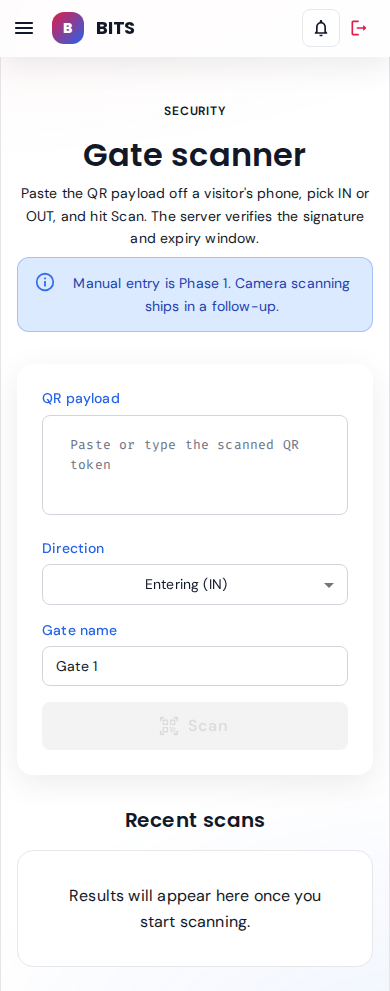
Same scan console opened as staff.ops — the security role is allowed on this route alongside admin.
Role perspectives
How the home view changes by stakeholder role.
Student — dev.student@srs-ngr.com role: student
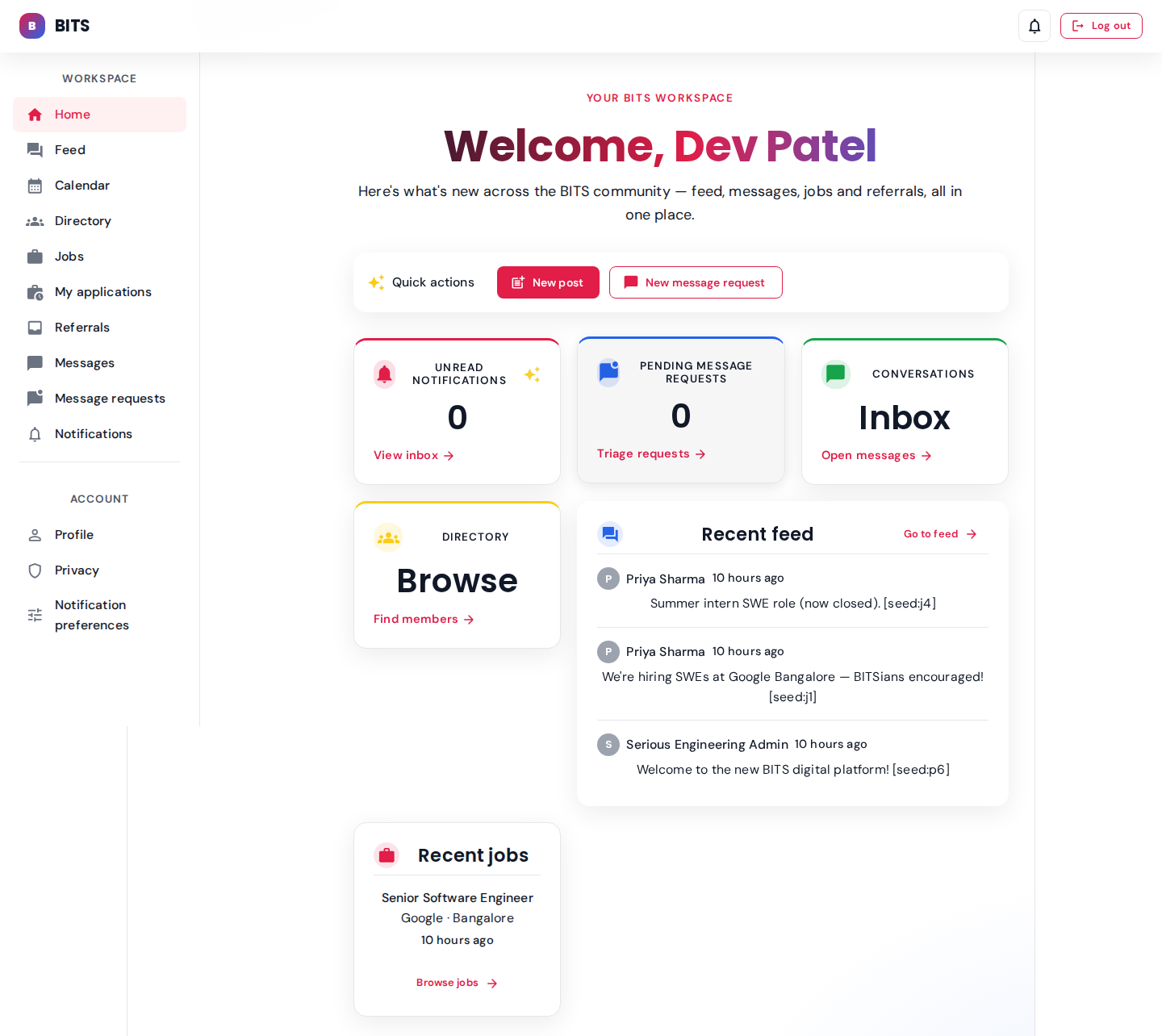
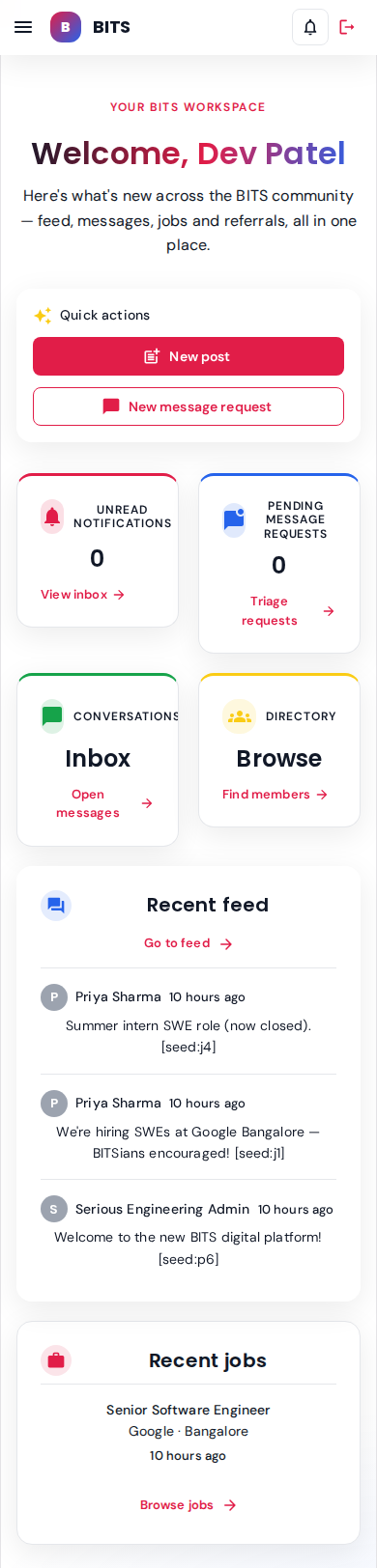
Dev's dashboard — linked to sunita.parent, 5-msg thread with priya.alumni.
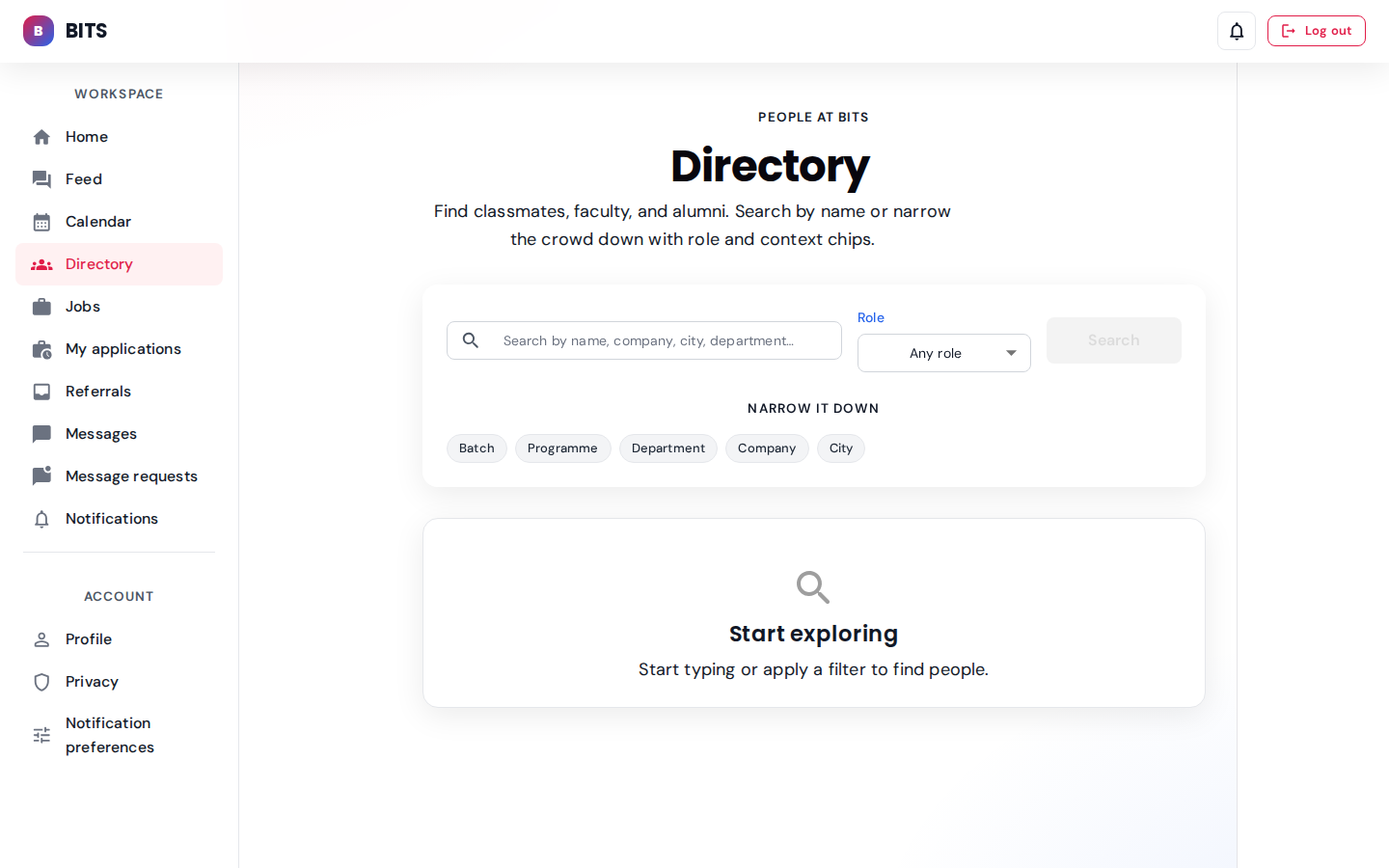
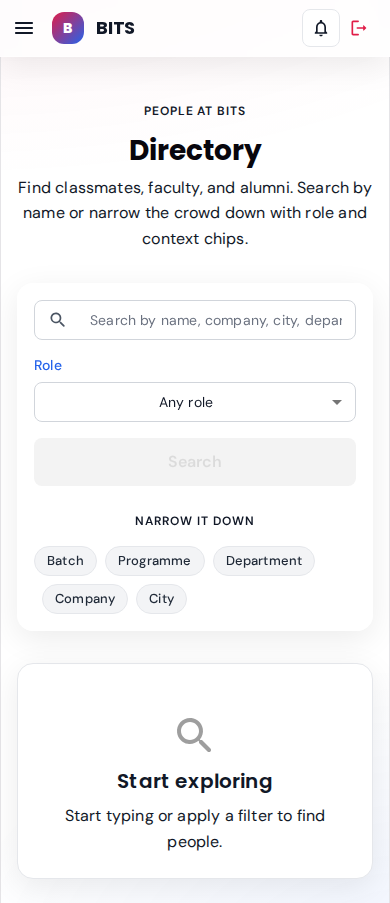
Same surface but privacy rules constrain what a student can see.
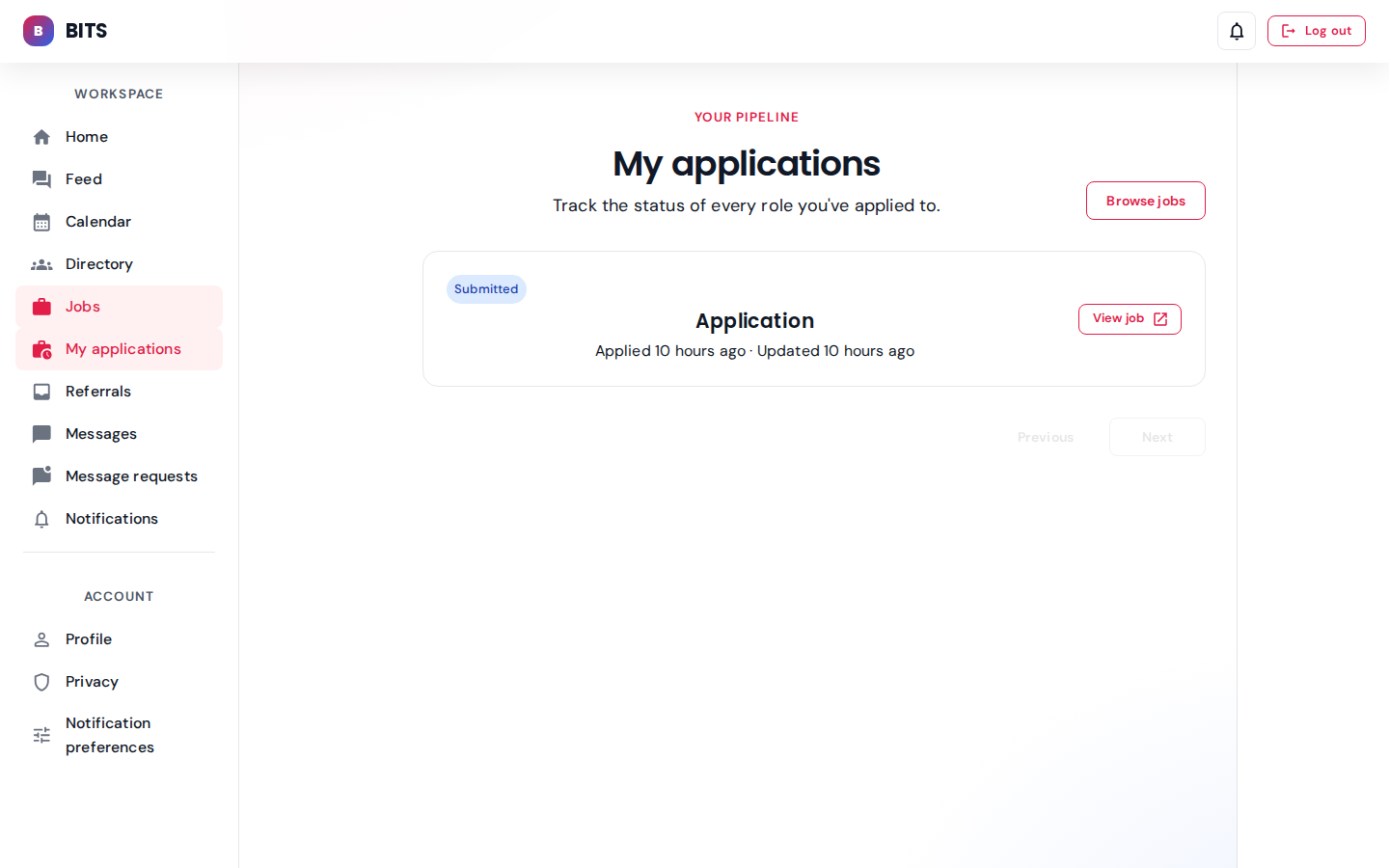
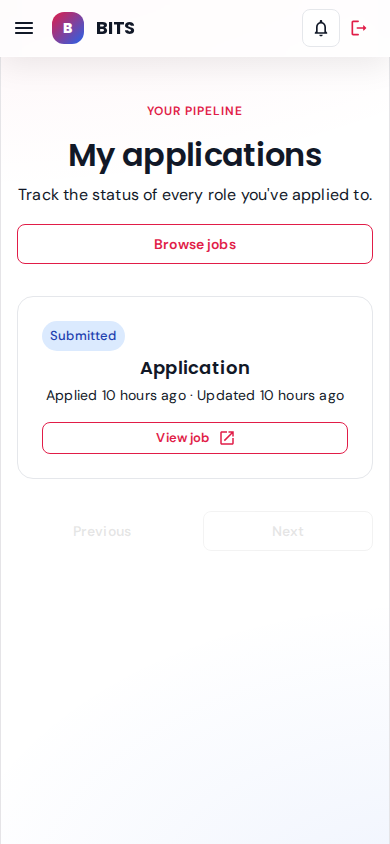
Tracks Dev's job applications against the seeded open roles.
seeded: 2 applicationsParent — sunita.parent@srs-ngr.com role: parent
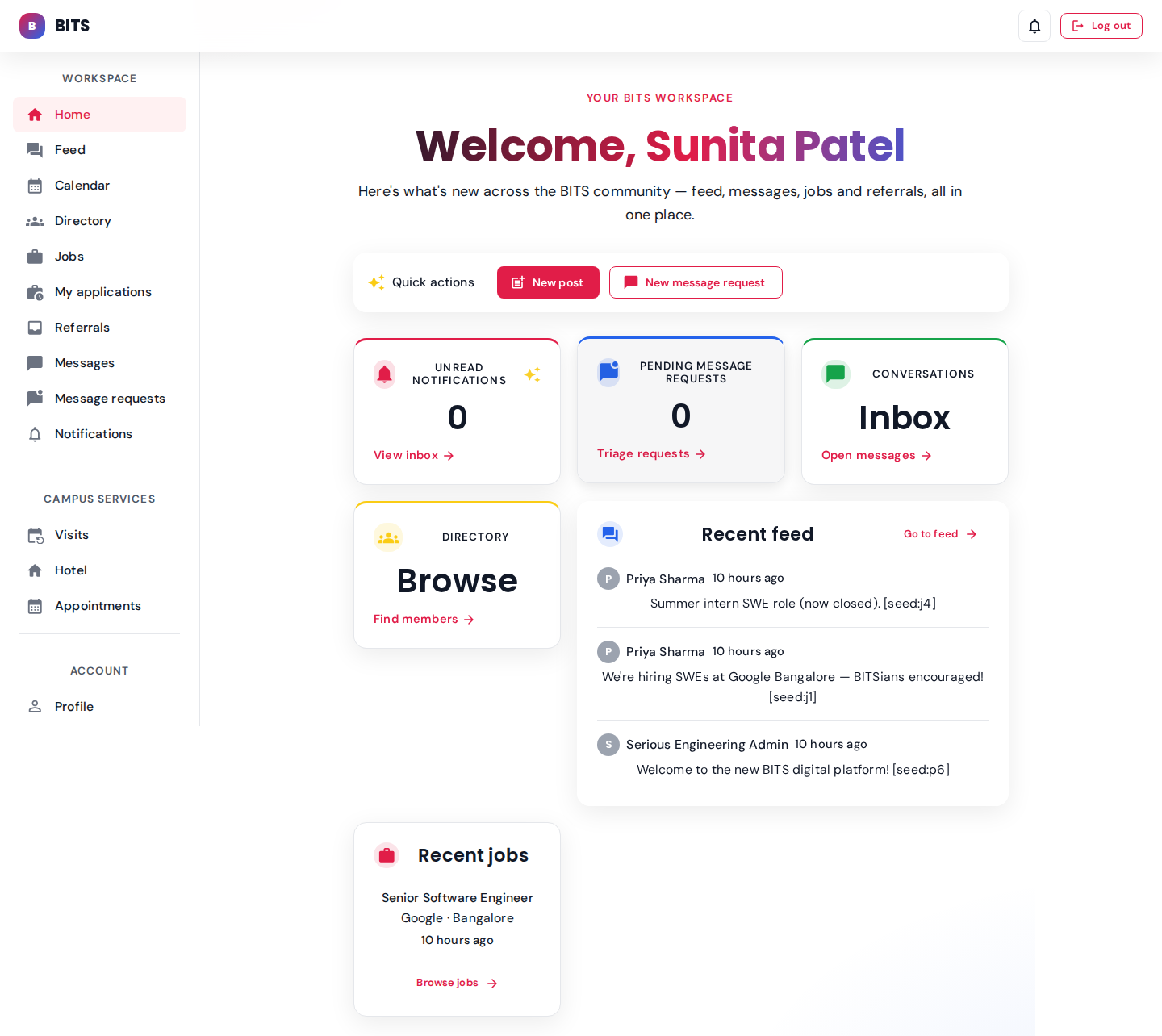
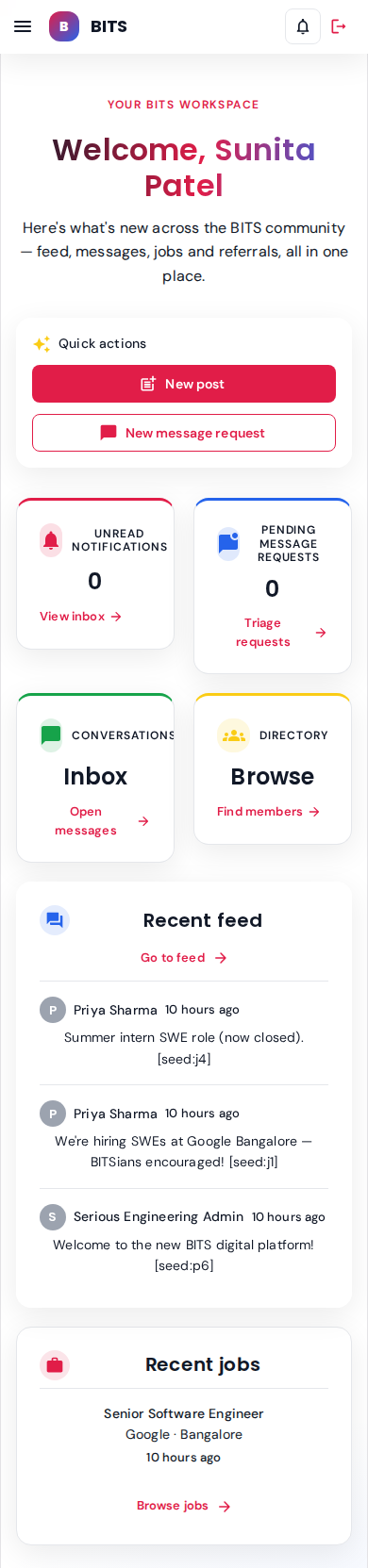
Sunita is linked to dev.student — home surface is scoped to parent-relevant modules.
Faculty — prof.iyer@srs-ngr.com role: faculty
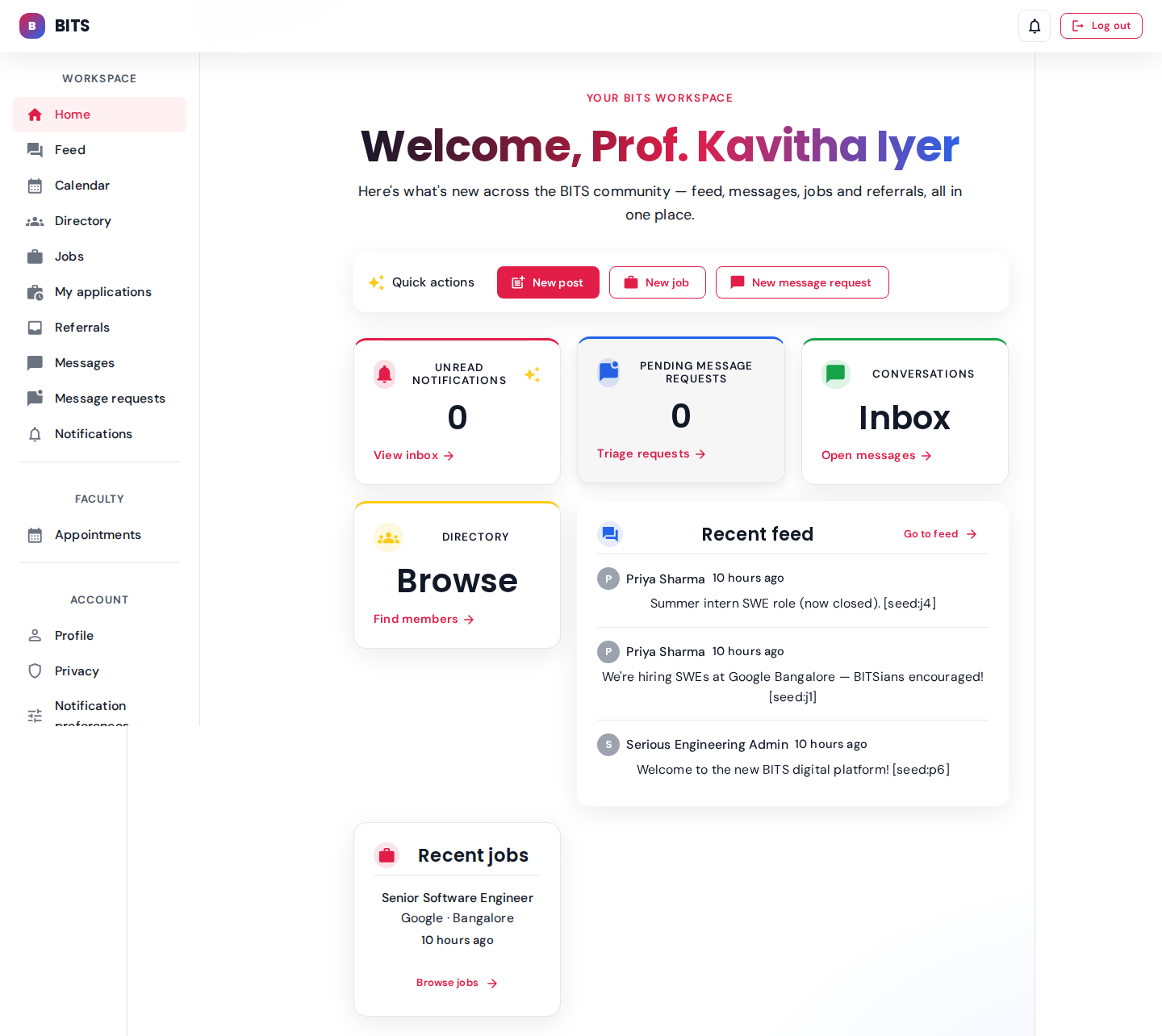
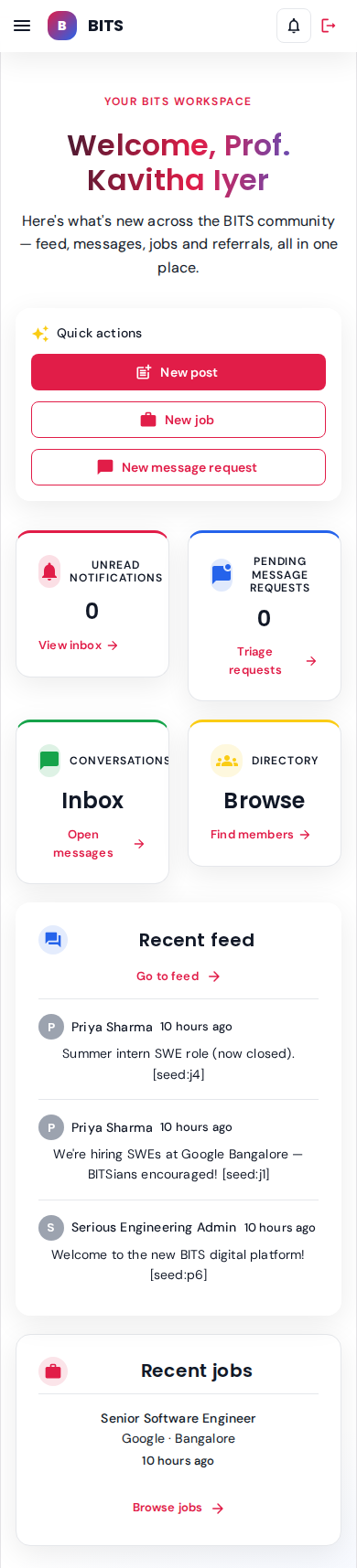
Prof. Iyer's dashboard.